Skip to content
View in the app

A better way to browse. Learn more.

LCPDFR.com

A full-screen app on your home screen with push notifications, badges and more.

To install this app on iOS and iPadOS
  1. Tap the Share icon in Safari
  2. Scroll the menu and tap Add to Home Screen.
  3. Tap Add in the top-right corner.
To install this app on Android
  1. Tap the 3-dot menu (⋮) in the top-right corner of the browser.
  2. Tap Add to Home screen or Install app.
  3. Confirm by tapping Install.

Sheriff Moerbe

Members
  • Joined

  • Last visited

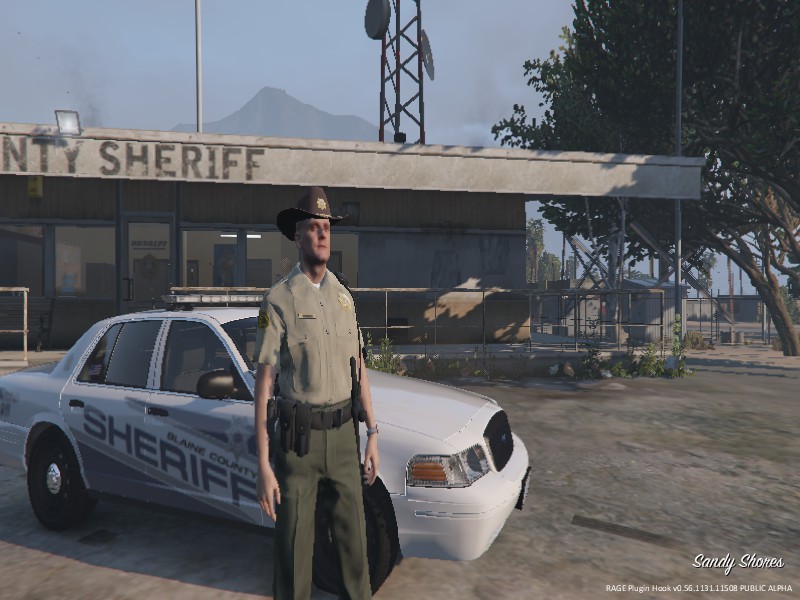
  1. I can go on duty as any of them but the only department that doesn't work such as performing traffic stop when I press M for the menu that doesn't show up and I never receive calls for BCSO. all the other departments work except Blain County.
  2. I can't even access that menu. I'm on duty but nothing works.
  3. Got it to work but I did find out it’s only the sheriffs department I can’t do anything. I can go on duty but can’t take calls or perform traffic stops. Do you have any idea on how to fix this?
  4. Looks like EUP is causing the problem. I put everything in then played around with it then I put EUP in and now it’s causing that problem again. Don’t know why.
  5. Ok thank you, been a while since I played LSPDFR didn’t realize they were out of date
  6. No but would it have something to do with Traffic policer. It worked earlier after I played the just the mod but then added EUP, Traffic Policer, Police smart radio, and Arrest Manager. And I couldn’t do traffic stops and that again.
  7. LSPDFR works and all but when I go to pull someone over or press M nothing works. What can I do to fix this?

Account

Navigation

Search

Search

Configure browser push notifications

Chrome (Android)
  1. Tap the lock icon next to the address bar.
  2. Tap Permissions → Notifications.
  3. Adjust your preference.
Chrome (Desktop)
  1. Click the padlock icon in the address bar.
  2. Select Site settings.
  3. Find Notifications and adjust your preference.