pilkaqqqq
Members
-
Joined
-
Last visited
Everything posted by pilkaqqqq
-
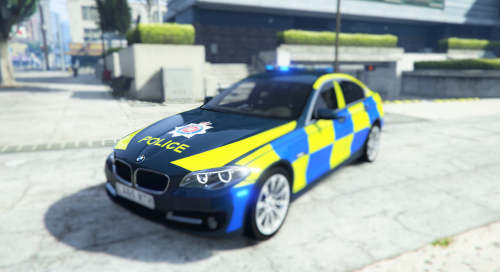 Hi, I don't know why, but I get something like that in the picture. This is a second car I tried but still, it should be blue but somehow the models are partly red. I did everything from ReadMe files, and also tried some other stuff, nothing worked.
- 12 comments
- 2 reviews
-
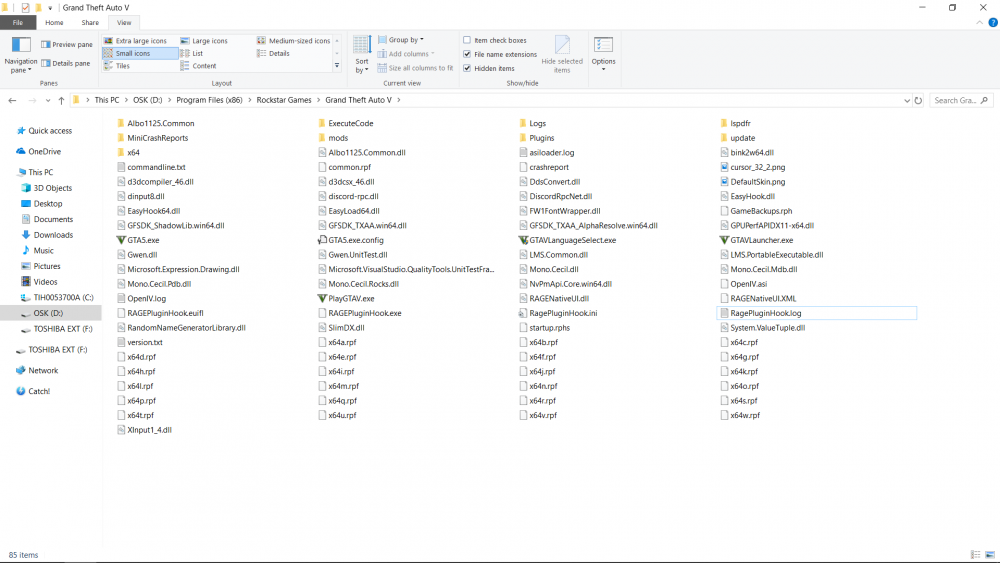
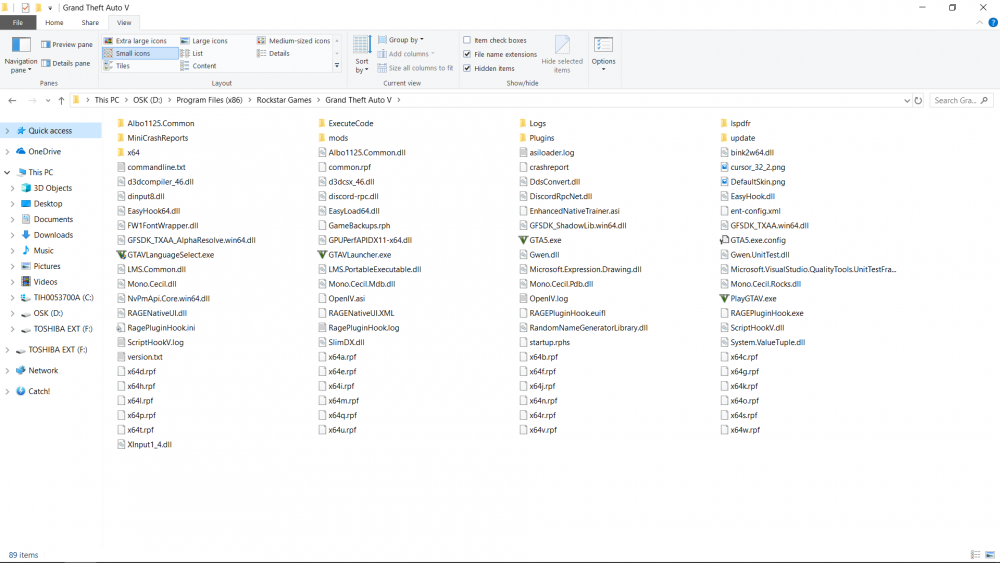
Ok, but my game keeps crashing, after I added ScriptHookV. Is that a common issue? That it still doesn't work? You got updated screenshot, RPH.log and added ScripHookV.log RagePluginHook.log ScriptHookV.log
-
Here you go. And also, I need to run the game/RPH as an Administrator. Won't work when running as a normal user.
-
I have this problem. ScriptHookV works in Single Player GTA V, but whenever I run the game with RagePluginHook, the game crashes some time after I log into the game. I have pure Social Club version. When I played on Steam version, long time ago, ScriptHook worked but OpenIV didn't, now, on Social Club version is the opposite of this. Anyone has this problem too? Anyone managed to get rid of this problem? Help please. RagePluginHook.log