


AFL356
Members
-
Joined
-
Last visited
Everything posted by AFL356
-
 He could be become a mayor.
 -
Sorry but you must be mistaking, i never screwed up,but you did: not arriving on scene and you didnt get on news which was possibility of becoming chief (NOOOOOOOB)!
-
That means that you didnt arrive on scene,where you were called in,so you are fired!
-
-
-
 Object Spawning 2nd barrier in list on 1st page
 -
-
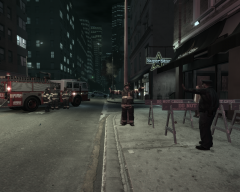
LCPD got a call featuring possible bomb threat in Superstar Cafe at Lancaster.
-
-
From the album: Bomb Threat on 20.01.12
Closer look at. -
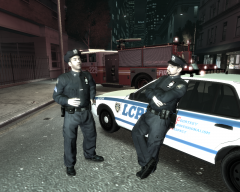
From the album: Bomb Threat on 20.01.12
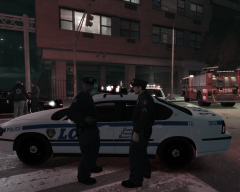
Officer Mark and Officer Brian Mark:Brian,for God's Sake, stop eating for a moment© AFL356
-
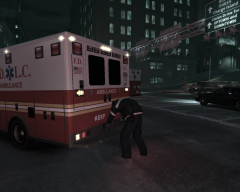
-
From the album: Bomb Threat on 20.01.12
Officer Garcia (AFL356) and Deputy Chief Olanov (TheOlanov)© AFL356
-
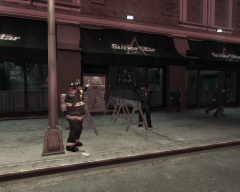
-
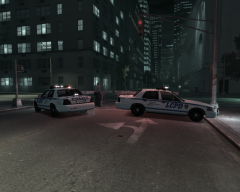
-
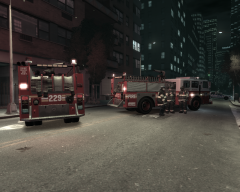
From the album: Bomb Threat on 20.01.12
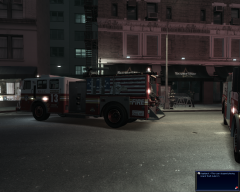
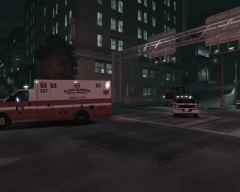
Engine 229 and Engine 13 "Algonquin Warriors" on scene© AFL356
-
-
-
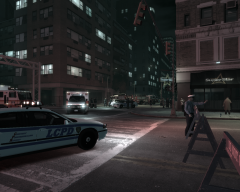
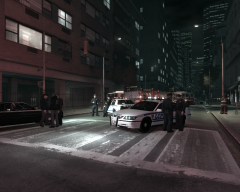
From the album: Bomb Threat on 20.01.12
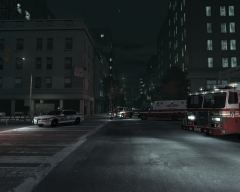
As you can see Multipie LCPD Units along with FDLC on scene© AFL356
-
-
From the album: Bomb Threat on 20.01.12
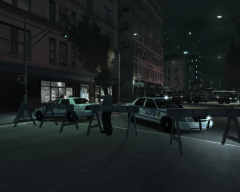
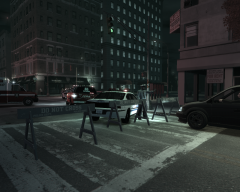
LCPD Traffic Division blocked off an intersection near Superstar Cafe.© AFL356
-
 OMG,at first i thought its a octopus zombie from RE4 (movie)
 -
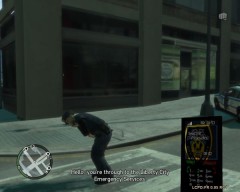 call 911 through phone then press 1 for Police 2 for Paramedics and 3 for FDLC if i am not mistaking
 -
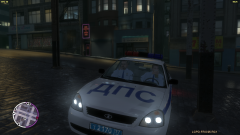 nice Lada Kalina XD
 -
All Vladi FM

