Skip to content
View in the app

A better way to browse. Learn more.

LCPDFR.com

A full-screen app on your home screen with push notifications, badges and more.

To install this app on iOS and iPadOS
  1. Tap the Share icon in Safari
  2. Scroll the menu and tap Add to Home Screen.
  3. Tap Add in the top-right corner.
To install this app on Android
  1. Tap the 3-dot menu (⋮) in the top-right corner of the browser.
  2. Tap Add to Home screen or Install app.
  3. Confirm by tapping Install.

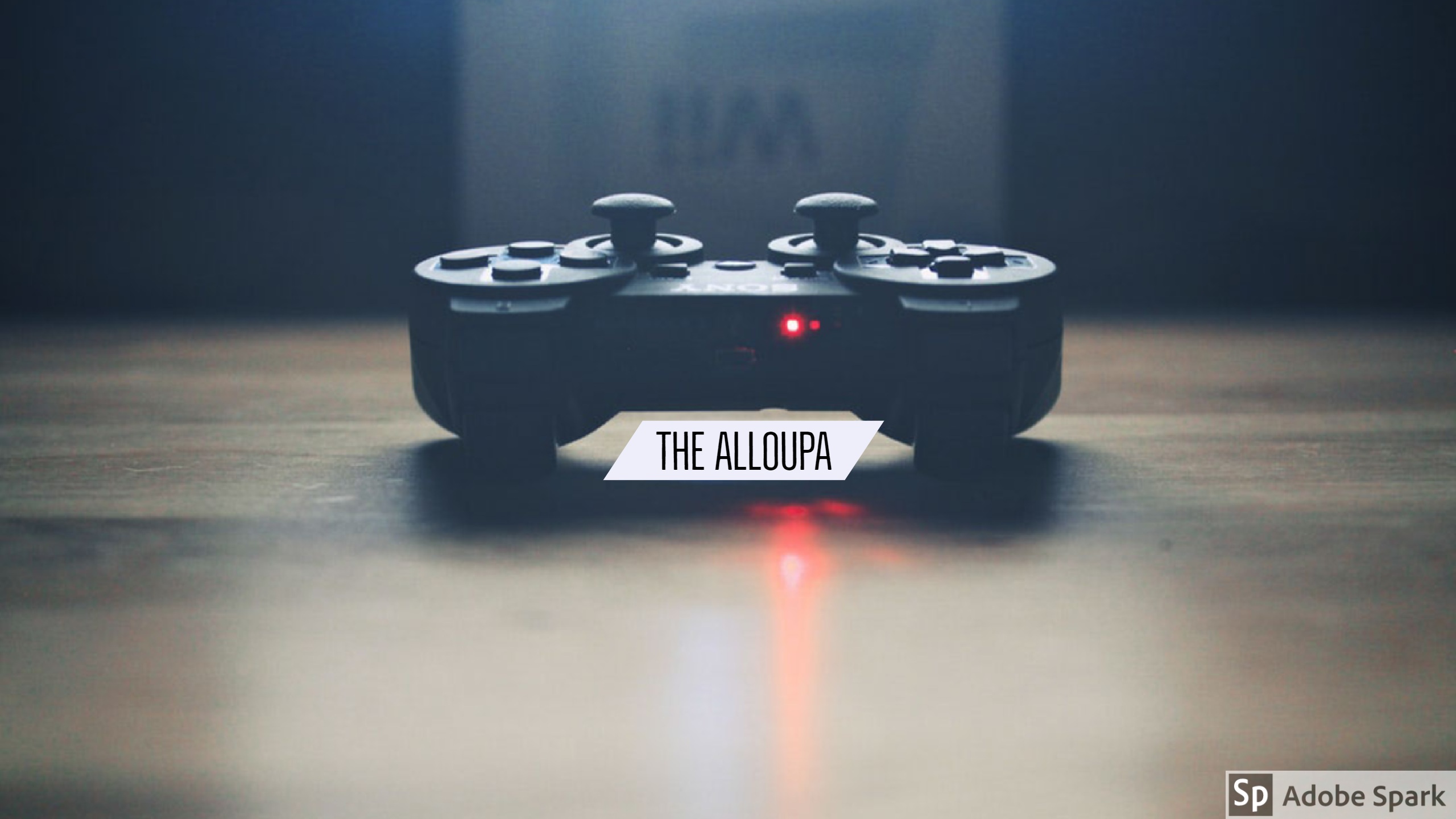
THE ALLOUPA

Members
  • Joined

  • Last visited

About Me

AN YOUTUBER BASED IN INDIA.GIVING YOU VIDEOS OF GAME PLAY OF GAMES.PLEASE SUBSCRIBE AND LIKE MY VIDEO AND CHANNEL.PLEASE GIVE ME YOUR SUPPORT YOUR SUPPORT MATERS TO ME. I WILL START AN UNREGISTERED ONLINE  ORGANISATION.IF YOU  WANT TO JOIN.PLEASE CONTACT ON MY EMAIL-     
Cougar.pvt.ltd@gmail.com
My PC setup-
*Intel i7
*nvidia geforce 950m
*8 GB ddr4 ram
*1tb HDD
*128 GB SSD

i play many games give me name if  you want me to play any game then i will try to arrange that video i will try to upload video that game.

copyright©2018 Crowdnik

Account

Navigation

Search

Search

Configure browser push notifications

Chrome (Android)
  1. Tap the lock icon next to the address bar.
  2. Tap Permissions → Notifications.
  3. Adjust your preference.
Chrome (Desktop)
  1. Click the padlock icon in the address bar.
  2. Select Site settings.
  3. Find Notifications and adjust your preference.