


Mark R
Members
-
Joined
-
Last visited
Everything posted by Mark R
-
 Now I can break all the laws and ruin people's days, blame law enforcement for nothing. Say that I was in the Army and keep saying run the 28-29! Yay!
- 89 comments
- 7 reviews
-
-

- 1
-
-
-
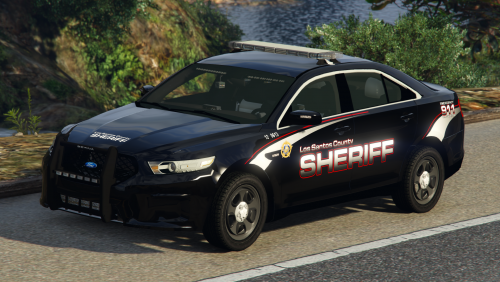 Hi @BradM Is it possible for you to add ELS compatible vehicles for this because, I absolutely love this pack but, I don't want to have the siren blaring the whole time I respond to call (so sorry I am new and I think there is a mod/work around for this, sorry if look really stupid).
- 45 comments
- 11 reviews
