CaptainFuto
Members
-
Joined
-
Last visited
-
-
 I get it. It just sucks because the new ELS release for FiveM is buggy as hell and still suffers from door and auto-repair glitches. It's not worth the hassle. I just thought this model would be really nice to use. Thanks
- 209 comments
- 40 reviews
-
Which is? I've seen people ask for non-els versions, but I don't think I've seen one relating to FiveM. Sounds like you're not doing it anyways so it doesn't matter. Just thought I'd ask. There aren't a lot of options for non-els ambulances.
- 209 comments
- 40 reviews
-
-
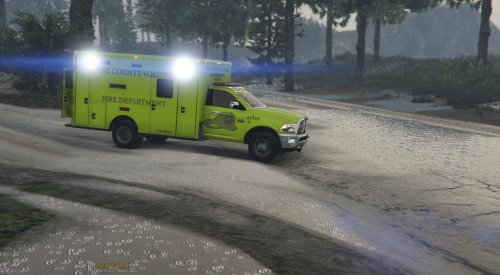 This has been blacklisted from FiveM due to crashes caused by model errors. Is there anyway you could fix this? Please? haha
- 23 comments
- 9 reviews
-
-

- 1
-
-
It would be absolutely incredible if you could release a non-els version. The FiveM community would appreciate it a hell of a lot. Recently the Rambulance was blacklisted due to crashes it was causing. This would be an amazing replacement. Thanks
- 209 comments
- 40 reviews