


Tsabrack
Members
-
Joined
-
Last visited
-
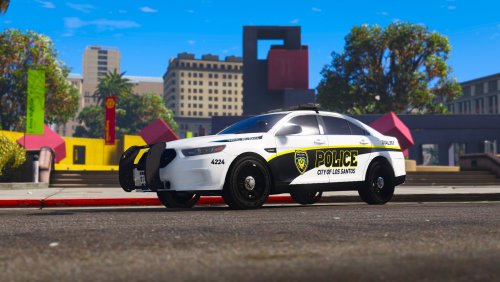 Very nice Package. Attractive layout with distinguishable K-9 units. Very extensive array of vehicles. Hate finding a great livery for a vehicle and the author only has one or two vehicles. Very nice work. My only suggestion would be to add a season 2 pack with skins for: * a motorcycle (vanilla bike or BMW 1200) * a helicopter (maverick or Eurocopter EC135 or AS365) * S.W.A.T. / ERT vehicles (stockade and lenco bearcat) * command vehicles (brickade and mobile command trailer with hauler2 cab) Thanks for your time and effort. Hope to see more.
- 7 comments
- 5 reviews
