


Malevolent Dawn
Members
-
Joined
-
Last visited
-
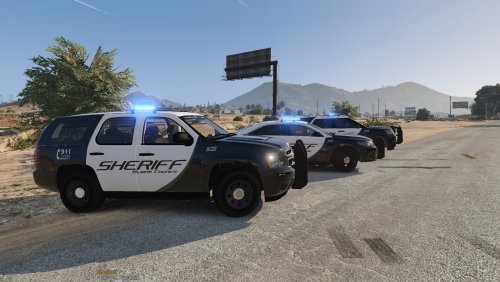 I've installed this pack before with no issue, but for some reason, this time it corrupts my game files and I have to validate. I've triple checked the install instructions and im not sure whats going wrong, but the pack is unusable for me as of now. Sad because I really enjoyed using it :/
- 74 comments
- 25 reviews
