




Nextarity
Members
-
Joined
-
Last visited
Everything posted by Nextarity
-
-
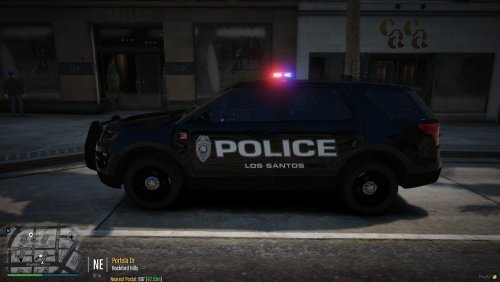 MADE BY NEXTARITY TEXTURE IS FOR A 16 EXPLORER (FPIU) Based off of Fairfield Police Department (Connecticut) #BLUELIVESMATTER #BACKTHEBLUE
- 3 comments
- 1 review
-
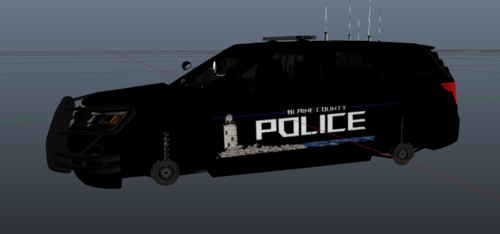 Enjoy the skin. I dont mind if it is used in FiveM communities. I based this skin mostly off of Old Saybrook PD in Connecticut. I decided to add the thin blue line and to make it a complete black look rather than a black and white squad. Enjoy!
 -
in my logs i just got this The remote server returned an error: (502) Bad Gateway. what should i do

