


MOLEDROOLS
Members
-
Joined
-
Last visited
Everything posted by MOLEDROOLS
-
I did manage to figure it out, mostly the reason is because i did not install Rage UI. This is my own fault, i do appreciate helping me
-
So I did that, and it crashed again. LSPDFR works by itself, but as soon as i add a mod or again. That's when it happens
-
okay thanks man, I'll get back to you. Thanks for reaching out
-
I have no idea what I'm doing wrong. I feel like I've did at least 5 fresh installs. please help me
-
Seems like everytime they update LSPDFR its a nightmare, always have to update mods and everything else. I spend more time editing files and adding mods then actually playing. LSPDFR has turn into a job not enjoyment. They need to stick to a version and roll with it for awhile.On this version with no mods added, I can't even make a simple traffic stop when all of a sudden the game crashes. You guys really need to work on this, stop making improvements and start fixing the game mechanics. Cant even use the old mods anywhere which were awesome, every update is just a plain nightmare
-
RagePluginHook.log
-
here it is RagePluginHook.log
-
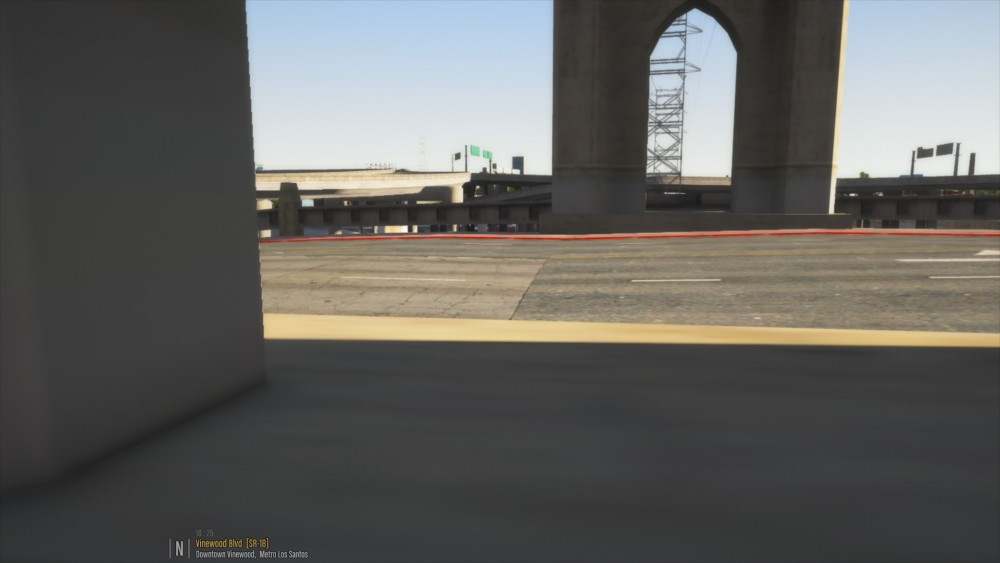
How do i send you the log from rage? Anybody get this,when they spawn in?
-
Mods from Al bo1125 does not seem to work, should I wait for updates?

