David223Man
Members
-
Joined
-
Last visited
Everything posted by David223Man
-
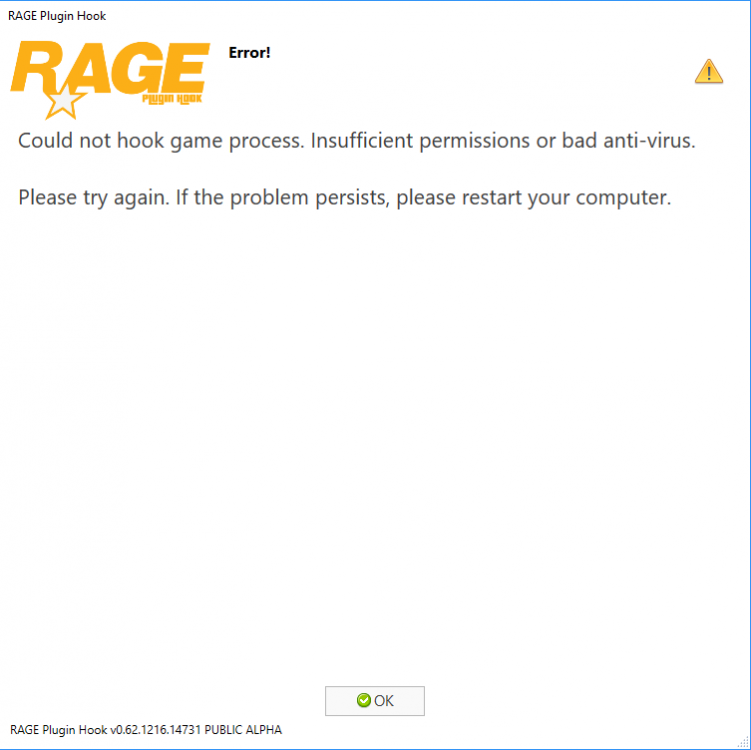
Hallo, I know, I am sorry ,that I write here for 3 times,but i really need your help...... When i tried to start RPH game crash during Rock Star Games intro.I have tried turned off my anti virus, but it didn't help.I have this type of graphic card:NVIDIA GeForce GTX 660. Do you know what can be my problem?
 And i have this graphic card:Nvidia Geforce GTX 660.Few days after i have tried some solutions with my problem.Now i have another problem. When i start the game every thing is fine,but when the game load screan,where are the stars,something three times pipes and the game crash.The crash report show me that it can be problem with graphic or something else.I really don't know what can be a problem. Guys please help me........
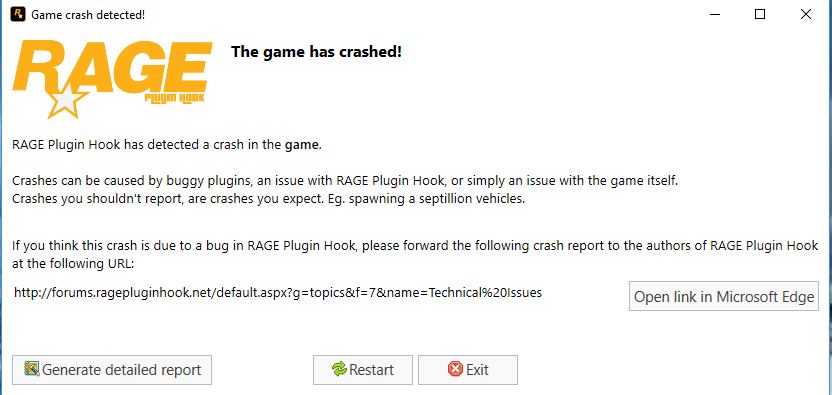 I have tried it, but it is still same.Hello, I have problem with RPH when i am starting the game.I have installed LSPDFR and ran RPH as administrator and when it didn't load RPH screan.And when I turn game off,there is a RPH crash screan. Please help me guys , Sorry I don't speak English very well.