.png.94065011633a3dd6aba1184cb4d6db55.png)
.png.26ef8bfaed5079c3261a4538d2a11c84.png)
Finlands
Members
-
Joined
-
Last visited
Everything posted by Finlands
-
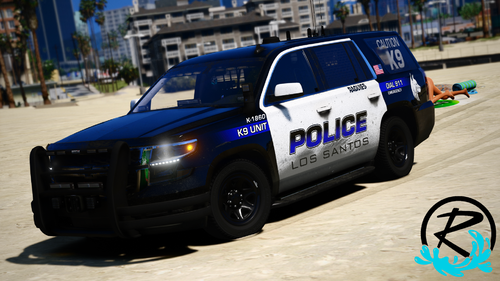
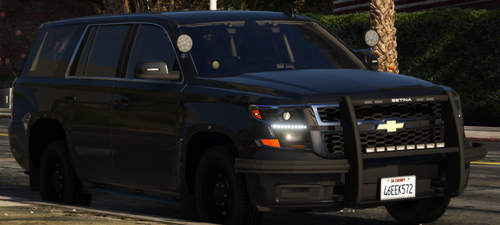
.thumb.png.a7b0e0f96849a926d36563ed1c6dd1e4.png) great skin, cool to add to my Texas fleet. 🤠
great skin, cool to add to my Texas fleet. 🤠 -
-
-
I am having the same problem here, I am using Enhanced Native Trainer and when I removed it it seems to stop the invisible bikes from appearing on the sides of my cruiser. I would use some other trainer like Menyoo or something other than Enhanced Native Trainer.
-
If you remove Arrest Manager then use Stop The Ped it fixes it. Its because arrest manager isn't updated for LSPDFR 4.3 and so it is incompatible until it updates.
-
Ok I’ll Try it too.
-
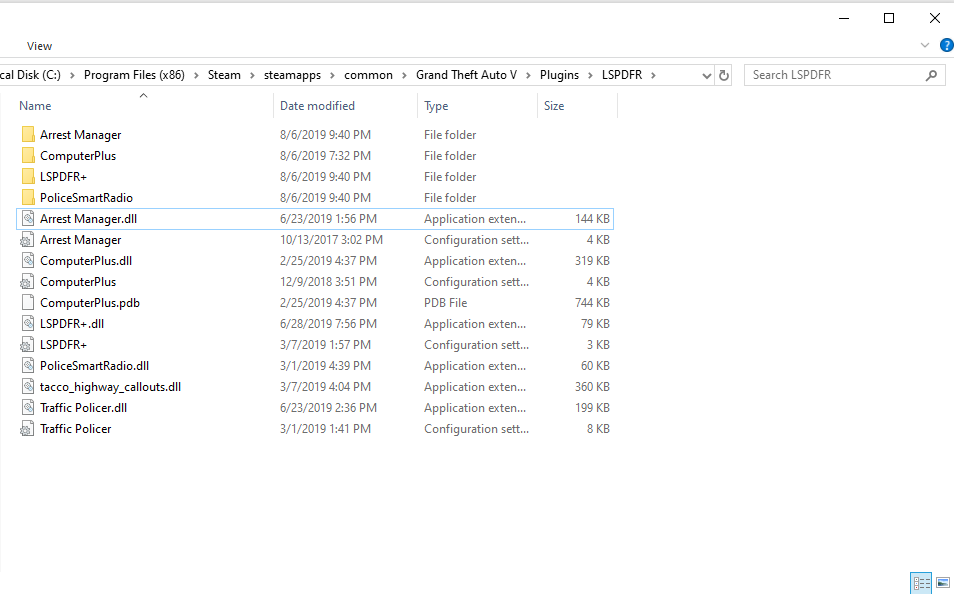
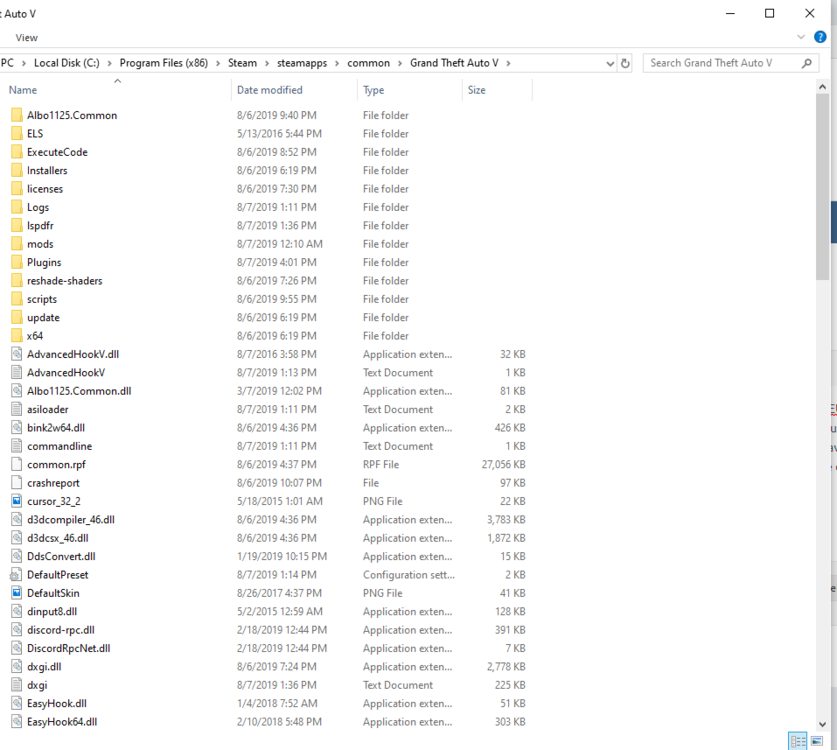
Hi yall, I just downloaded GTA V and installed LSPDFR and some basic plugins as well such as, LSPDFR+, Traffic Policer, Computer Plus, Arrest Manager, Cop Holster, Police Smart Radio and EUP Menu with L-O and S-R. I am using LSPDFR 0.4 (the newest release). When I load up the game everything is fine and I go to callouts oh and by the way I have Tacco Callouts, but when I arrest the suspect and try to put them in the vehicle they instantly leave the car and follow me. I tried to use transport in Police Smart Radio but they do the same to the AI officers. I don't know why they keep leaving, it happens to every single car even to the vanilla vehicles. I have Enhanced Native Trainer but that does not effect the problem at all. I've tried removing plugins and re installing them. if anyone could help that would be really nice.I will attach screenshots of my Plugins Folder and my GTA 5 Root Folder. I also have Natural Vision Remastered installed but Ive used it before and this problem never occurred.
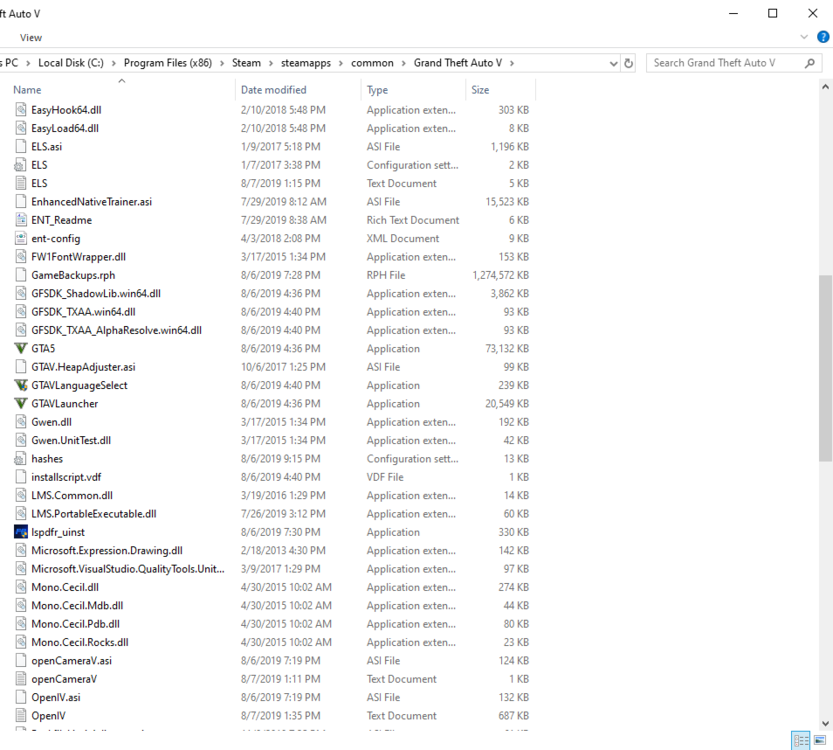
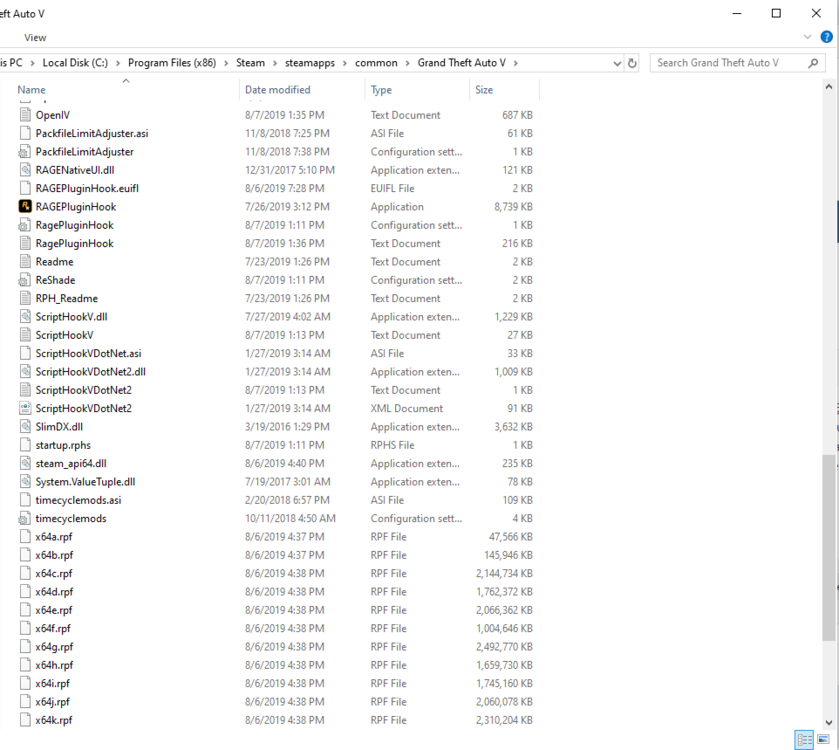
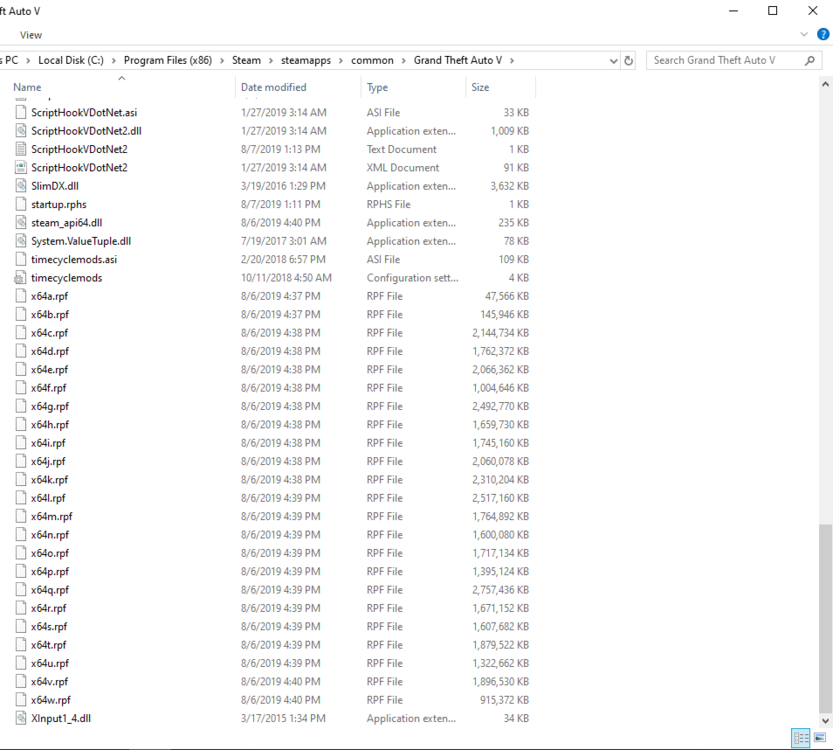
-
 Oh cool! Thanks for responding and can't wait to see the update! 👌 Thanks! Officer Bunny
- 221 comments
- 63 reviews
-
@Tacco Is there a newer version than 2.3? I get this when it loads Tocco Callouts, or this could be a bug I don't know. Thanks! Officer Bunny
- 221 comments
- 63 reviews
.thumb.png.f4a7d021456067282f69b46170c09380.png)
.thumb.png.a7b0e0f96849a926d36563ed1c6dd1e4.png)