
Trooper Pippy
Members
-
Joined
-
Last visited
Everything posted by Trooper Pippy
-
 I'd like to first off say thank you for your military service! Secondly I appreciate you getting back to me with this, and you pretty much explained perfectly why the pack is set up the way it is. I really would like to see an update whenever possible because again your work is really exquisite!
- 23 comments
- 8 reviews
-
-

- 1
-
-
-
-
-
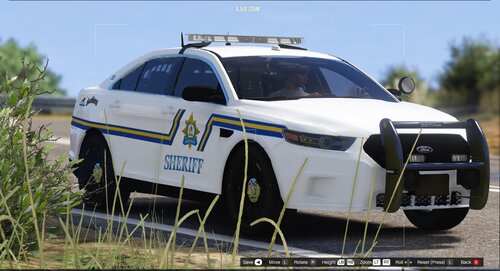
With all due respect to TheCanadianDream, I would not recommend downloading this skin pack: at least until it is updated (if it is ever updated). I am writing this after a frustrating first AND second attempt to use this pack, which did no go well first time around as shown by my comment above. ^ Second time around and still no luck. My reasoning for making such a statement are as follows: when you open the zip file, you will see 'Sheriff'- inside it are files for old and new style sheriff skins. In the 'OLD' folder, most of the skins have 'Alberta Sheriffs' written on the logo, which is fine if the whole pack was made for Alberta, and not a lore-friendly pack based off of Alberta. Second, most of the skins are used for bases that I feel might be old due to the fact that the newer packs I have installed (which is a lot) do not fit half the skins; meaning I have to spend more time than needed searching for a model that fits the skin. In addition to that, a lot of skins are named after their unit number instead of the base in which it is meant to fit, which is rather frustrating. Third upon opening the 'NEW' file which includes sheriff skins, you will see a folder for a skin for a 2015 charger. Opening it will reveal nothing- no skin to be found. These are some issues that have given me more than a hard time as I was looking forward to using these skins. Hopefully there will be an update to this pack as the skins are beautiful and very well done- minus the issue of not having models to use them with... Comment will be removed if these issues are resolved. Cheers.
- 23 comments
- 8 reviews
-
-
- 1
-
-
-
-
 Those hard sleeves are tiny o.o
 -
-
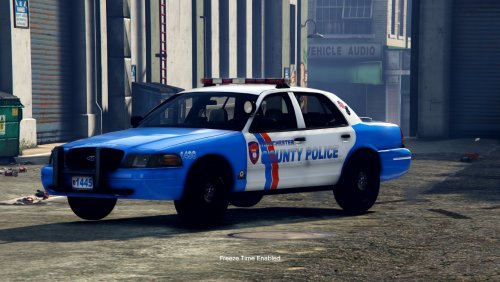 This looks very nice. Any chance there will be other vehicles added to this like possibly an FPIU?
- 14 comments
- 4 reviews
-
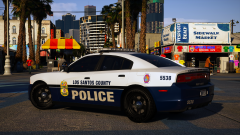 PGPD? Nice 😉
 -
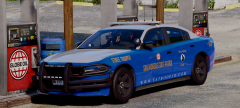 Gorgeous car but might I recommend moving the lightbar back a bit so it's in line with the middle posts. Lightbars should always be mounted that way, unless it's a 2013 tahoe or FPIU where some departments don't do it that way. Keep up the good work!
 -
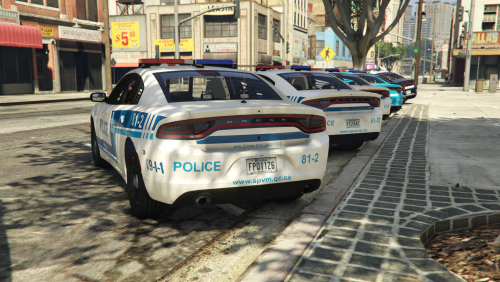 I was going to ask if you'd make the retro skins and the new skin for the dodge charger. Loving it! Any chance you could possibly make a lore version of the new and retro skins?
- 24 comments
- 1 review
-
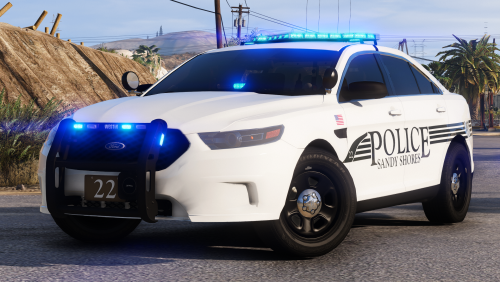 Funny thing, when Officer FirstThirtyMinutes uploaded a video using this pack, I remember he made the comment that the pack was made by a private modeler. As soon as you could say 'PIP' I screamed out "FUCK YOU, THAT'S T0Y!". No one could develop a better pack than the man himself. Great stuff! 😉
- 25 comments
- 7 reviews
-
-
- 1
-
-
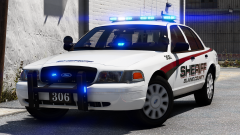 pls do
 -
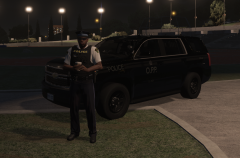
From the album: Pip's Patrol Screenshots
Coffee break somewhere... at night. Pip. -
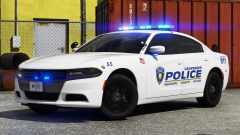 absolutely gorgeous, loving the all blues 🙂
 -
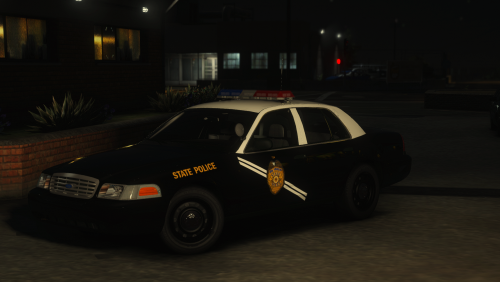 Your skins are the best! Being a big fan of NMSP this was an easy decision to download. 😉
- 5 comments
- 9 reviews
-
-
- 1
-
-
 mighty nice car ya got there pal 🙂
 -
-
-
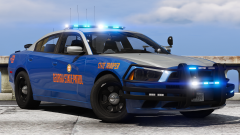 no 2016 charger?
 -
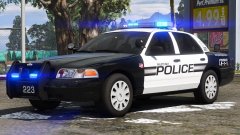 h0t
h0t -
 SQ new graphics hot! 😠
 -
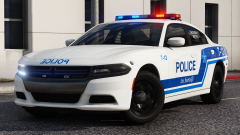
been waiting for a good SPVM pack. of course none other than t0y would be the big dawg to do it! 😉