




YoNeilGaming
Members
-
Joined
-
Last visited
Everything posted by YoNeilGaming
-
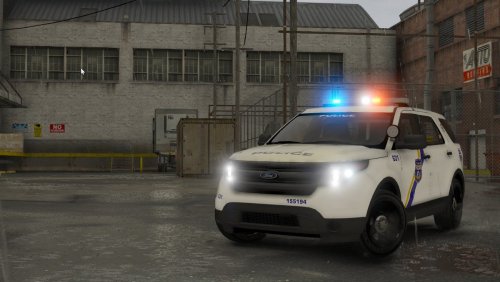 The work you have done is absolutely stunning! Very well done! I would really love it if you were able to add a charger or more vehicles to the pack :) Great Work!
- 47 comments
- 13 reviews
-
-

- 1
-
-
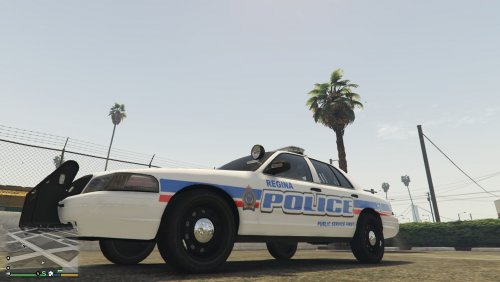 I live in regina!!! I Kind of want to make a lspdfr episode video using one of those skins!
- 3 comments
- 1 review
-
-
- 1
-
-
 I'm also getting a HUGE fps drop after saving the person on fire call. OJDoeslt can you please fix this? This callout is really awesome and I hope it can be fixed. RPH LOG:
- 110 comments
- 33 reviews
-
I usually get around 40-60fps when playing lspdfr, but the game is only using 60% or less of my GPU and there are no bottlenecks. Also when I get rid of the keep calm plugin my fps is normal at around 75, but I NEED this plugin as it is too useful to give up. Here is a pic of all the plugins I use but some of the I do not use:
.thumb.png.a68b61c8474d2d54305dae61b73a95eb.png)
.thumb.png.977bc0018ae334300cffbfc3693d3171.png)

.png.c9c47f6e636acda7fc820e94ad9c4bd4.png)
.png.874c0a0888f680e673e738779de8781b.png)