



AtlasUpfitters
Members
-
Joined
-
Last visited
Everything posted by AtlasUpfitters
-
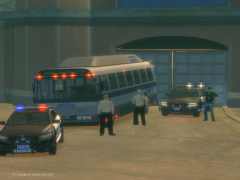
From the album: Yohnny's Work
Check out this topic: https://www.lcpdfr.com/forums/topic/122590-liberty-state-mega-pack/ -
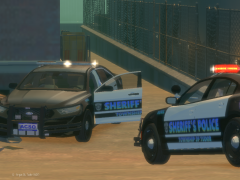
From the album: Yohnny's Work
Check out this topic: https://www.lcpdfr.com/forums/topic/122590-liberty-state-mega-pack/ -
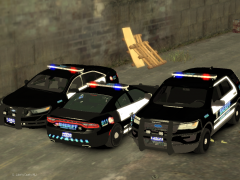
From the album: Yohnny's Work
Check out this topic: https://www.lcpdfr.com/forums/topic/122590-liberty-state-mega-pack/ -
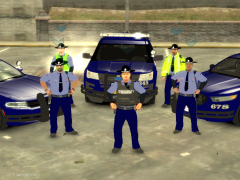
From the album: Yohnny's Work
Check out this topic: https://www.lcpdfr.com/forums/topic/122590-liberty-state-mega-pack/ -
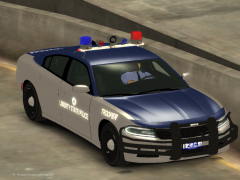
From the album: Yohnny's Work
Check out this topic: https://www.lcpdfr.com/forums/topic/122590-liberty-state-mega-pack/ -
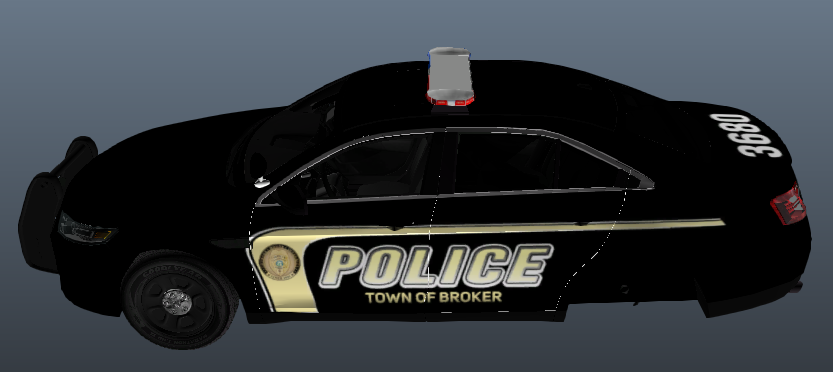
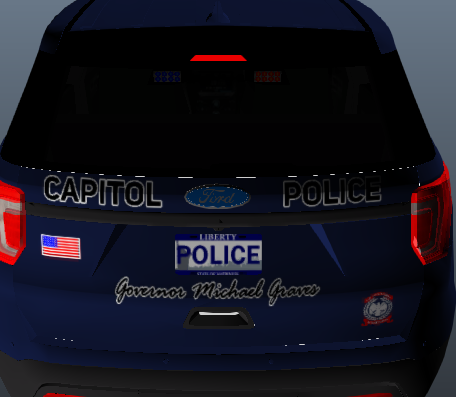
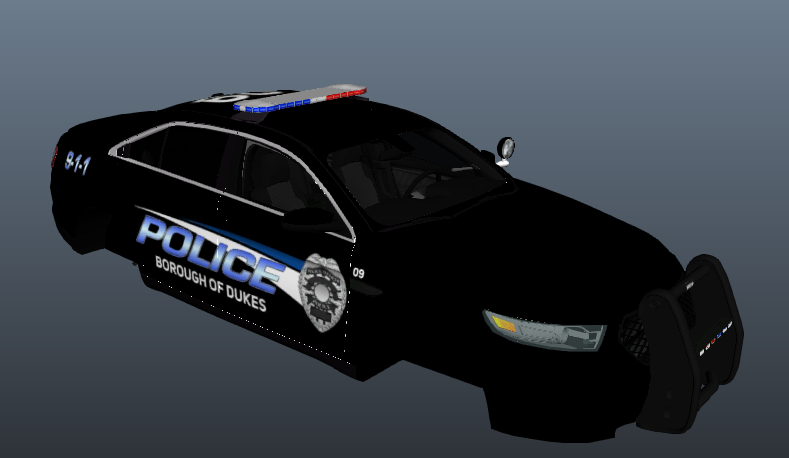
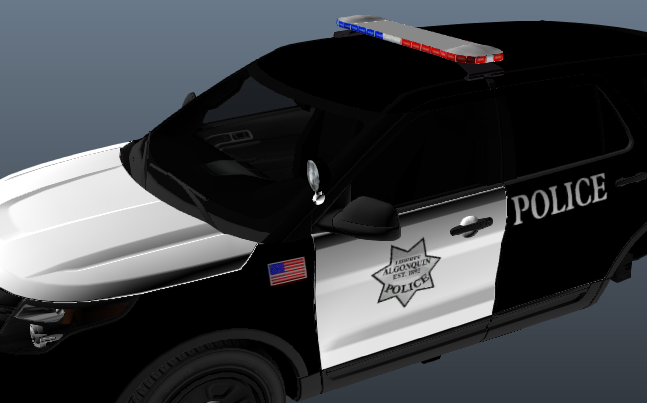
I have been working on a mega pack for a couple months and I have many many more ideas but these are the agencies that I have in mind and that are almost complete: Liberty State Police (LSP) Liberty Capitol Police (LCP) Tri-Island Marshal (TIM) (For the Islands...Not the...islands/boroughs) Liberty County Police Department (LCPD) Town of Broker Police Department (BPD) Borough of Dukes Police Department (DPD) Borough of Bohan Public Safety Department (BPSD) Algonquin Police Department (APD) + Metro-Transit Police (MTP) Meadows Township Public Safety Office (MTPSO) Alderney County Sheriff's Office (ACSO) + Tudor Sheriff's Police + Acter Sheriff's Police Alderney City Police Department (ACPD) I made this discussion to ask if anyone had any suggestions. I have more ideas that will be included in some bonus packs but I wanted to see if anyone had some pretty good suggestions. In the vehicle showroom, I will show off what I have talked about here.
-
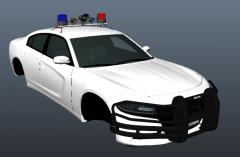
From the album: Yohnny's Work
-
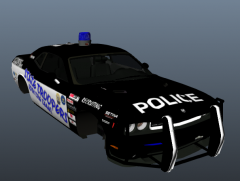
From the album: Yohnny's Work
-
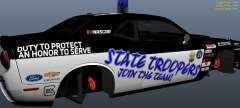
From the album: Yohnny's Work
-
From the album: Yohnny's Work
-
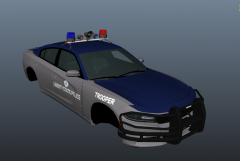
From the album: Yohnny's Work
-
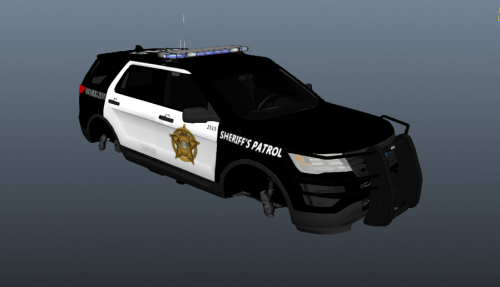 Thanks thanks! I have an 11 part mega pack coming out very very soon! Keepy a look out for it 😉
 -
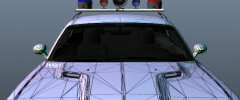
From the album: Yohnny's Work
Like the retro feel? -
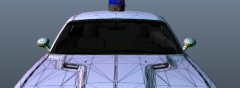
From the album: Yohnny's Work
Like the retro feel? -
This pack may have bugs and corrupt vehicles. I have not tested this pack so I do not know the status of the vehicles.
-
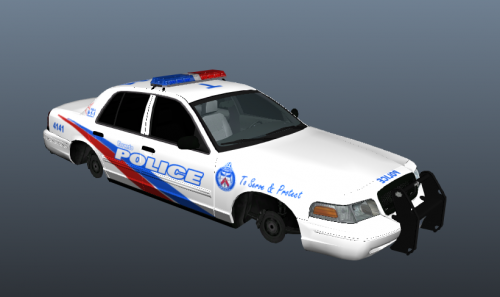 A pack I forgot I even made. This pack only consists of the old paintjob and some traffic enforcement jobs.
 -
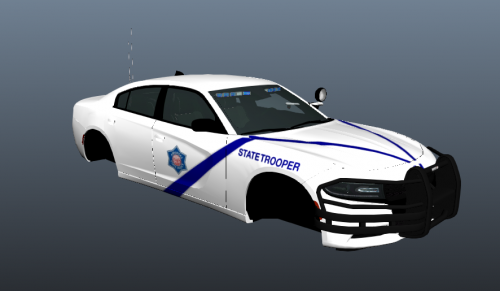 The only vehicle salvageable from a pack I built a while back that was incomplete and corrupted.
 -
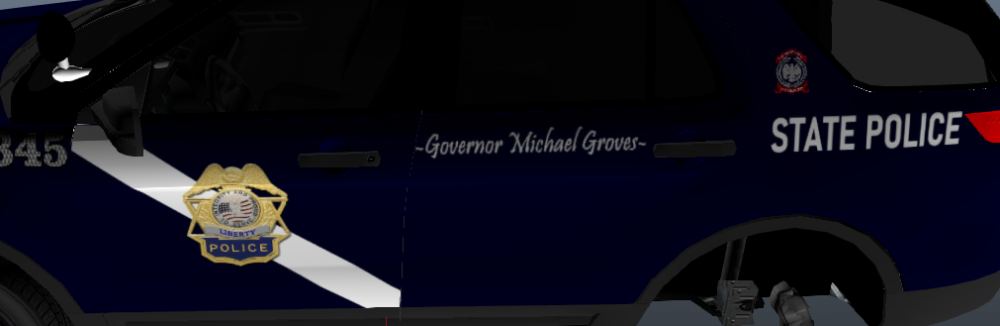
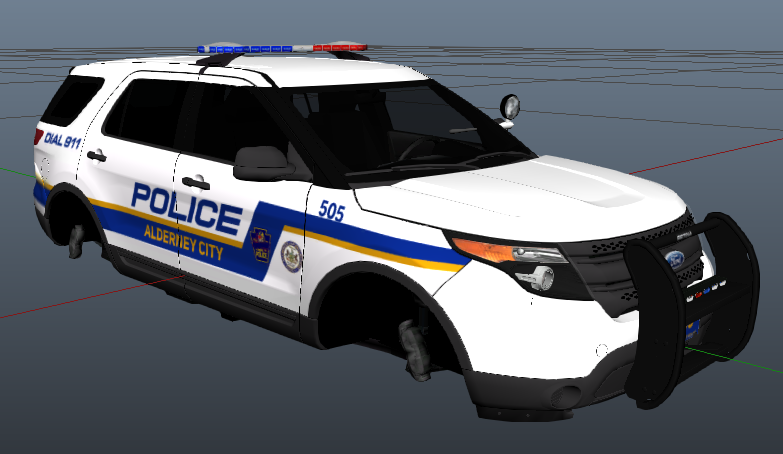
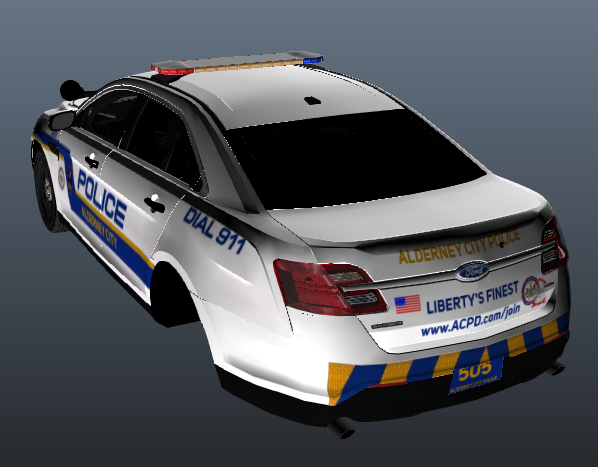
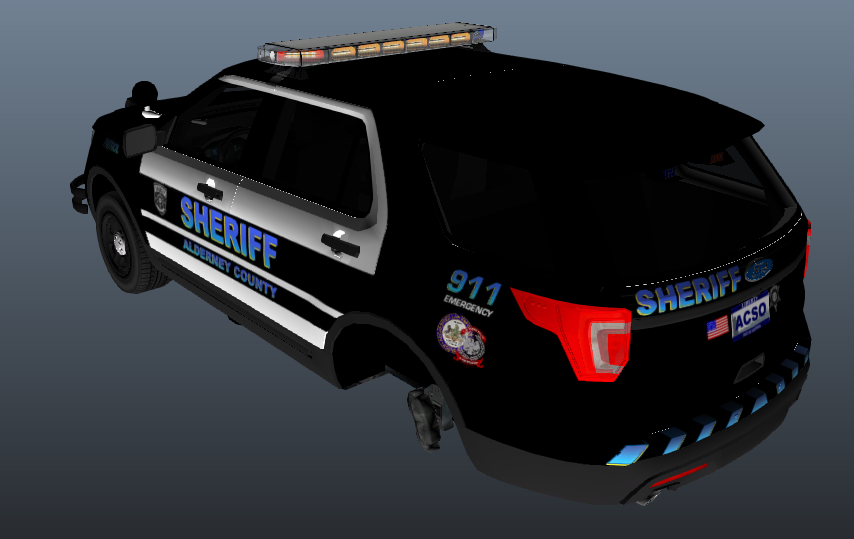
So anyone who has seen my recent gallery images can see that I am working on my "Liberty State Mega Pack". I just need to know how to release it. The pack, though it is a mega texture pack on custom models that I've built, there are going to be "sub-packs" so every department will get their own pack so I can give them all their due models. So my question is, should I release the first one as one giant mega pack - using area liveries mod, etc. OR, should I just release the overlapping sub packs and the actual sub packs? I'll explain the sub packs here: Agencies: Liberty State Police (LSP) Liberty Capitol Police (LCP) ~Liberty Port Authority (LPA) Liberty Tri-Island Police (LTIP) Liberty County Police Department (LCPD) Borough of Dukes Police Department (DPD) Meadows Township Public Safety Office (MTPSO) Town of Broker Police (BPD) Borough of Bohan Public Safety-Police (BPSO) Algonquin Police Department (APD) Algonquin Metro-Transit Police (AMTP) Alderney County Sheriff's Office (ACSO) Alderney City Police Department (ACPD) Tudor Police (Subdivision of ACSO) Acter Industrial Police (Subdivision of ACSO) The cross-over packs would be: Liberty State Police + Liberty Capitol Police Borough of Dukes Police + Meadows Township Police Algonquin Police + Metro-Transit Police Alderney County Sheriff's Office + Alderney City Police The Sub Packs Would Be: Liberty State Police and Capitol Police ~Liberty Port Authority ~and Tri-Island Police Liberty County Police Borough of Dukes Police Meadows Township Police Town of Broker Police Bohan Public Safety Police Algonquin Police + Metro-Transit Police ~Rapid Transit Police (possibly) Alderney County Sheriff + Tudor and Acter Police I know that seems very complicated but I promise it's not lol But the question is, should I drop just one huge mega pack along with the sub packs or just the sub packs and all that? These are all on the sample models but again, they will soon get their own custom models so they can be on the vehicles they are supposed to be on.
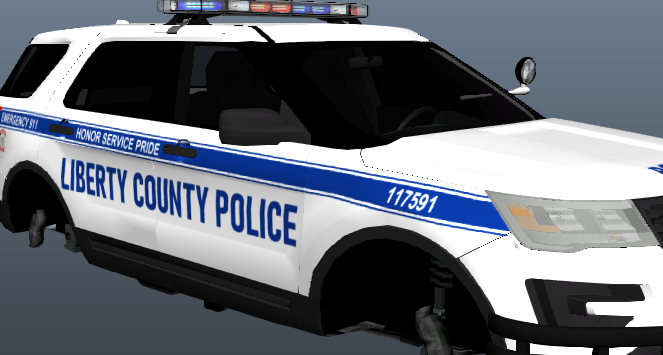
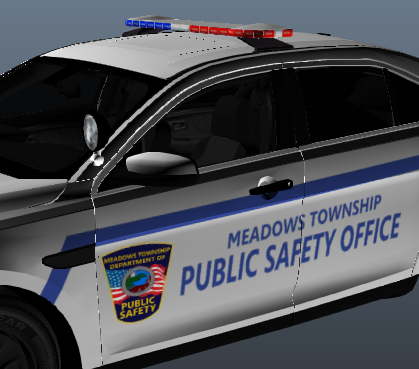
-
 At one point, I did complete it and I used it for a series but for a couple months, I stopped playing the game and accidentally deleted all the files for my SCPD pack. One day, I will bring it back but right now, I'm working on a mega pack that you can see in the newer files of this gallery.
 -
![[WIP] Liberty State Mega Pack | Borough of Dukes Police Department](//s3-gallery.int-cdn.lcpdfrusercontent.com/monthly_2022_04/small_DPD2.PNG.7d76c52d8e2021b9234f28c9033ac3c7.PNG)
From the album: Yohnny's Work
-
![[WIP] Liberty State Mega Pack | Borough of Dukes Police Department](//s3-gallery.int-cdn.lcpdfrusercontent.com/monthly_2022_04/small_DPD1.PNG.f3982cd49aa3806f0e9d4a12d154df59.PNG)
From the album: Yohnny's Work
-
![[WIP] Liberty State Mega Pack | Capitol Police Department](//s3-gallery.int-cdn.lcpdfrusercontent.com/monthly_2022_04/small.CapitolPD2.PNG.351b694d18ae3676c65bb54f6b3325e5.PNG)
From the album: Yohnny's Work
-
![[WIP] Liberty State Mega Pack | Capitol Police Department](//s3-gallery.int-cdn.lcpdfrusercontent.com/monthly_2022_04/small.CapaitolPD1.PNG.1f6250efbbb8512d5cdb07bfcad5ca25.PNG)
From the album: Yohnny's Work
-
![[WIP] Liberty State Mega Pack | Alderney City Police Department](//s3-gallery.int-cdn.lcpdfrusercontent.com/monthly_2022_04/small.ACPD1.PNG.d24af2e72ffcad3a19a914a661672102.PNG)
From the album: Yohnny's Work
-
![[WIP] Liberty State Mega Pack | Bohan Police Department](//s3-gallery.int-cdn.lcpdfrusercontent.com/monthly_2022_04/small_BPD1.PNG.b9198438c902a779beb6d015cc11bbf5.PNG)
From the album: Yohnny's Work



![[WIP] Liberty State Mega Pack | Borough of Dukes Police Department](http://s3-gallery.int-cdn.lcpdfrusercontent.com/monthly_2022_04/small_DPD2.PNG.7d76c52d8e2021b9234f28c9033ac3c7.PNG)
![[WIP] Liberty State Mega Pack | Borough of Dukes Police Department](http://s3-gallery.int-cdn.lcpdfrusercontent.com/monthly_2022_04/small_DPD1.PNG.f3982cd49aa3806f0e9d4a12d154df59.PNG)
![[WIP] Liberty State Mega Pack | Capitol Police Department](http://s3-gallery.int-cdn.lcpdfrusercontent.com/monthly_2022_04/small.CapitolPD2.PNG.351b694d18ae3676c65bb54f6b3325e5.PNG)
![[WIP] Liberty State Mega Pack | Capitol Police Department](http://s3-gallery.int-cdn.lcpdfrusercontent.com/monthly_2022_04/small.CapaitolPD1.PNG.1f6250efbbb8512d5cdb07bfcad5ca25.PNG)
![[WIP] Liberty State Mega Pack | Alderney City Police Department](http://s3-gallery.int-cdn.lcpdfrusercontent.com/monthly_2022_04/small.ACPD1.PNG.d24af2e72ffcad3a19a914a661672102.PNG)
![[WIP] Liberty State Mega Pack | Bohan Police Department](http://s3-gallery.int-cdn.lcpdfrusercontent.com/monthly_2022_04/small_BPD1.PNG.b9198438c902a779beb6d015cc11bbf5.PNG)