


zSRG
Members
-
Joined
-
Last visited
Everything posted by zSRG
-
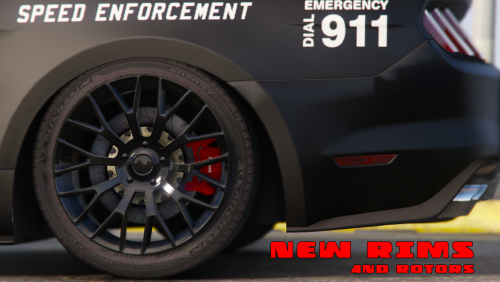 nevermind it is fixed however the handling file is weird it just spins the tires.
- 106 comments
- 9 reviews
-
-
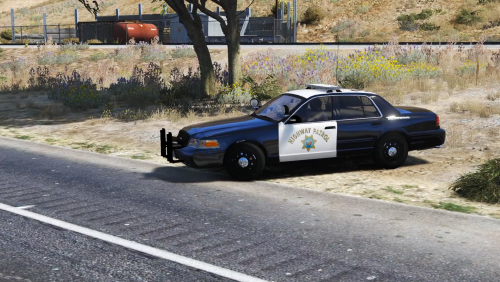 everytime i try to edit files inside of resident.rpf it crashes fivem and says im using modified files.
- 32 comments
- 11 reviews
-
 I dont suppose there is a way that we can add all these skins? or more than one?
- 10 comments
- 4 reviews
-
-
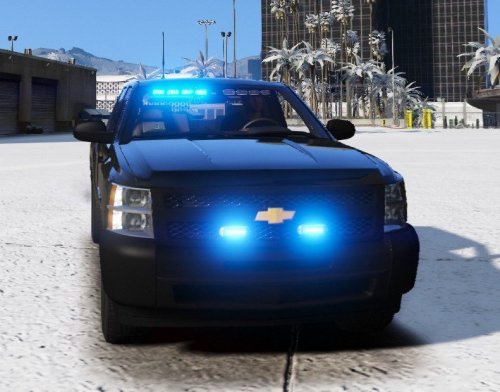 thank you, if there is any chance you can make one without the antennas then? unless of course if you are busy i totally understand, iv been looking for a new unmarked to add so people dont know im a cop for awhile but it cant be something expensive otherwise its not legit lol, so this fits perfectly. either way thanks for release weather it has the antennas or not Im sure i will use this model.
- 31 comments
- 15 reviews
-
which xml do u use whats the difference between slicktop and non? also i love the model but is there a way to make the antennas into a extra?
- 31 comments
- 15 reviews

