Skip to content
View in the app

A better way to browse. Learn more.

LCPDFR.com

A full-screen app on your home screen with push notifications, badges and more.

To install this app on iOS and iPadOS
  1. Tap the Share icon in Safari
  2. Scroll the menu and tap Add to Home Screen.
  3. Tap Add in the top-right corner.
To install this app on Android
  1. Tap the 3-dot menu (โ‹ฎ) in the top-right corner of the browser.
  2. Tap Add to Home screen or Install app.
  3. Confirm by tapping Install.

BigJT

Members
  • Joined

  • Last visited

Everything posted by BigJT

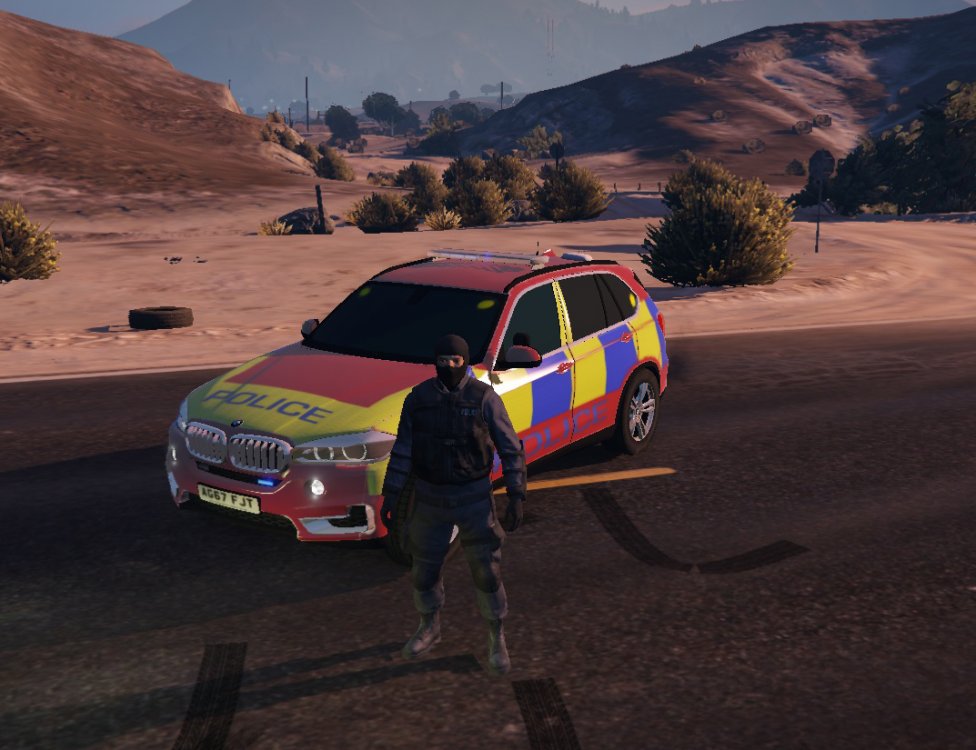
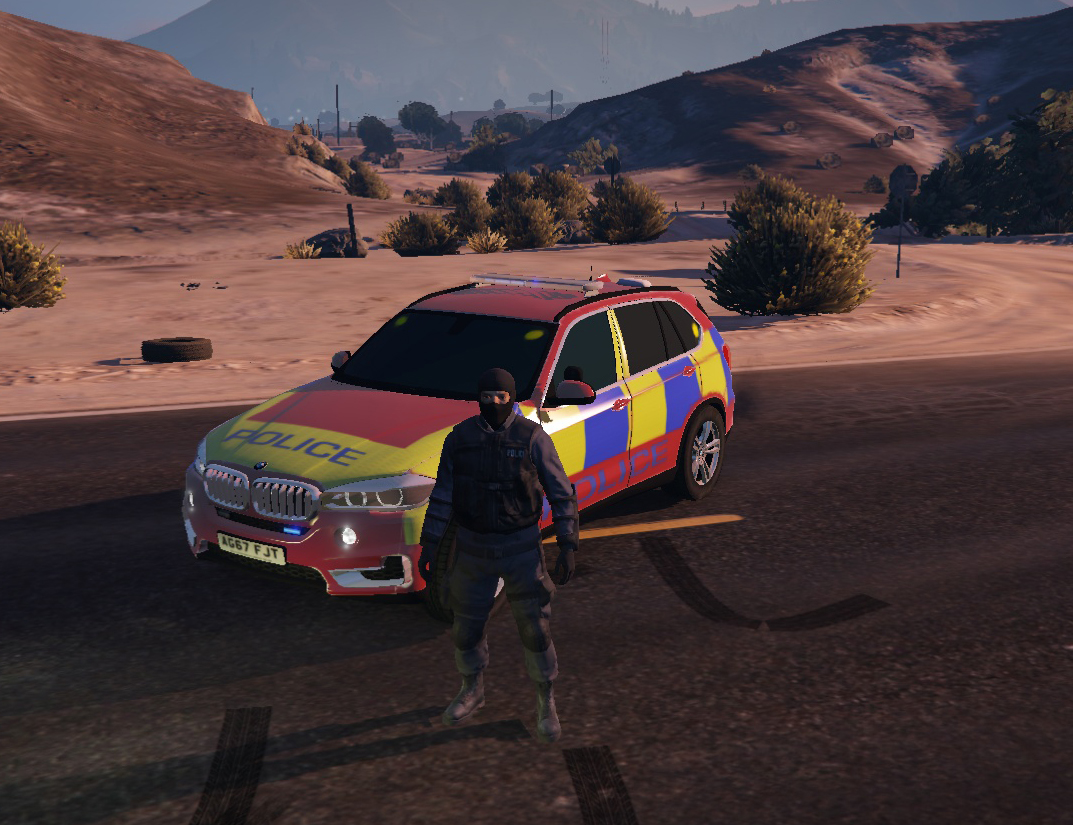
  1. So I decided to make a custom skin for the X5, A DPG Trojan Skin to be exact. Credit goes to Alabassiry for the model and Double Doppler for everything else! I just made the skin as I haven't seen a battenburg dpg on LSPDFR or GTA5-Mods. Honest thoughts tho, nice or brutal! Have a goodnight, JT (it's not pink, it's the way my monitor is๐Ÿ˜‚)

Account

Navigation

Search

Search

Configure browser push notifications

Chrome (Android)
  1. Tap the lock icon next to the address bar.
  2. Tap Permissions โ†’ Notifications.
  3. Adjust your preference.
Chrome (Desktop)
  1. Click the padlock icon in the address bar.
  2. Select Site settings.
  3. Find Notifications and adjust your preference.