



boscoreligaming
Members
-
Joined
-
Last visited
Everything posted by boscoreligaming
-
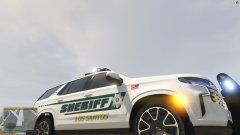
From the album: Bosco Mods
-
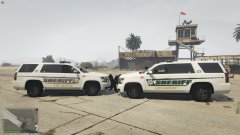
From the album: Bosco Mods
-
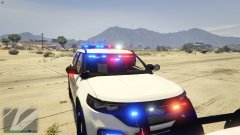
From the album: Bosco Mods
-
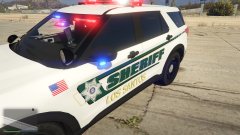
From the album: Bosco Mods
-
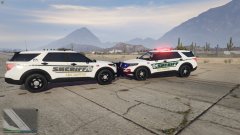
From the album: Bosco Mods
-
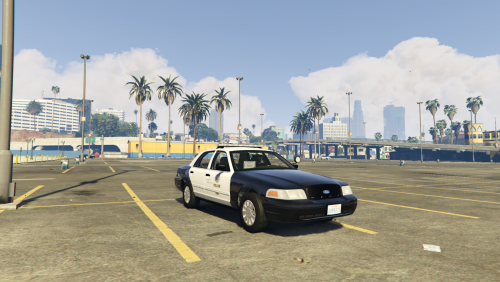 LAPD does not use liberty's and the Red/Blue is on the wrong side. Red should be on the driver side and blue on the passenger side.
- 19 comments
- 1 review
-
-

- 3
-
-
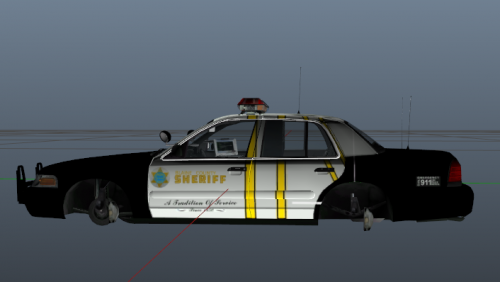 Maybe the car is great, why does it look like the McDonald Arches were painted into the car?
 -
What is this supposed to be?
-
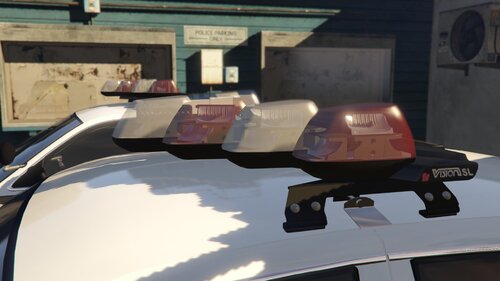 Awesome model, currently working on a mod and am running into the lenses for the pods, getting dirty and opaque, any Idea's on how to fix that?
 -
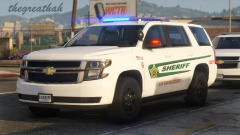 God damn amazing mate. I have not been to Sarasota in like 15 years, but my parents still have a time shares there along Mid night pass. Fuck I miss Sarasota. Could you potentially do a skin from their earlier decals before they switched to the one you have here?

