




Voodo
Members
-
Joined
-
Last visited
Everything posted by Voodo
-
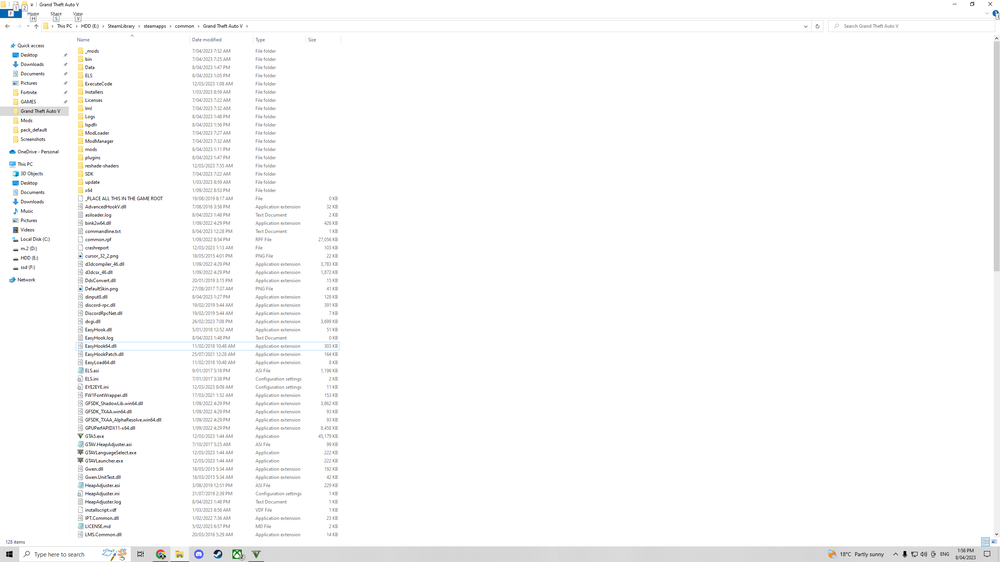
Just installed laspdfr and everything again after awhile and ELS isn't working, .vcf's are in pack_default folder, reinstalled ASI managers through open.iv, But when in game the lights dont work, The only thing that works is "E" and that activates the siren and tailights only. Any fix? asiloader.log
-
 Huge fan of your mods but my cousin was on my computer yesterday and deleted the lines in the onfoot and invehcle codes for smart radio and i have tried reinstalling it but i cant assing the button. Are you able to send it through please. Thanks. Here is what i have: -<Button> <Plugin>PoliceSmartRadio</Plugin> <Name>pit</Name> <Enabled>True</Enabled> </Button> -<Button> <Plugin>PoliceSmartRadio</Plugin> <Name>platecheck</Name> <Enabled>True</Enabled> </Button> -<Button> <Plugin>PoliceSmartRadio</Plugin> <Name>panic</Name> <Enabled>True</Enabled> </Button> -<Button> <Plugin>PoliceSmartRadio</Plugin> <Name>pedcheck</Name> <Enabled>True</Enabled> </Button> -<Button> <Plugin>PoliceSmartRadio</Plugin> <Name>endcall</Name> <Enabled>True</Enabled> </Button> </PoliceSmartRadio> Thats for both invehicel and on foot
- 1,915 comments
- 242 reviews
-
This might sound weird but can someone copy and past the notepad docs from config in police scanner with arrest manager in it mine was deleted and wont come back no matter what i try
- 1,915 comments
- 242 reviews
-
Hi i am not sure what i have done Albo but when i load in and go on duty i can't assign the buttons so i can't call transport or tow truck, etc please help
- 1,915 comments
- 242 reviews
-
 hey thanks for the reply i followed all the instructions and plced the file where it should go everyything worked well then when the callout came up it said the .ini file wasn't in the right place. If you or someone has this mod could you tell me what file you have it in thanks.
- 547 comments
- 103 reviews
-
-
Hey first time using LSPDFR i followed your instructions but when it goes to load one of your callouts it says my .ini file isn't in the right place. How can i fix this? thanks
- 547 comments
- 103 reviews


