


TrooperT
Members
-
Joined
-
Last visited
Everything posted by TrooperT
-
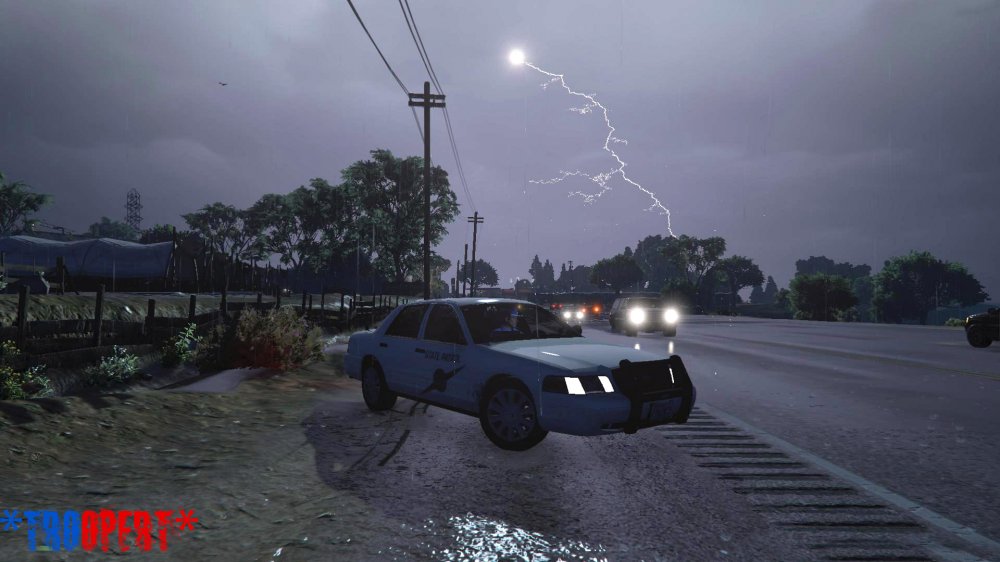
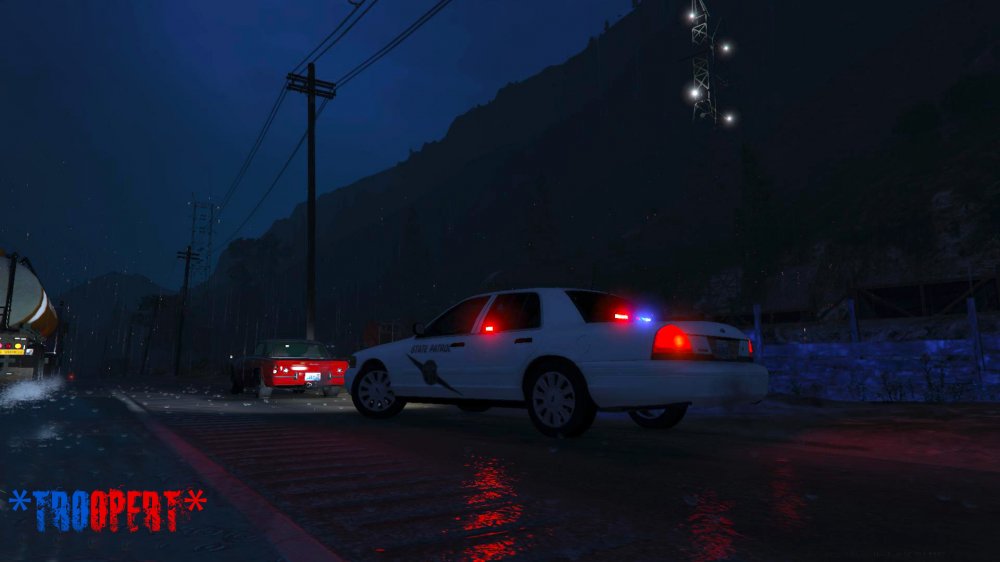
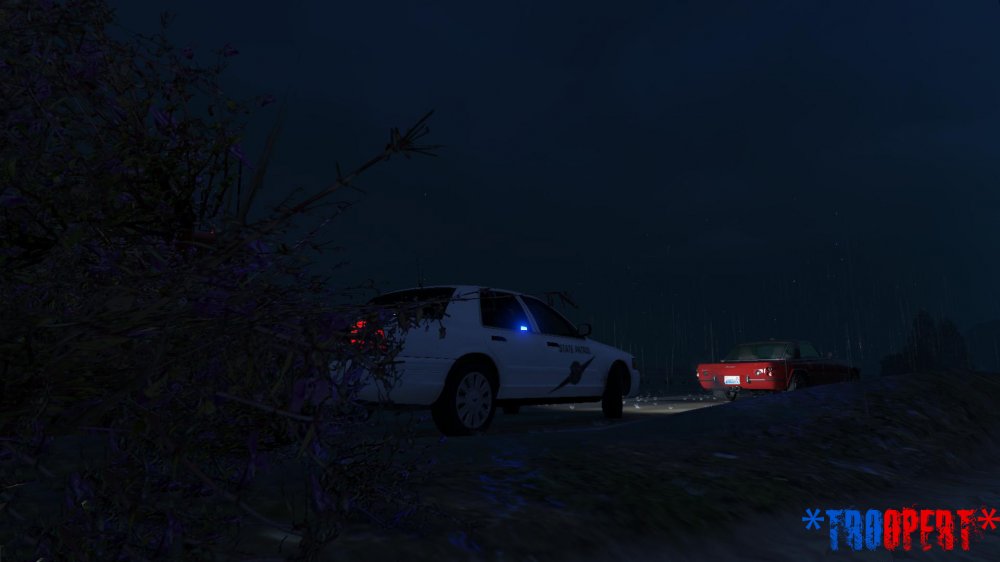
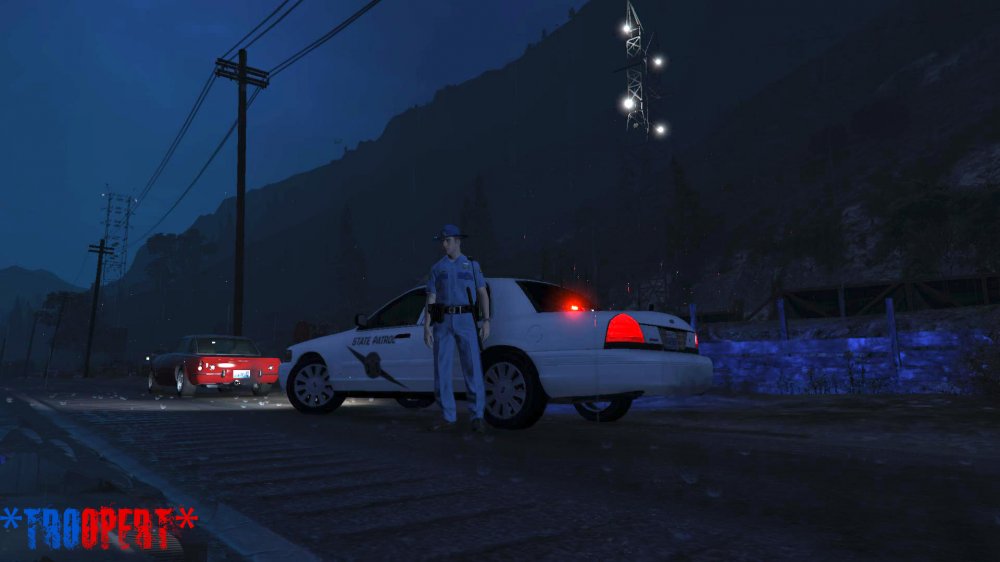
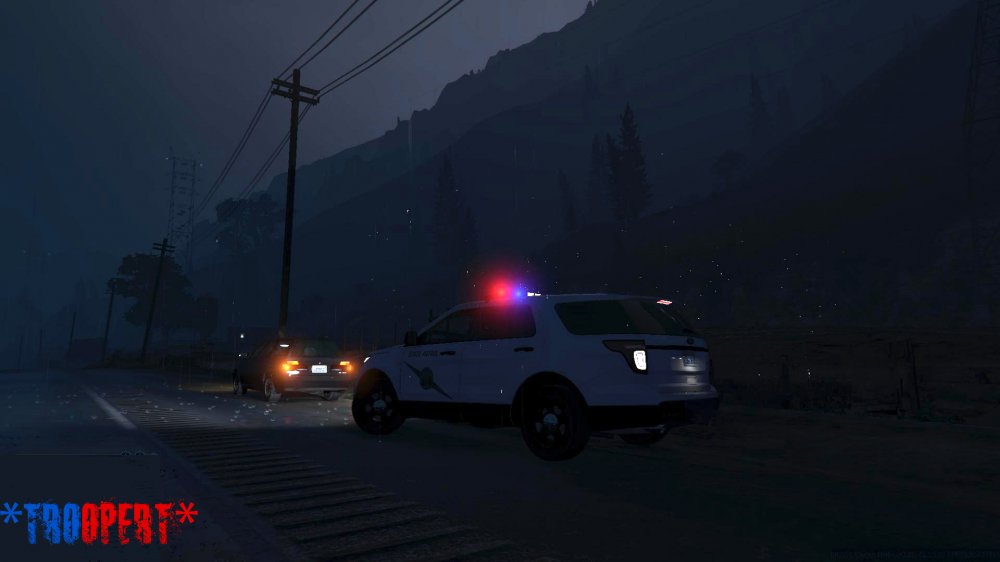
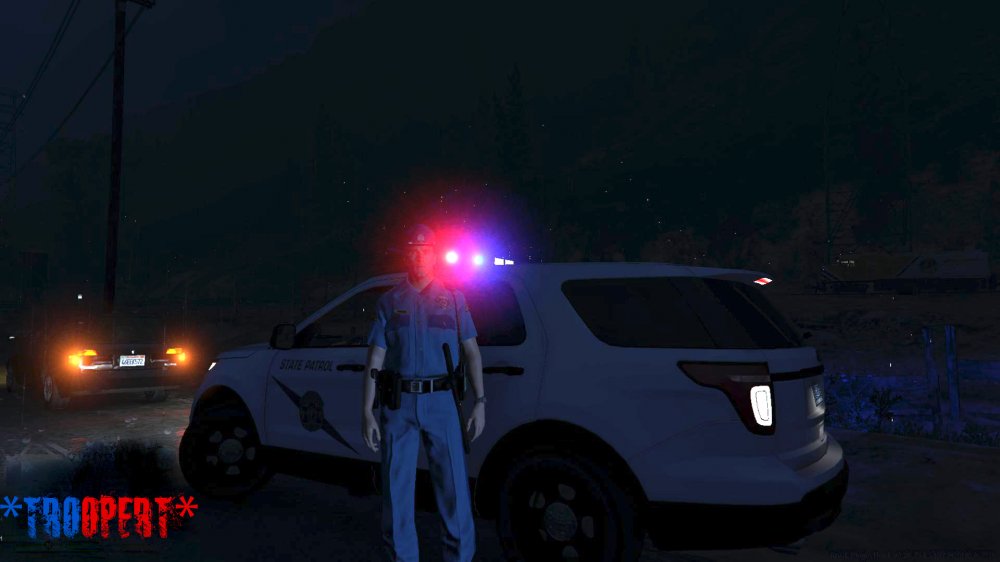
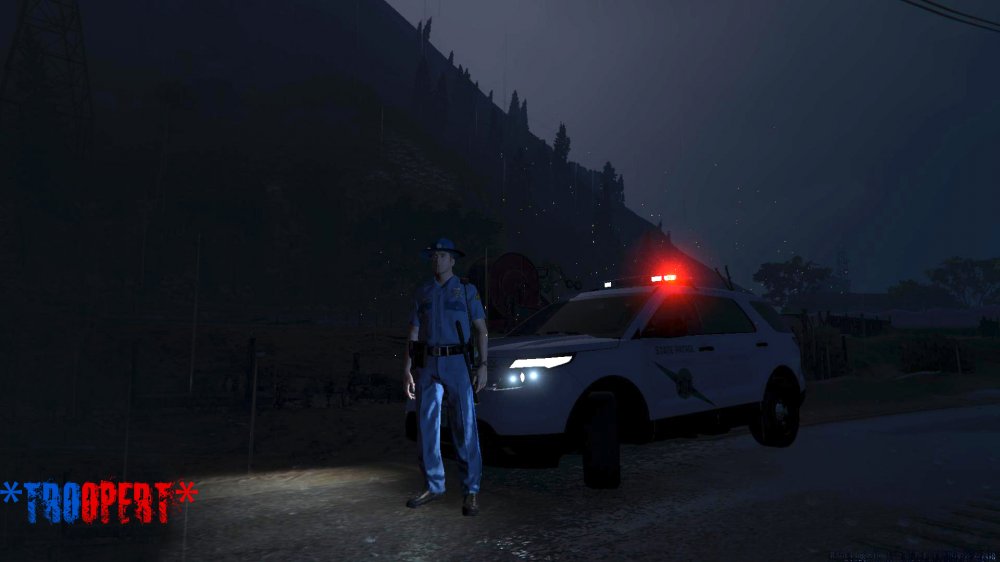
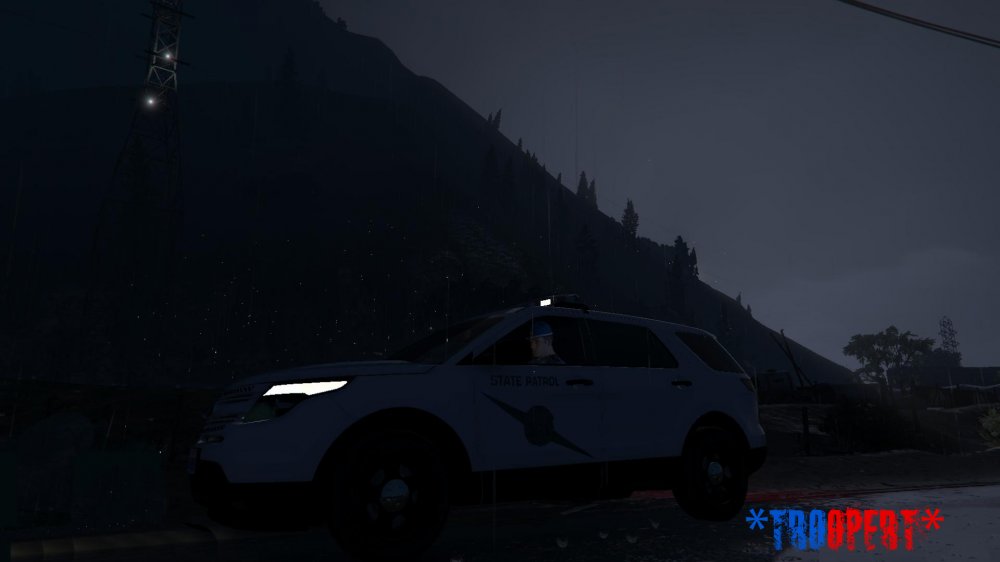
Good morning, afternoon, or evening depending on where you are at, I am proud to announce that I am working on a vehicle texture pack and Ped skin pack for the Washington State Patrol. I made great progress this evening, however I want to make sure I get all of the kinks out to ensure its 100% to everyone's satisfaction. Currently here are issues that are being worked through: - Ford Explorer model that is currently released has a bug where you cannot make the entire grill black. The WSP real life counterpart has a black grill. I will continue to monitor a fix or pursue another model if it becomes available. - Will work towards creating a texture for the Chevy Tahoe. - Working to get a better HD quality for badges on the campaign cover and uniform. -Working to try and change out the silver watch with a black tactical watch as seen with the Police 1 model. - Working to try and make a long sleeve uniform with the WSP bow tie. Uniforms have been created by myself Credits for vehicles used are as follows: Desmond98's Ford Explorer NIGHTKID's Unmarked CVPI pack ****Please feel free to give me ideas, criticisms, etc. I appreciate all feedback***** As a side note, if there are enough requests, I can make a vehicle skin pack for the Washington State Patrol's "Target Zero" team which essentially is their DUI emphasis patrol.
-
The best horn/siren key is the middle mouse button. Trust me you will thank me later.


