PO Goodwin
Members
-
Joined
-
Last visited
Files posted by PO Goodwin
-
Sick of the same audio over and over and over? Over that annoying bug that plays scanner audio 100% louder than your game volume? I was so I made this, now its yours too without having to delete and replace every audio file.
Removes ALL base LSPDFR scanner audio from the game and replaces them with no sound audio files.
Now when you receive callouts, request backup, tow etc etc. Silence.
PLEASE NOTE. To keep all scanner audio quite after installing callout packs, ultimate backup etc. Delete or do not install the audio folders associated with each pack or plugin.
INSTALLATION; Navigate to, MAIN DIRECTORY > LSPDFR > AUDIO. Delete the scanner folder then. Drag and drop "scanner" from the download into the same spot and you're good to go.
Always make sure to backup original scanner folder should you decide to want it back in your game.
- 236 Downloads
- 2 Comments
Updated -
- 314 Downloads
- 1 Comments
Updated -
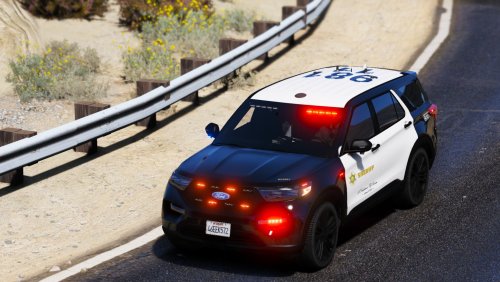
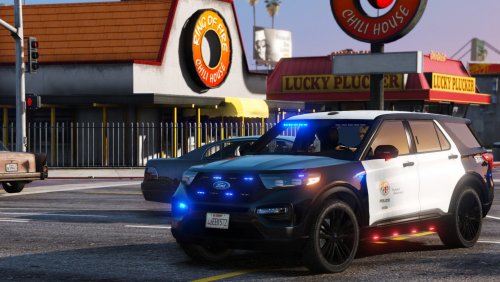
Just a texture that I threw together for my game and thought I would share for anyone who wants to use it.
Vehicle used;
- 420 Downloads
- 7 Comments
Updated
.thumb.png.714c08813f78edb078cc23c3bc8dead7.png)