


bruffino
Members
-
Joined
-
Last visited
Everything posted by bruffino
-
 Dude, your a monster !! Keep up the great work and keep them coming !!! Amazing amazing work ! Also, thanks for keeping them free. You def could make some money off of these models. Just in case no one has said it lately. Thank you for what you do for us. Its honestly impeccable work. Stay safe !
 -
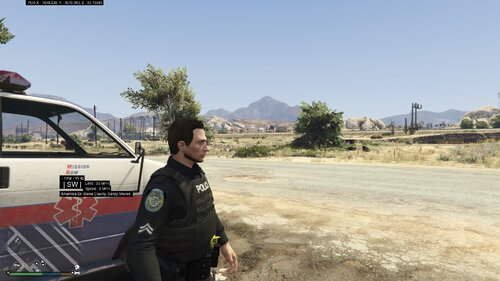 You should make some Base 6 stuff (iykyk) I'm a Dutchess guy, myself !
 -
 Dude, Just by reading some of your responses on these comments - low key, you're my hero 🤣. I'm more of a traffic guy buttttt, I'm willing to try new things. Thanks for the mod !!
- 222 comments
- 22 reviews
-
-

- 1
-
-
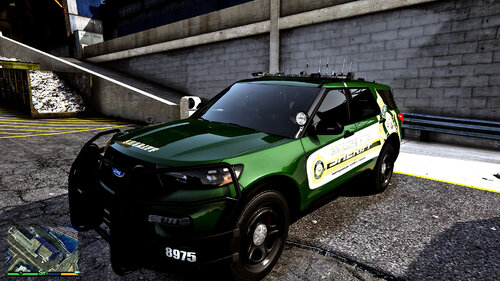 Beautiful model ! downloading and using it tonight, very excited ! job well done !
 -
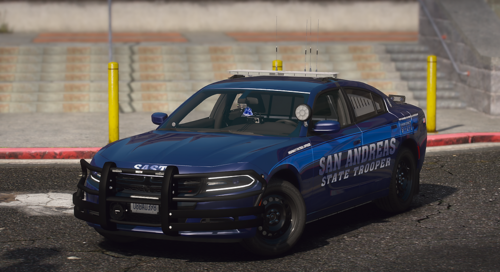 Awesome pack my man ! Too bad I'm too stupid to figure out how to get it to work on SP. Good work mate ! Keep it up ! Pack looks amazing !
 -
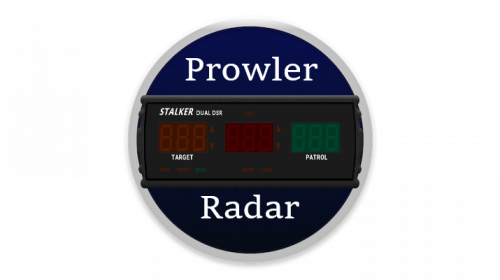 I was literally just saying to myself " I wish someone would come out with that awesome prowler radar for the streamdeck". Looks awesome so far ! I'm testing it out now !! Good work ! !
- 2 comments
- 1 review
-
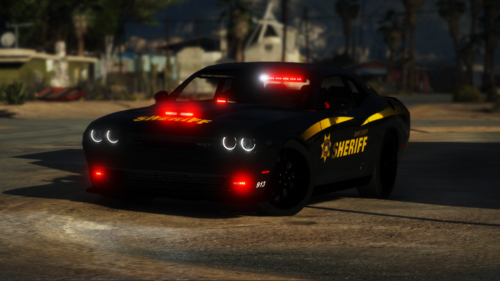 Literally downloading this car just because the music you used in the demo. If you know, you know. If not, well then.... cool car.
- 40 comments
- 5 reviews
-
-
- 1
-
-
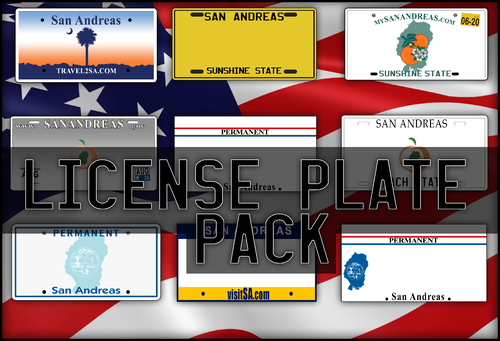 No offense but my ass was also thinking this was like a plate pack for AI vehicles (which btw would be super cool ! ). I'm in no way shape or form or even close to being a dev so I guess this pack ain't none of my business : ) but yeah. Not sure If i would have asked what "crack" are you smoking ? but I was confused a bit as well. Whatever its for the pack looks amazing ! Keep at it !!
- 13 comments
- 1 review
-
-
I can help you translate if you would like. I downloaded your program and love it ! Would love to see it in English !
-
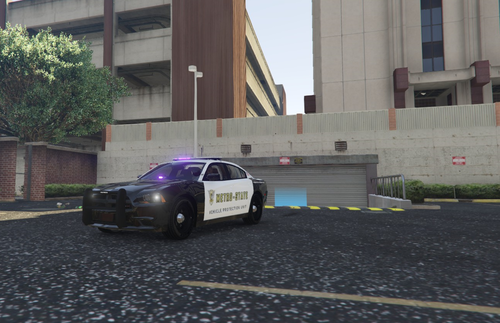 Cmon guys !! He's clearly not impersonating 🤣. Whoever made this.... THANK YOU for making my day !!
- 17 comments
- 1 review
-
-

- 1
-
-
Do you think thats what it is ? I'm having the same problem as you. I just did that Nvida update as well. How do we reverse it ?
-
-
 Thank you. I'm fairly new and still getting the hang of things. Ive been baffled by this for a few weeks, for something I know is probably so simple. I actually spent some time trying to find a guide and I did but I either didn't understand or it didn't tell me how to adjust the settings in the HML file. If that even makes sense. Where in the line do I enter the values ? Am I suppose to delete the explanations and replace with values ? I know they're trivial questions. P.S.- When I say fairly new.... I've figured out how to get a few things working, and adjusting their settings. I just know I'm missing something so simple. This isnt a dig to the developer in any way, shape, or form. I'm real excited to use it. I just got some newbie problems is all.
- 330 comments
- 24 reviews

