Skip to content
View in the app

A better way to browse. Learn more.

LCPDFR.com

A full-screen app on your home screen with push notifications, badges and more.

To install this app on iOS and iPadOS
  1. Tap the Share icon in Safari
  2. Scroll the menu and tap Add to Home Screen.
  3. Tap Add in the top-right corner.
To install this app on Android
  1. Tap the 3-dot menu (⋮) in the top-right corner of the browser.
  2. Tap Add to Home screen or Install app.
  3. Confirm by tapping Install.

SchmashinPrunes

Members
  • Joined

  • Last visited

Everything posted by SchmashinPrunes

  1. I've been wanting to dabble in the model creation scene ever since I installed LSPDFR, but I'm not sure where to start. I have blender installed on my PC but I saw most people using like 3dsmax (correct that if its wrong), and I didn't know if it was for a specific file type, or if you HAD to use it for GTAV. What do people like Albo and Stealth use for their model creation?
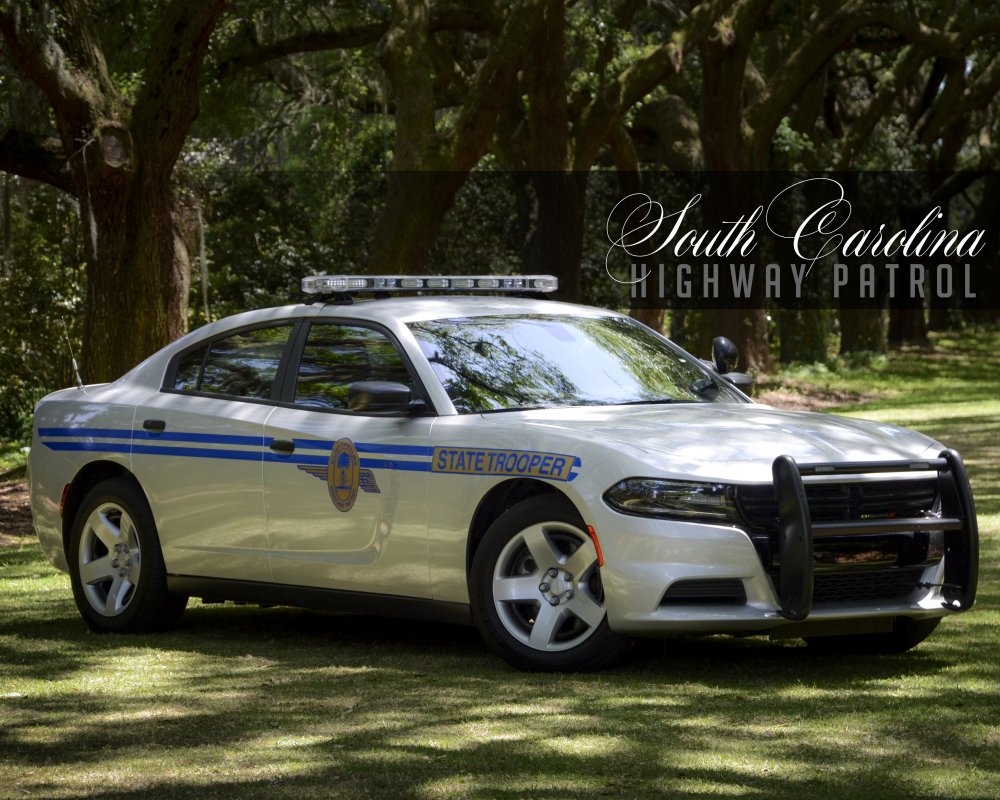
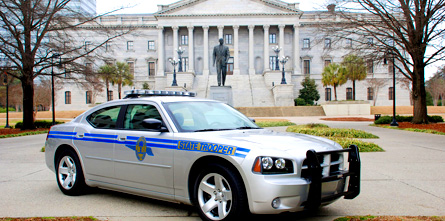
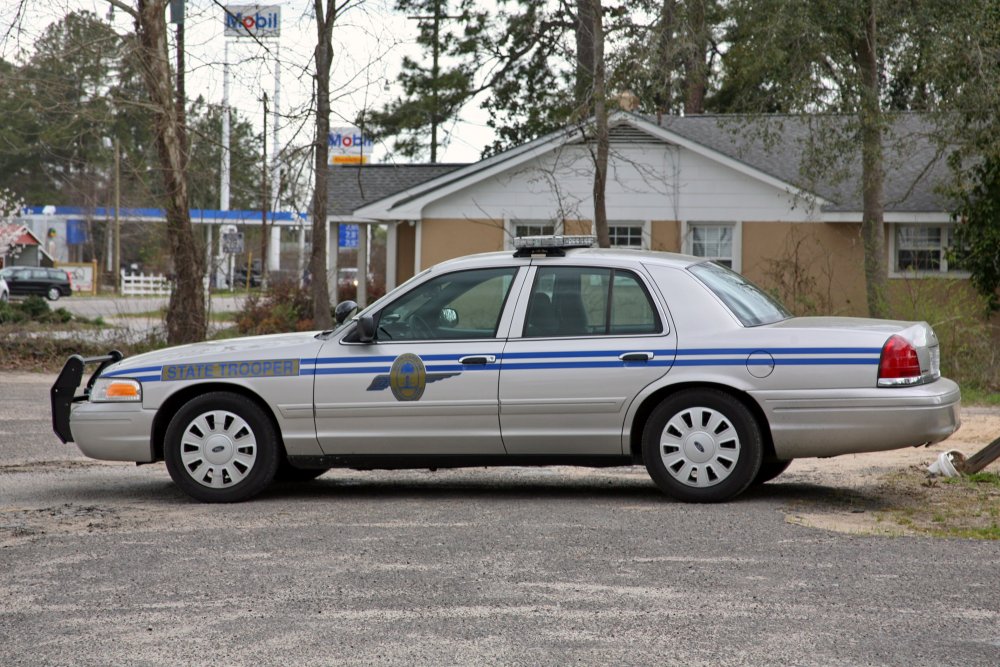
  2. Wondering if we could get a South Carolina Highway Patrol and South Carolina State Trooper texture pack for models made by people like Bxbugs and stealth, as I use a lot of their models in my LSPDFR build
Account

Navigation

Search

Search

Configure browser push notifications

Chrome (Android)
  1. Tap the lock icon next to the address bar.
  2. Tap Permissions → Notifications.
  3. Adjust your preference.
Chrome (Desktop)
  1. Click the padlock icon in the address bar.
  2. Select Site settings.
  3. Find Notifications and adjust your preference.