Legend27
Members
-
Joined
-
Last visited
Everything posted by Legend27
-
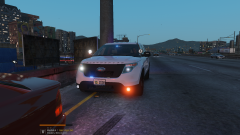
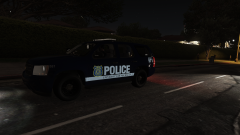
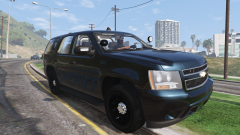
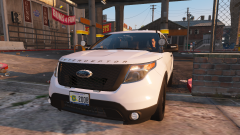
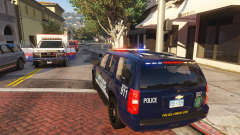
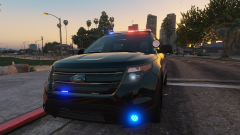
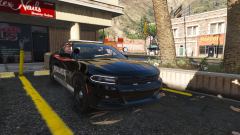
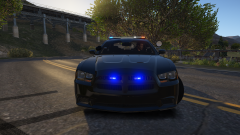
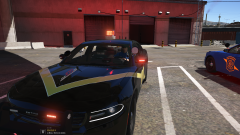
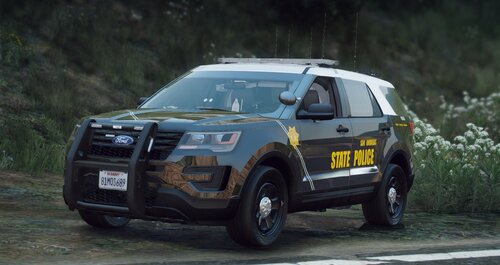 First, the cars are pretty awesome. The set ups are top tier. The only issue I've found is the textures for the radio and the Cencom controller are messed up. I also have one suggestion, make the visor bars a bit smaller. Most of the XLP's you see IRL are like 10" long max.
- 9 comments
- 1 review
-
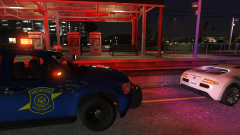
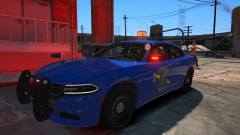
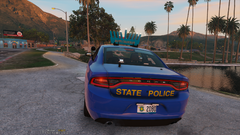 Whelen custom makes the "Gumball Machines" for MSP. In full honesty they are bright AF and you can see them from a long way off. you see the beacon long before the other lights and long before any other agencies that are on the same scene. Yeah they're goofy and yeah any hope at "stealth" is destroyed, but they really do grab attention.
 -
-
-


.png.869bd9a184d476f1a040342d48a6c0da.png)