LibertyDesigns
Members
-
Joined
Everything posted by LibertyDesigns
-
-
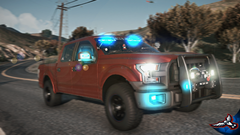
From the album: Purchased Vehicles
-
From the album: Purchased Vehicles
-
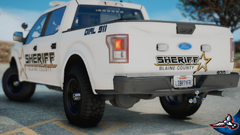
From the album: Purchased Vehicles
-
-
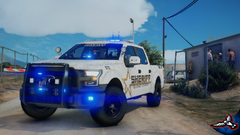
From the album: Purchased Vehicles
-
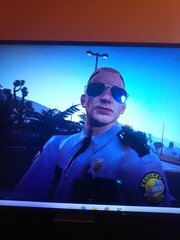 ah yes taken by motorola moto g7 beautiful shot
 -
-
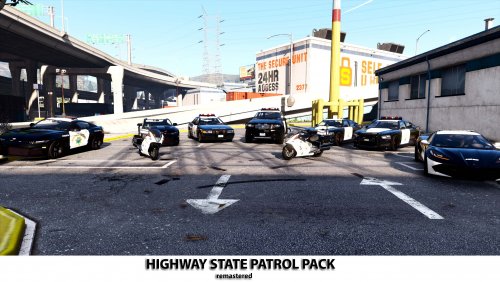 what in the... oversaturated and poorly photoshopped photos. this looks like a very well put together pack
- 35 comments
- 2 reviews
-
-
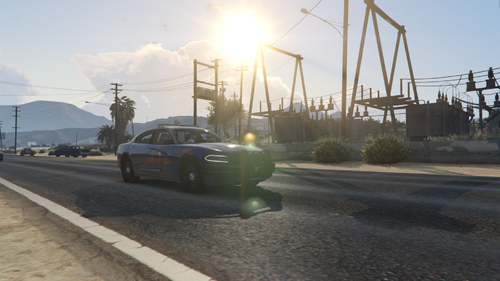 Grey rambar?
 -
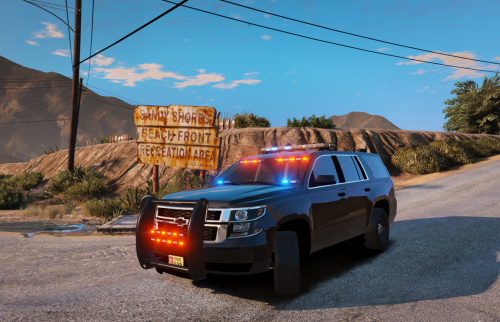 this man really put an FPIU rambar on a Tahoe. There's literally a tahoe rambar in the pack you used. smh!
- 16 comments
- 1 review
-
Read the readme that came with it and see that you need a gameconfig that matches your game version that supports addon cars.
-
-
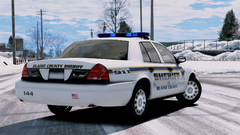
From the album: Hanover County Sheriff's Office - ELS
-
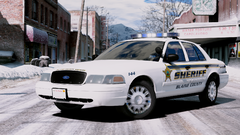
From the album: Hanover County Sheriff's Office - ELS
-
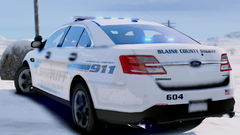
From the album: Hanover County Sheriff's Office - ELS
-
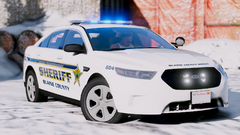
From the album: Hanover County Sheriff's Office - ELS
-
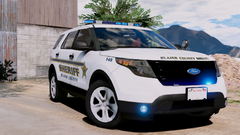
From the album: Hanover County Sheriff's Office - ELS
-
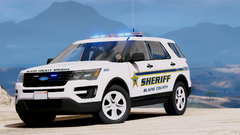
From the album: Hanover County Sheriff's Office - ELS
-
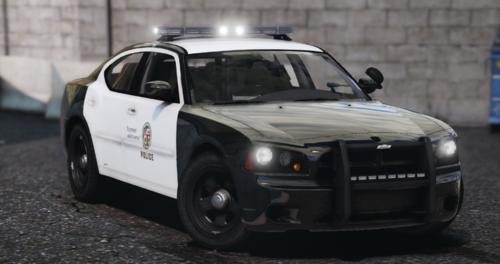 @RealDeze What graphics did you use to take these pics?
 -
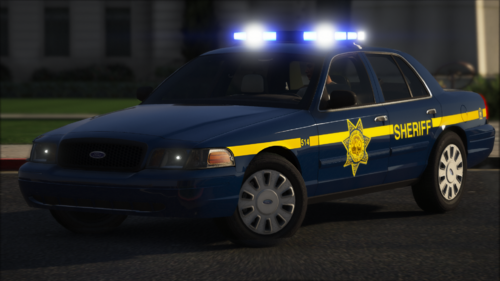 The tail light textures have a ton of noise in the attached shot. From other angles they look fine. Was your R* editor messing up?
- 16 comments
- 1 review
-
-
 Legitimate 4k texture means it has to be at least 4000x4000. Hence the “4” and “k”. k stands for thousand. 4000x4000. quick mafs.
 -
false. Chaos was correct, 4k is anywhere from 4000x4000 to 4096x4096.