


a3grimreaper
Members
-
Joined
-
Last visited
Everything posted by a3grimreaper
-
-
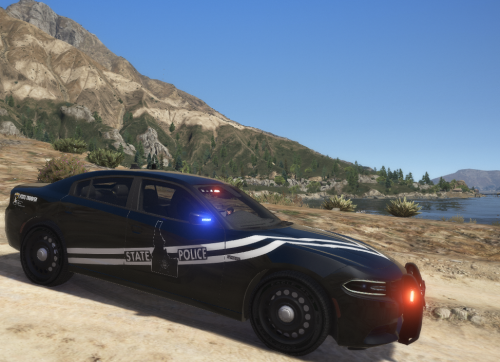 So that's going to be something with the vehicle model. I'd recommend mentioning it on the download page for whichever vehicle it is.
- 19 comments
- 6 reviews
-
-

- 1
-
-
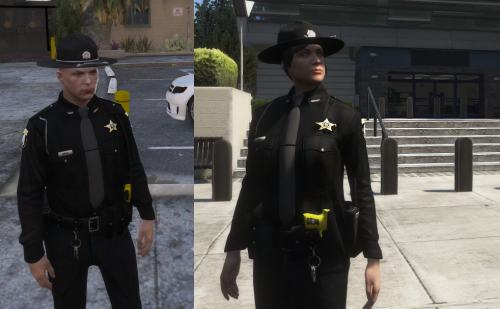 So everything is sorted into the file they used to go into. The reason I say "used" is because this is for the old 8.1 version of EUP Law and Order. So if you're using the newest 8.2 version of L&O this isn't going to work. 8.2 changed quite a few things, so the changes need to be made here. I'll see about updating it soon.
- 21 comments
- 1 review
-
-
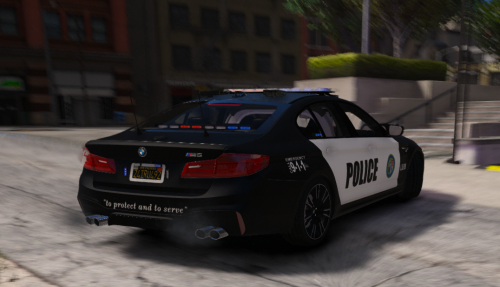 Just a quick tip from looking at your screenshots. Download RadianceV and thank me later
 -
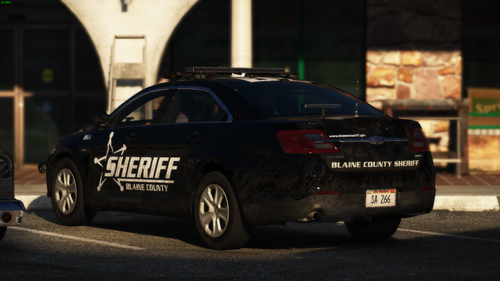 Did you want that in original https://www.lcpdfr.com/downloads/gta5mods/vehiclestextures/17784-4kidaho-state-police-vehicle-uniform-combo-pack/ https://www.lcpdfr.com/downloads/gta5mods/character/22250-idaho-state-police-eup-law-order/ or Lore Friendly? https://www.lcpdfr.com/downloads/gta5mods/vehiclestextures/20807-lore-friendly-san-andreas-state-police-pack-idaho-state-police-based/ https://www.lcpdfr.com/downloads/gta5mods/character/23642-lore-friendly-black-san-andreas-state-police-eup-uniforms-idaho-based/
- 11 comments
- 1 review
-
-
That is unfortunate. I'll start searching for a new one and make a new template soon if necessary. Thank you for the heads up.
- 19 comments
- 6 reviews
-
So by default, NPC's don't use the EUP uniforms, you can search and there are a few different mods that will change that. This is one option, if it doesn't do exactly what you want there are others.
- 21 comments
- 1 review
-
 I'm afraid it's going to be quite a few months before I have time to start any projects.
- 7 comments
- 1 review
-
That's going to be the golden question. Originally I tried it on the LSPD badges because I thought the flatter, squarer base would present the texture smoother and in a higher resolution, and all the different methods I tried I never came up with anything that really looked good in game.
- 21 comments
- 1 review
-
-
-
-
Male and Female Black SASP Uniforms Idaho State Police Based LORE FRIENDLY CAR SKINS
- 21 comments
- 1 review
-
-
- 3
-
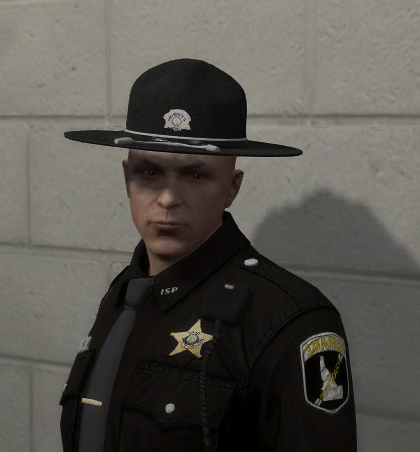 They are for different versions of the EUP Law and Order pack. The first one is for the original 8.0 version of EUP Law & Order, and then the newer EUP 8.1 version has some file changes that will be incompatible with the original version... the second download makes the necessary adjustments for that version.
- 20 comments
- 1 review
-
-
- 1
-
I can definitely do it at some point, I just can't give you an estimated of window of when exactly it would be.- 20 comments
- 1 review
-
-
- 2
-
Just the ranks or department shoulder patches as well? If it's only rank, then that's normal. I didn't include those in the 8.1 early release. The ranks just need to be silver/white, so the likely course of action will be using the LSPD Corporal and Sergeant stripes. I still have a few small details to adjust. I should have those and the ranks up fairly soon.- 20 comments
- 1 review
-
-
- 1
-
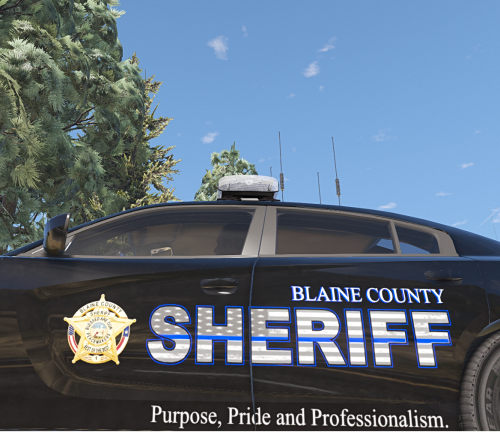 Generally I try to stick to the more common templates from the popular modelers that most people use as their base, so there is a pretty high number of model files that these can be sued on. If you're asking which specific models I used when originally designing them, there is a link to the pack in a README within the file.
- 8 comments
- 4 reviews
Caprice texture is now in the file. It will be a little bit before I can do it, but yeah I can get that in there.- 8 comments
- 4 reviews
-
-
- 1
-
So to start off, you'll need to download and install EUP Menu, and EUP Law & Order pack, both files include their own instructions on how to do that, so we will skip ahead to how you install this uniform pack after you install EUP. So when you open up your OpenIV mods folder, you will want to go through update>x64>dlcpacks>eup>dlc.rpf>x64>models>cdimages (I think anyways, I don't have access to my gaming PC right now, so I can't confirm this directory, I'm just going off a YouTube video from 2017, so be flexible if the folders are not located there anymore) and then at this point you will notice the files in this pack have the same name as the files in your OpenIV. Basically what you will want to do is open each folder in this pack individually, up to the point where you no longer see folders, just .ytd files, and move the .ytd files over to the corresponding folder in your open IV. (example: open the mp_m_freemode_01_male_xmas2 folder in this download, and drag all the .ytd files into the mp_m_freemode_01_male_xmas2 in your openIV) When you do this for every folder, it will replace all the San Andreas Highway Patrol uniforms with Idaho State Police uniforms. Once that is done, to access them in game, you can use LSPDFR 4's character customization to access each component individually and customize your uniform as you see fit, but this isn't very user friendly since it's all bundled with all the other clothing in game, so you'll have to scroll through 100+ items in each category. I'd recommend just using the EUP menu pre-sets and then making whatever minor alterations you want in terms of the duty belt/Radio Mic/Vest/Jacket etc.- 20 comments
- 1 review
Yeah if everything else is coming in like it should, I'm not sure what the issue could be. I would consider re-installing EUP, EUP Law&Order, and this. A clean install will probably the quickest solution.- 20 comments
- 1 review

