McCreary
Members
-
Joined
-
Last visited
Everything posted by McCreary
-
-
From the album: My Cars
-
 Rambars materials aren't setup right.
 -
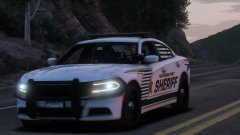 Damn, I just finished up a 2014 charger accurate to HCSO
 -
-
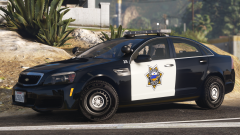 Should've got you to make some skins for the release.
 -
-
-
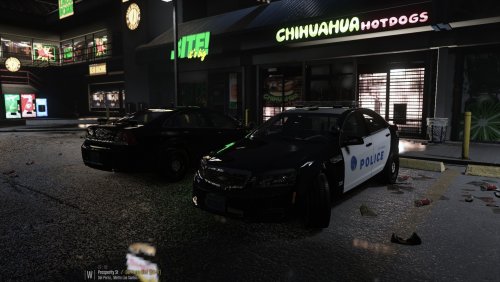 Yes I just updated the file so I could add the marked one and fix some things for the unmarked.
- 41 comments
- 23 reviews
-
Did you install the ELS files and put the vehicles in the slots I assigned them to?
- 41 comments
- 23 reviews
-
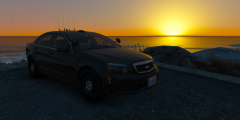 Its been uploaded for an hour
 -
2013 Chevy Caprice - Marked And Unmarked V1.0 Information Optimized for: Police,Police2 Lightbar: Whelen Liberty II, Whelen Inner Edge XPL Special features: Multiple extras that randomly spawn Additional Notes This mod requires ELS-V (Emergency Light System) to work properly. Files Included Extras VCF Vehicle Files Credits
- 41 comments
- 23 reviews
-
-

- 15
-
-
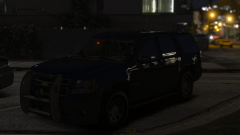
From the album: The Collection
Ready for release. -
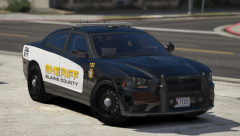
From the album: The Collection
Work In Progress. -
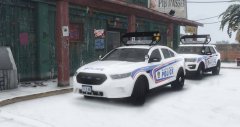
From the album: The Collection
Work In Progress. -
 Do you have a discord or somewhere to get in contact with you?
 -
Just finished up my Toronto pack with arrowboards aswell, these look similar but are they supposed to be fictional?
-
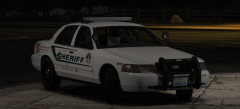 You got a pony on your laptop.
 -
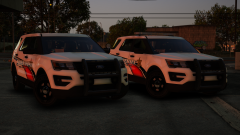 Where did you get that interior equipment?
 -
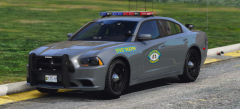 Thought you were gonna scale those rambar lights.
 -
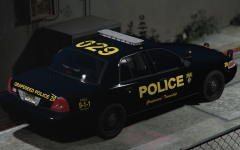 Nice and simple, keep the skin how it is. Im not sure about the slimlighter though.
 -
-
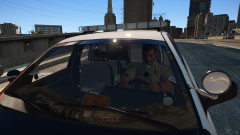 I like it! maybe scale the laptop up a little though.