


SCPDUnit23
Members
-
Joined
-
Last visited
Everything posted by SCPDUnit23
-
 Thanks for reporting! I'll see if the VCF needs to be revised and if necessary re-uploaded as a fix.
- 55 comments
- 9 reviews
-
-

- 1
-
-
That is weird. It works on my end perfectly for both cars. Try this: Open your CVPI's VCF file with a text editor. Scroll down til you see <ArrowboardType>. Make sure it is set to the following: <ArrowboardType>boot</ArrowboardType> Save it and lemme know if it still works.
- 55 comments
- 9 reviews
-
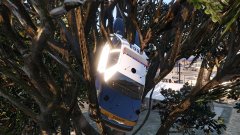 "Uhh Sarge I can explain..."
 -
Have you tried using Alt + [ to raise the arrowboard? Make sure you're using the CVPI's VCF in your ELS folder. The CVPI's VCF is labeled "police3.xml" inside the Ford CrownVictoria's folder. If you placed the CVPI in a different slot, be sure to rename "police3.xml" to its "current slot name.xml". This lightbar does not have rotators. These are LED FedSig Vision Lightbars not halogens.
- 55 comments
- 9 reviews
-
Thanks bro! I love your FedSig Vision lightbar! Fits perfectly with the arrowboard! 😄
- 55 comments
- 9 reviews
-
-
- 1
-
-
The arrowboard itself is attached permanently on the Vic. For now there is no way to remove it in game.
- 55 comments
- 9 reviews
-
Pack 1 contains Valor while pack 2 contains explorer with Valor and the two arrowboard cars.
- 55 comments
- 9 reviews
-
Los Santos Police Department MegaPack by SCPDUnit23. This pack contains 7 vehicles, including: -2011 Ford CrownVictoria Police Interceptor with Arrowboard -2016 Ford Police Interceptor Sedan with Arrowboard -2012 Dodge Charger Pursuit -2016 Dodge Charger Pursuit -2016 Ford Police Interceptor Utility -2016 Chevrolet Tahoe PPV -2014 Chevrolet Caprice PPV Templates has been provided if you want to create your own liveries. Important Note: Do not use the Rockstar Editor when the Arrowboard is raised. Editing scenes when the Arrowboard is raised will crash your game! Make sure to record with the Editor only when the Arrowboard is in its lowered or stowed position as this prevents the game from crashing when editing with the editor. Disclaimer: Please do not redistribute and reupload this pack to any website or any other sources, including models, screenshots, and liveries without explicit written permission. You are free to use this for FiveM or any other multiplayer servers (except GTA Online). Installation: 1. Use OpenIV and install the car mods to mods\update\x64\dlcpacks\patchday18ng\dlc.rpf\x64\levels\gta5\vehicles.rpf 2. Drag and drop the VCF ELS XML file from the archive to Grand Theft Auto V\ELS\pack_default folder. THIS IS NECESSARY FOR THE ARROWBOARD TO WORK! 3. If the lightbar does not seem to be flashing, set the diffuse tint value to <diffuseTint value="0x00FFFFFF" /> in whatever car slot you replaced in vehicles.meta file (You may need to do this for police4, fbi2, and sheriff2). 4. The Ford Explorer has modified properties in vehicles.meta so the car handles correctly. See instructions in the car folders for installation. Using the arrowboard: To raise/stow the arrowboard, press Alt + [. To activate/deactivate the arrowboard lights, press K (secondary lights). To change the direction of the arrows, press Ctrl + P to bring up the ELS Control Panel, scroll to the next pattern by pressing "i" (or Alt + i to scroll back to the previous pattern). If bugs are found, please report them as soon as possible! Credits: Special thanks to @RoyceTheFox and @Giordano for taking these awesome screenshots! 2011 Ford CrownVictoria: -2010 Forza CVPI Base Extracted by DMN -Optimized, Converted, Textured and stuff by Thehurk -Realisim Edits and more optimization by Lundy -Major support with screenshots, feedback, IRL pictures, etc by Steinberg, Lundy, Problematic, and Taylor Swift -Steelies and tires by Carper -Hubcaps and tires by Carper 2013 Dodge Charger Pursuit: -Converted from Forza Horizon -Converted and textured by Thehurk -Converted to PPV by Thehurk -Templated by Thehurk -Taillight textures by Five0 2016 Ford Explorer PI Utility: -Ford explorer Base model purchased by Thehurk, GTAxB0SS, Requiem and Windows446 -Poly Crunched by Thehurk -Textured and Converted by Thehurk -Textures by Taylor Swift and Thehurk -Rims by GTAxB0SS -Interceptor Hood text by GTAxB0SS -Interior purchased by TrentMU and FRGamer -Ecoboost and Rear Police interceptor text by Jasonct203 -Converted to Police interceptor by Thehurk -Templated by Thehurk 2016 Chevrolet Tahoe PPV: -Orignal suburban Scratch modeled by Shadydk311 -Converted and edited to V by BritishGamer88 -Converted to Tahoe by Thehurk & Allaboutk9 -MAJOR edits by Thehurk -Convert to PPV By Thehurk -Rims purchased by Him1250 -Normals and wireframe fixed by Thehurk -Textured by Thehurk 2016 Dodge Charger Pursuit: -Base model extracted by DMN from Forza Horizon 2 -Converted and textures by Thehurk -Converted to PPV By Thehurk -AWD Rims scratch modeled and converted By RoegonTV -AWD Logo by IronicRainbow 2016 Ford Police Interceptor Sedan: -2010 Ford Taurus SHO by Turn 10 Studios, modified into 2016 Ford Taurus Police Interceptor by OfficerUnderwood -Rear bumper, headlamps, & dash by be fast, modified by OfficerUnderwood & Carper -Front bumper by Ridgerunner, Grill by Vertex3D, modified by OfficerUnderwood -Chassis parts by Ubisoft, Reverse lights & Gauges by OfficerUnderwood -Rims by BxBugs123, Centercap by Carper 2014 Chevrolet Caprice PPV: -Model bought by Him1250, converted to V by Him1250. -Interior from Forza Motorsport 4; Bodyshell partially remodeled & misc fixes by TurtleGod3000. -Polyfilling by Him1250; Rims by Bxbugs123. Liveries: -Based off from the LAPD from The Crew game (and not the actual LAPD) -Designed by SCPDUnit23 Lights: -Arrowboard rig and hydralics by The_Unknown_One -LED Arrowboard sign by 72will -FedSig Vision SL: -Lightbar made by F5544 -Light Modules made by Black Jesus -ELS Conversion + Preparation by TheRecluseGamer -FedSig Valor modeled by Twurtleee, textured by NyDelta and Twurtleee -Whelen Ion scratch modeled by Five0/OfficerFive0, converted to gta 5 by Five0/OfficerFive0 -Dual/Single Dashlights Modeled and converted by Bueno Parts: -Dell Latitude 6420/30 ATG 1.0.0 by OfficerUnderwood -Laptop Stand by HDgamerzPC -Watchguard 4RE HD Dashcam by HDgamerzPC -Turtle Console by Twurtleee -Decatur Genesis I scratch modeled, textured, and converted to GTA V by HDgamerzPC -Decatur Genesis II Select scratch modeled, textured, and converted to GTA V by HDgamerzPC -Decatur Dash Mounted Radar scratch modeled, textured, and converted to GTA V by HDgamerzPC -Setina Proguard Cargo and Prisoner Partition by Vertex3D -Antennas by Raptor2000 -Caprice console and radio by majorpaine2015 -ALPR system converted and textured by MrPotato, textures by bxbugs -Spotlight model provided by Cyrax on gamemodels.ru, converted and edited by Black Jesus -Go Rhino Rambar from CYNAX on gamemodels.ru, converted and edtied by Black Jesus Misc: -License plate texture by TheBlackGamer4Real
- 55 comments
- 9 reviews
-
-
- 14
-
-
Wow this thread is dead. Anyways massive update in case if you aren't following gallery. LSPD Pack is due to release sometime this or next week. Credits to @RoyceTheFox and @Giordano for the screenshots!
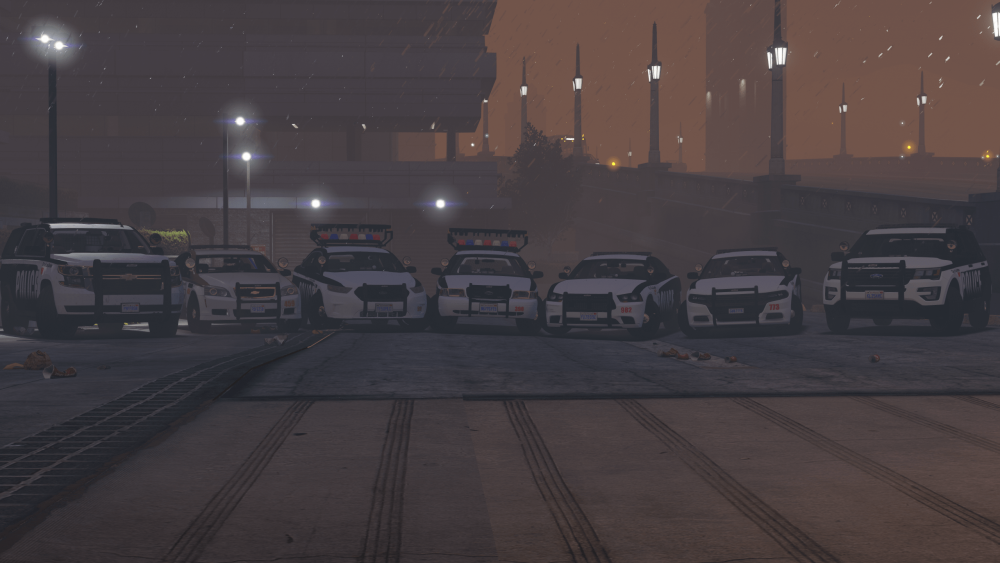

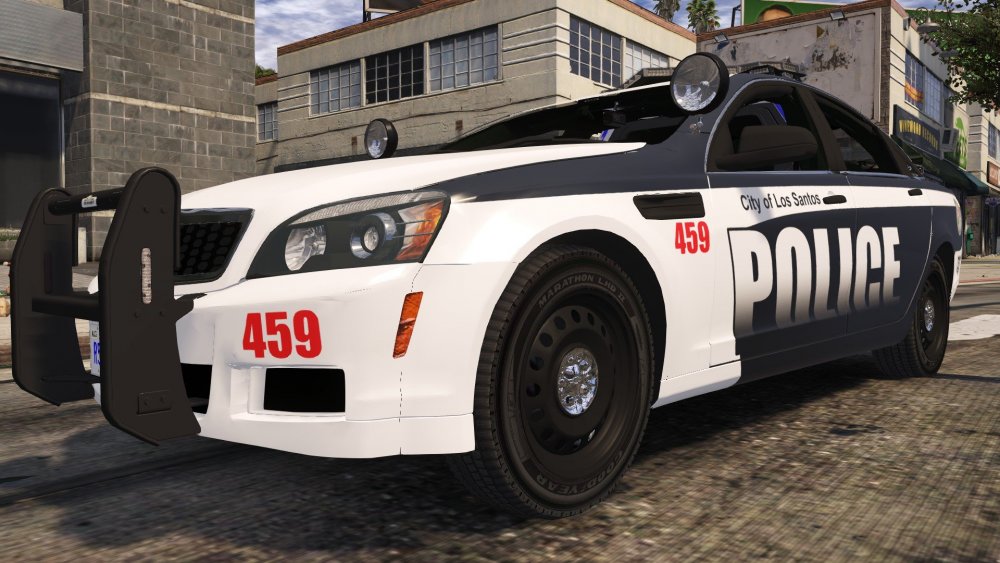
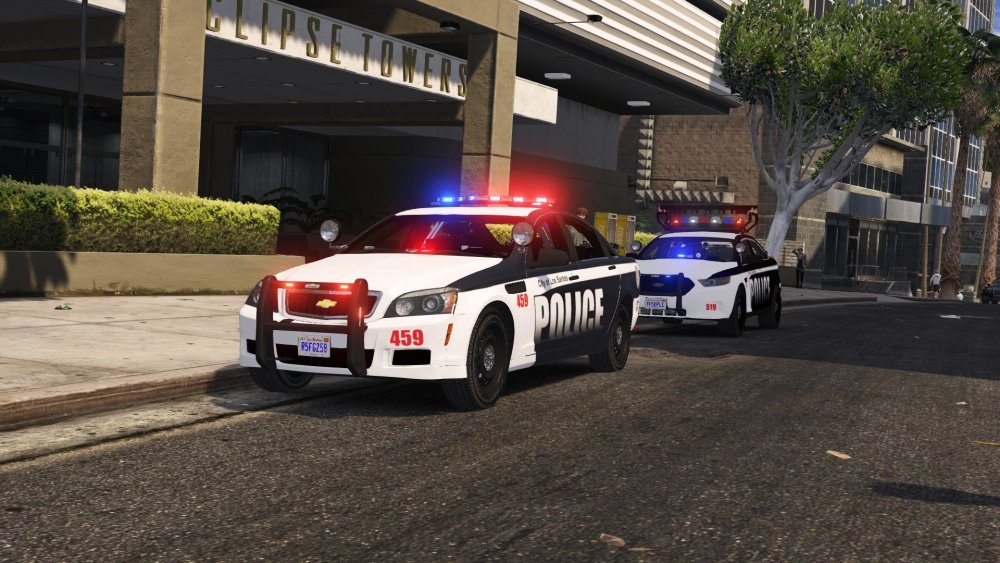
-
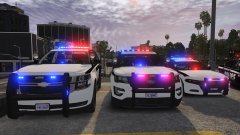
From the album: GTA V WIP
Credits to Giordano for the screenshots! -
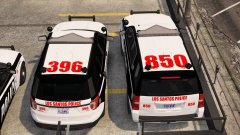
From the album: GTA V WIP
Credits to Giordano for the screenshots! -
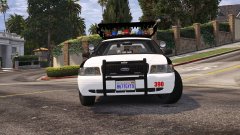
From the album: GTA V WIP
Credits to Giordano for the screenshots! -
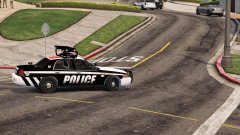
From the album: GTA V WIP
Credits to Giordano for the screenshots! -
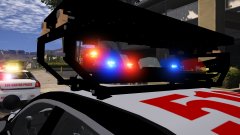
From the album: GTA V WIP
Credits to Giordano for the screenshots! -
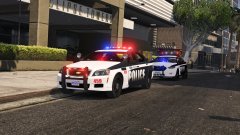
From the album: GTA V WIP
Credits to Giordano for the screenshots! -
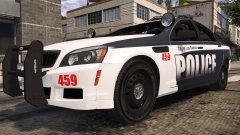
From the album: GTA V WIP
Credits to Giordano for the screenshots! -
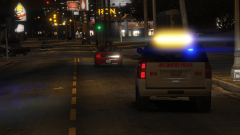
From the album: GTA V WIP
2016 LSPD Tahoe Credits to Royce for screenshot! -
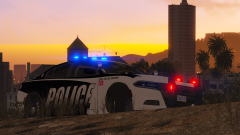
From the album: GTA V WIP
LSPD 2016 Charger Credits to Royce for Screenshot! -

From the album: GTA V WIP
LSPD 2016 Ford Police Interceptor Utility Credits to Royce for screenshots! -

From the album: GTA V WIP
LSPD 2012 Charger Credits to Royce for the screenshot -

From the album: GTA V WIP
Project Overhaul is releasing soon! Credits to Royce for the screenshots! -

From the album: GTA V WIP
Project Overhaul is releasing soon! Credits to Royce for the screenshots! -
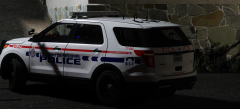 Durham Region- srry I mean Los Santos Regional Police Explorer that definitely America and not Canadian. Nice! 😄
 -
Screenshot your list of materials. It might be an error trying to import a shader material.
-
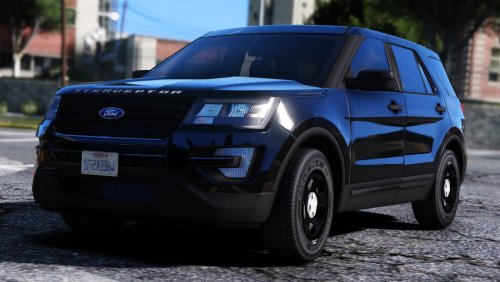 Hey man. I just wanna give you the biggest thank you for creating these awesome dev models! Without it I would prob not have released my first police pack for GTA V. Biggest thanks from SCPD and cheers!


