

Lendercl
Members
-
Joined
-
Last visited
Everything posted by Lendercl
-
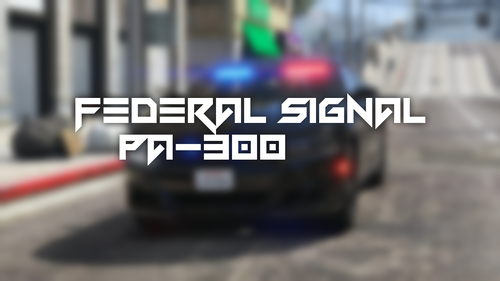 This was the first siren i ever made, before the famous Touchmaster delta siren. When this siren first released it had loop issues that i never got around to fixing until today. So im releasing the Remastered version. Keep in mind the video is Outdated as im working on getting a new one made at the moment. If you arent a fan of this siren check out my most popular siren here!
 -
Federal Signal PA300 UPDATED! I updated the siren and it sounds way better to me.
-
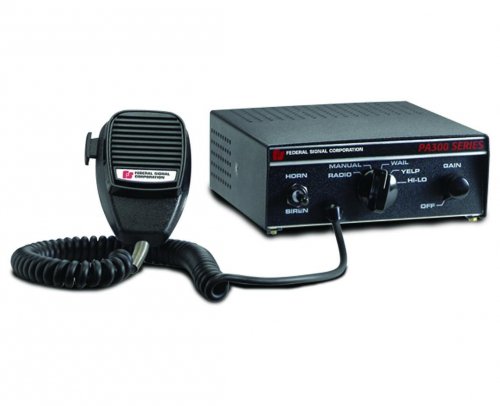 I could not find a good source for the priority.
 -
The preview is of version 1.0.0, The current version is 1.5.0, I use FRfuel in my fivem server. Thanks!
-
I would love to see you awesome people using the siren in their LSPDFR/FiveM videos! If you do be sure to send me the link! Sorry about the spelling mistake in the changelog
-
I will take that into consideration! Thank you
-
Hello my name is Lendercl, after lots of testing slight adjustments and excitement i'm proud to release my first siren! Since this is my first sire please don't yell at me for the smallest errors. Preview: Thank you for taking a look at my post -Lendercl DO NOT REUPLOAD WITHOUT MY PERMISSION!