Officer Redden
Members
-
Joined
-
Last visited
Everything posted by Officer Redden
-
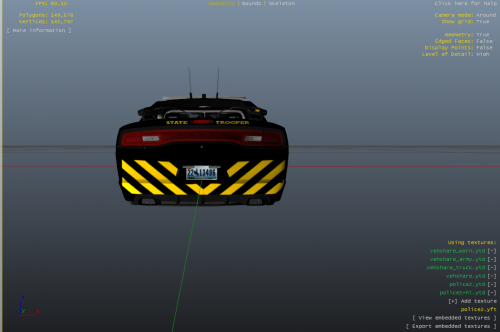 Import it into the police2.ytd or replate the exact named file! Vehicle:
 -
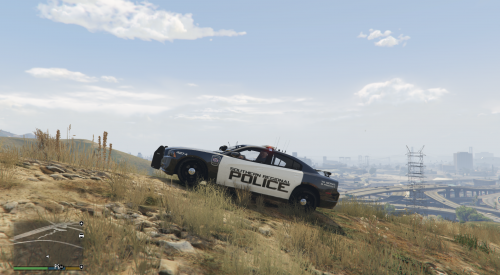 Instructions: Once in OpenIV, proceed to find the 2 blue papers with a magnified glass Icon In the taskbar. Next search 'police2', a result should have a file path that says in the line dlcpacks>bxchgr2. Open the police2.ytd file, Scroll down on the left side to find chrg_sign (Recommended)Delete every chrgr2_sign except chr2_sign_1 if you wanna not have to find the skin everytime After you have your selected chr2_sign, make sure you're in edit mode or it will not appear, hit replace in the top right and find the file you downloaded and select it. Congrats you know have a skin installed! What's Next?: Currently trying to make more police skins such as the SRP Explorer! Required:
 -
I fixed the Folder issue, but the ELS is still not working properly.
-
Yes I Do
-
The problem is soon as I change it the launcher forces me to reinstall it.
-
I've set it to 50, the same thing is still happening.The XML files are placed in the pack_default folder and the main ELS is in my main directory along with the ELS.asi file as well. I've restartewd my PC after reinstalling Open IV ASI Loader,OpenIV,CameraV. I've had it working before but all the sudden it broke. The lights stay stable and not even in a proper pattern, the panel doesn't even come up when I press CTRL + P.