
Moonah
Members
-
Joined
-
Last visited
Everything posted by Moonah
-
Thanks so much man!
-
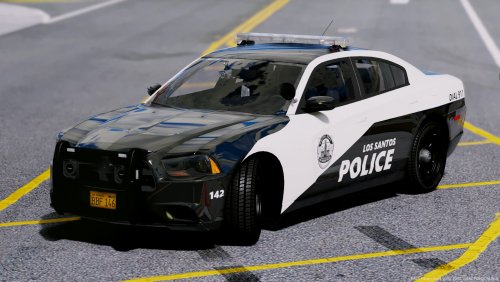
Looking to replicate this livery into a "pack" any ideas, what IRL department this livery is based off of? Thanks.
-
Sadly, you're right. But it's possible, and little people understand the hashes involved, hopefully someone can help though!
-
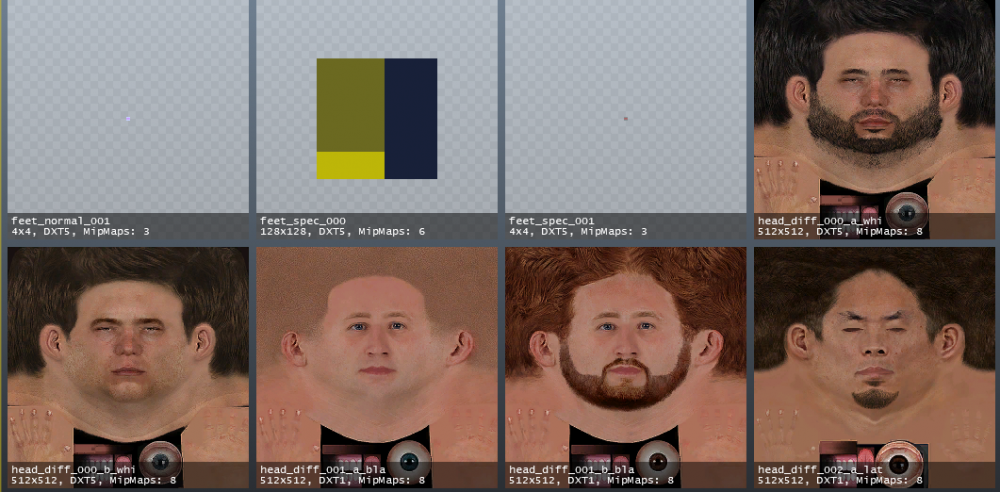
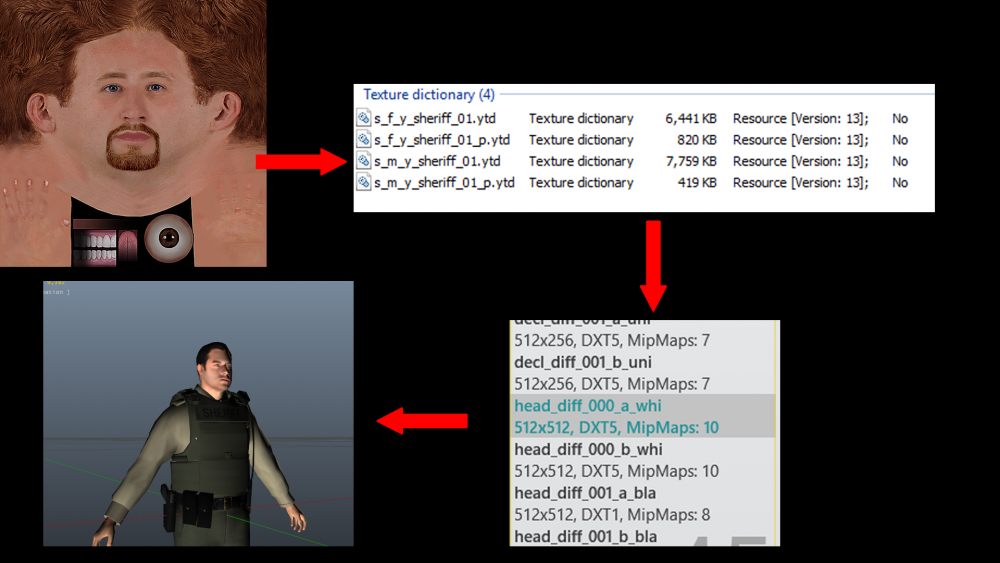
So recently I've made new peds, and with the original .ymt files. There is only 2 drawable options for each "White, Black, and Latino". I'm looking to add more variations to each ped, at least 6. If anyone can help me out, be greatly appreciated, thanks! (I've looked at .ymt file in notepad++ and know which one the head section is, just getting confused on how to duplicate more options.) You can see the original "head_diff_000_a_whi and head_diff_000_b_whi". I want there to be "head_diff_000_a_whi, head_diff_000_b_whi, head_diff_000_c_whi, head_diff_000_d_whi, etc.) Same goes for "bla and lat". "
-
So, I've been playing with Zmodeler3 for about month now. Recently, I had started working on vehicles for (NON ELS, yes I know. But I play on a FiveM community so these cars work fine.) Everything looks fine when imported/exported in Zmod3/OpenIV. But when I export sometimes I get an error stating "missing required texture "rim_reflection.dds". I've looked in the original (Vehshare, Car textures, and every texture that I've added to the car and "nothing".) I've googled it and still nothing, posted on Zmod3 forums, still awaiting a response from there. But I legit have no clue on how to fix the issue, any help would be great. I don't know If having that error keeps causing my "FiveM" to crash but every time I load in my car resource I instantly crashed. Thanks. "Error" - https://gyazo.com/2eea6f43348a5d20a12a59f41681de14
-
Thanks, I figured the exporting out, now just stuck on the "Binding part".
-
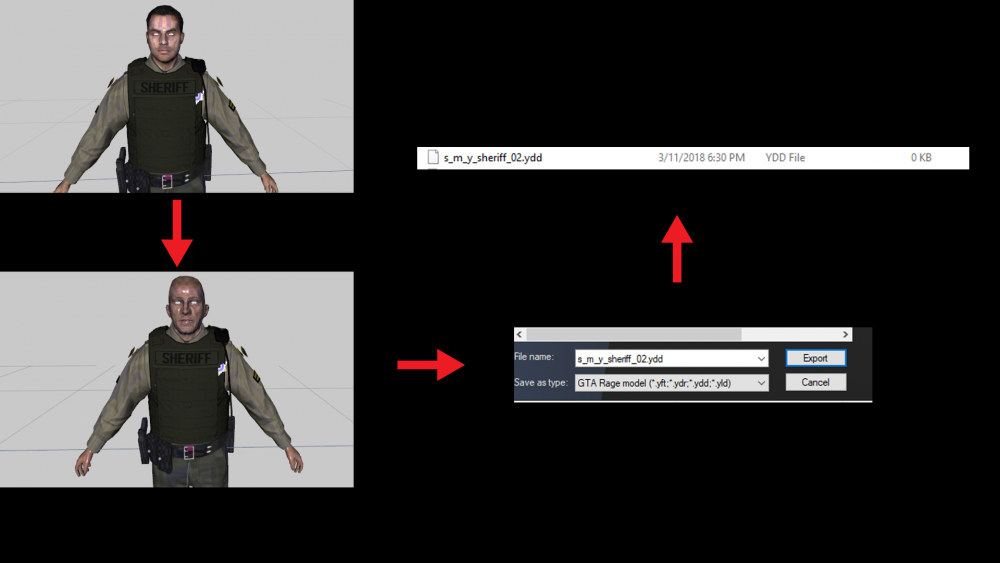
So I've been dealing with ped textures here the last couple months. So last night I decided to download "Zmodeler3" and try out the "15 Day Free Trial". So I started diving into swapping out ped models. I watched what little tutorials there was on Zmodeler3 dealing with peds. Here I've imported "S_M_Y_Sheriff_01.YTF then I imported in "S_M_Y_Sheriff_01.YDD". So everything is good so far. So I import the "S_M_Y_Hwaycop_01" ped, everything aligns up, so I don't have to readjust anything. I basically just "unclick" all the "components" on the Hway cop, except the head. Then I "unclick" all the head components on the Sheriff Ped. Leaving me with all the Sheriff features with the one "Hway cop" ped. So after that, I export it as a .ydd file, but nothing shows up in the file. (The overall goal of this, is to replace all the "Sheriff" ped models with the "Hway" ped models.) Please, any help, I really want to get this down. Contact me on (Discord) Moonah#6850 if you want to voice/chat on fixing the problem, If it can't be fixed here, thanks.
-
Hey, what's up guys. So I've been messing around with peds for a few months now. I've been wondering how to add different ped models to ped packs. One that i'm working on right now is Yard1's LSSD enchaned deputy pack. I'm trying to add the hway cop ped models to the pack aswell. I'm stuck on what to do, any one that can help? Thanks. (I don't want to lose the other peds in the pack, I want to keep the LSSD peds, but want to be able to add as many different peds from other packs into the one pack.)
-
-