
upuu
Members
-
Joined
-
Last visited
Everything posted by upuu
-
It worked! Thanks so much, I wasn't expecting a response!
-
Thanks for the quick response! How should I go about reverting it? I don't want to revert to my previous backup as that will completely change my game. Do you know of a pastebin of it where I can replace it with the default values?
-
Yeah, I believe I did for a Bearcat that took up the Riot slot. Is that relevant to my problem and should I delete it?
-
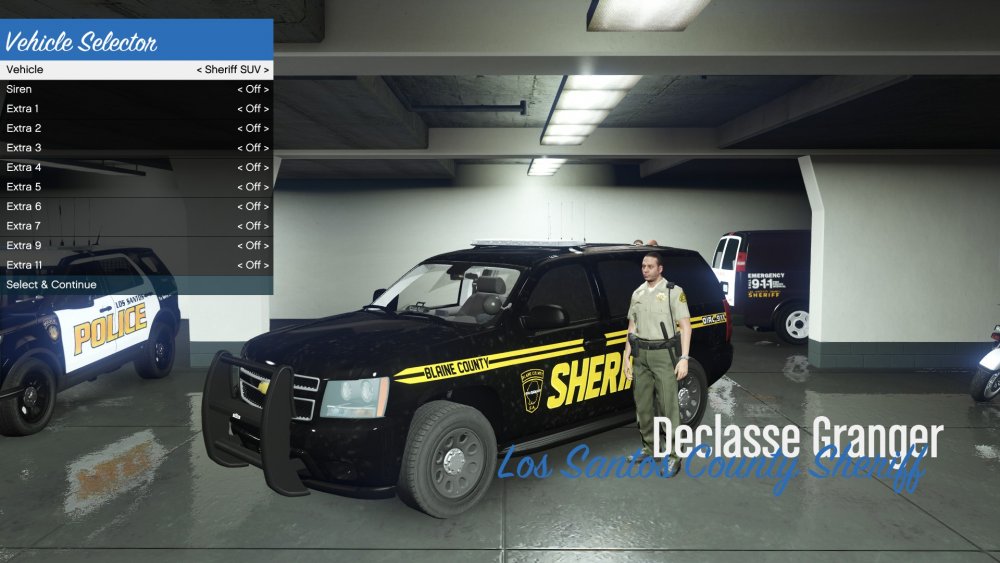
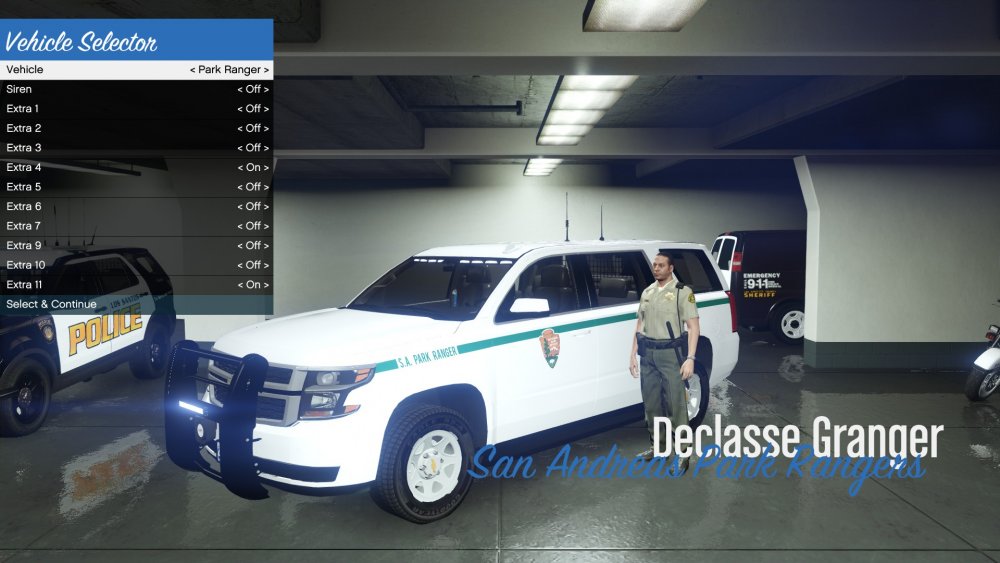
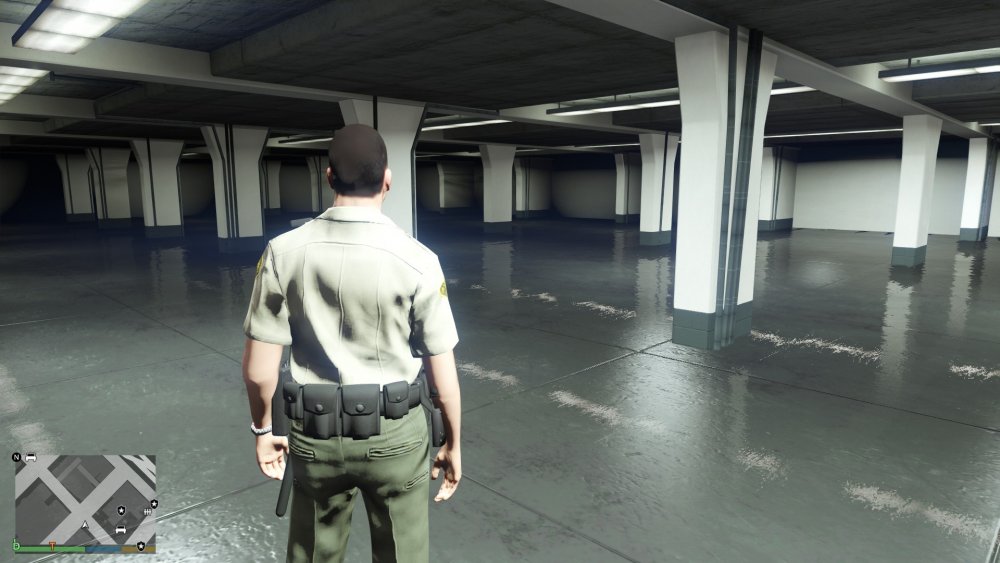
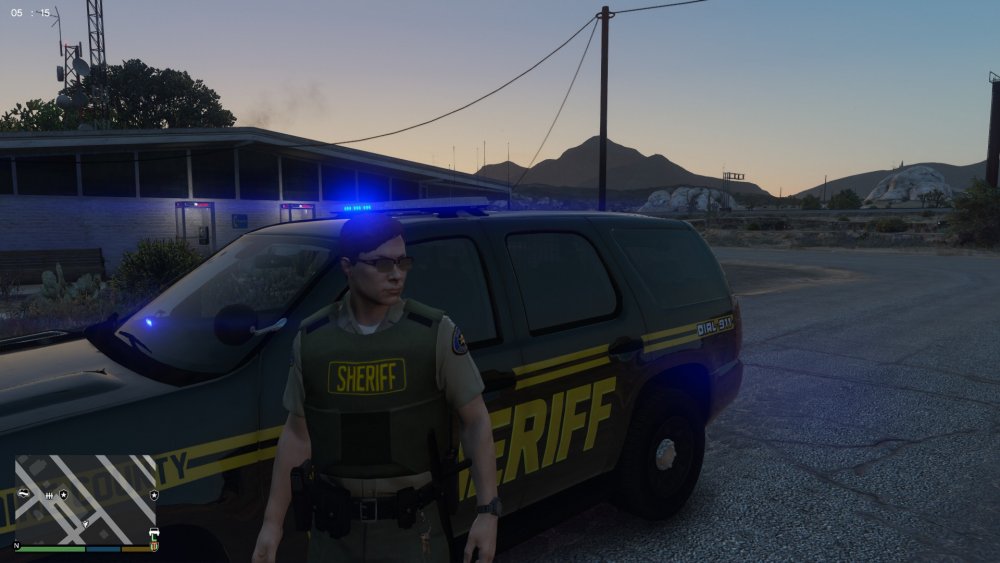
Hi LSPDFR, My game has been crashing whenever I attempt to enter my modded Sheriff SUV (Tahoe from THIS pack) and my Park Ranger SUV (This Model). When in the selection garage, unlike all the other vehicles, my character spawns outside the SUV, and not inside like the rest. It will still let me select and continue with the SUV, but when I spawn in I spawn in the actual garage, where it is completely empty. When I use my trainer to teleport back to the streets and I spawn the SUV myself, the game crashes. LOG FILE (In this specific run, I used the sheriff SUV and my game crashed.) If you use ctrl-F and search for sheriff2 (the model I used), you'll see that these lines regarding the vehicle is present: Also, I've noticed that this person had the same issue as me, but the thread didn't come to any conclusions on a solution to this problem. I'd really appreciate your help LSPDFR community, and I am sorry for poorly phrasing this question. Provided below are the subsequent events that lead to the crash, in the same chronological order as what I stated in the paragraph at the top. jj Edit: The same issue is present with the FIB SUV, so it must be an issue with all of the Grangers.