
Jmannnn
Members
-
Joined
-
Last visited
Everything posted by Jmannnn
-
 luv seks
 -
 luv seks haha
 -
-
-
-
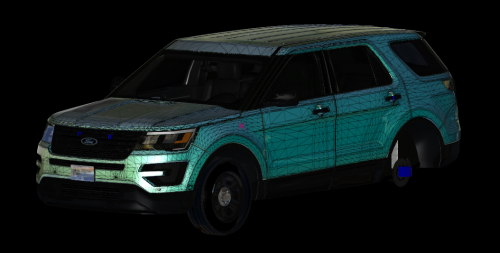 Amazing.
 -
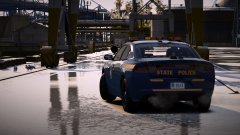 Lmao then don't get mad when he critiques a model that you've posted a picture of. Lose the hubristic attitude and just tell him that it isn't your model, so he doesn't continue to comment on the inaccuracy of the model.
 -
Who's model is it? And, did you think maybe you should have told him the it was not your model when he commented about the interior?
-
He is only commenting for the betterment of Pavy's models.
-
-
-
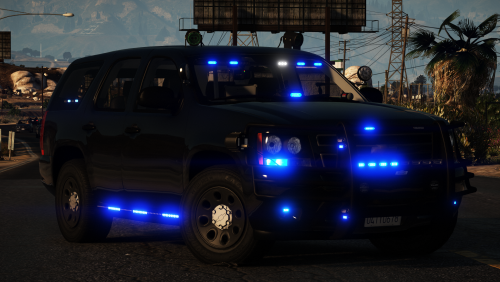 Or go into your vehicles.meta in Grand Theft Auto V\update\update.rpf\common\data\levels\gta5 then search up sheriff2 and find <diffuseTint value= and replace it with <diffuseTint value="0x00FFFFFF" />
- 33 comments
- 34 reviews
-
-
-
-
 Or, some people just simply don't like the livery change, and preferred the previous livery.
 -
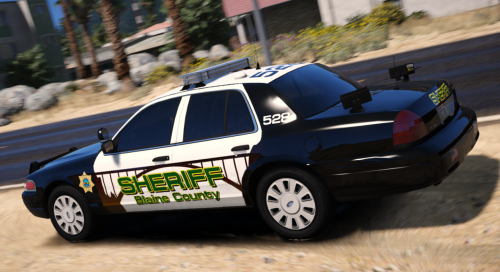 Very cute indeed, Mr. EMT
 -
I would recommend plugging the laptop into a wall socket when gaming. Your laptop's battery is not going to be able sustain the amount of power the CPU and GPU want, and of course when you're gaming or doing a more strenuous task on said laptop your laptop's CPU and/or GPU will want more power than say just browsing the web. So, instead of playing with only the battery connected you're going to need to plug the laptop into a wall socket with the charger.
-
-
 You're so hot, Rob.
 -
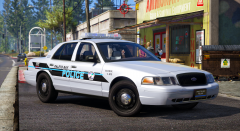 Damn I like that.
 -
Bye loser. Jk love you no homo.
-
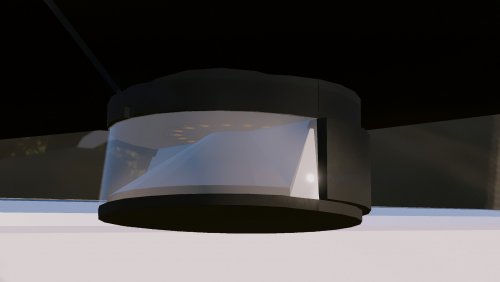 This is awesome!
 -
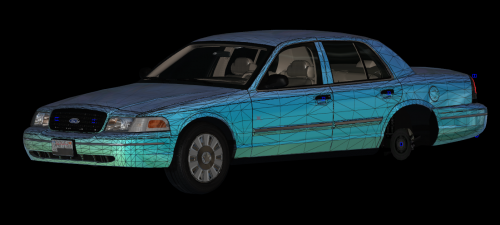 Amazing!
 -
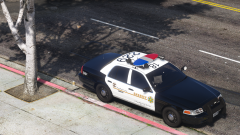 Pussy Girls United :(