DannyLL
Members
-
Joined
-
Last visited
Everything posted by DannyLL
-
-
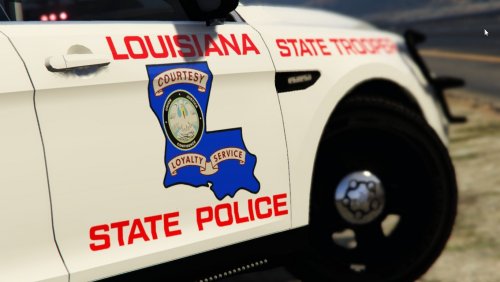 Finally! An LSP texture! Fellow Louisianian here, and these textures are just about spot on. State troopers here only use the Tahoe and the Crown Vic, but I like the variations for the other vehicles. Id love to see a skin for different parishes as well, Especially the Baton Rouge Police Dept. Their new vehicle skins would look great in game. Great job!
- 1 comment
- 1 review
-
-

- 2
-