


stinkace2
Members
-
Joined
-
Last visited
Everything posted by stinkace2
-
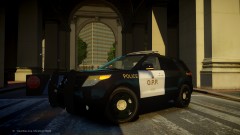 wow didnt think posting a pic of a WIP would cause this much drama, sorry guys
 -
From the album: GTA IV
Current WIP at Mike Oscar Modding Group -
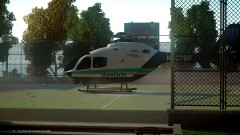
From the album: GTA IV
Bayflite helicopter taking off with patient on board, taking off from a basketball court, only clear and flat area to land -

From the album: GTA IV
Tarpon Springs Fire Dept Engine 69 skin by bonehead -
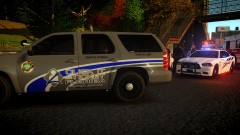
From the album: GTA IV
Tarpon PD got a call of a single vehicle MVA, Tarpon Fire was first on scene and began treatment, ambulance arrived shortly after and transported patient to local hospital -
-
-
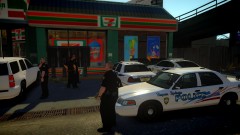
From the album: GTA IV
Tarpon Springs Officers meeting up for a short break on a busy day. Stopping at the local 7-11 for free drinks! -
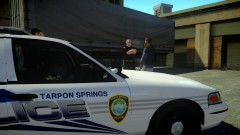 thanks man all cars and uniforms are from my local dept, all cars are 100% accurate to what is actually used
 -
From the album: GTA IV
Tarpon Police questing a suspicious person outside a business officer doesn't look to happy with him.. -
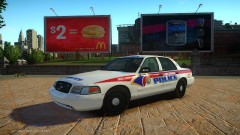
From the album: GTA IV
Skin by bonehead soon to be released! -
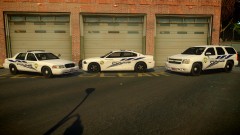 The cv in the picture will be released when beta testing is over in a lcpd pack by XBR410. The others are for private use only.
 -
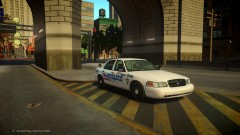
From the album: GTA IV
setting up radar coming off bridge -
From the album: GTA IV
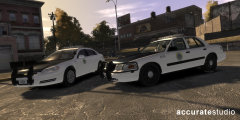
Tarpon Springs fleet almost done! Tahoe 100% correct to real life made by XBR410 Charger 100% correct to real life made by JokerMods CV in picture made by XBR410, a accurate one is WIP none are available for download -
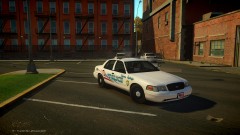
From the album: GTA IV
Tarpon Springs old school skin made by bonehead! -
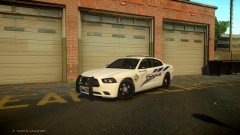
From the album: GTA IV
Tarpon Springs Charger custom made for me by JokerMods! -
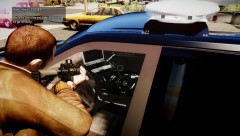 that console looks sick!!!!!!!
 -
 hahaha that was just on the other day!
 -
wow those look really good!
-
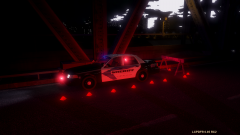 that id pretty cool how did you do that?
 -
Does anyone know on bxbugs 2008 tahoe template where the mirrors are at? Im trying to make them black, but right now half is white and half is black plastic. thanks guys sorry if this is in wrong section
-
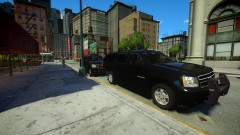
From the album: GTA IV
made by J.J Design -
-
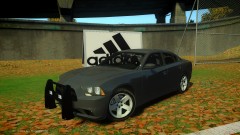
From the album: GTA IV
Apply Today Link removed ~c13 -
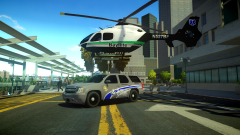
From the album: GTA IV
Skins made by bonehead Tahoe made by XBR410


