


maand999
Members
-
Joined
-
Last visited
Everything posted by maand999
-
I want to solve the problem The problem has six months I want to solve the problem please
-
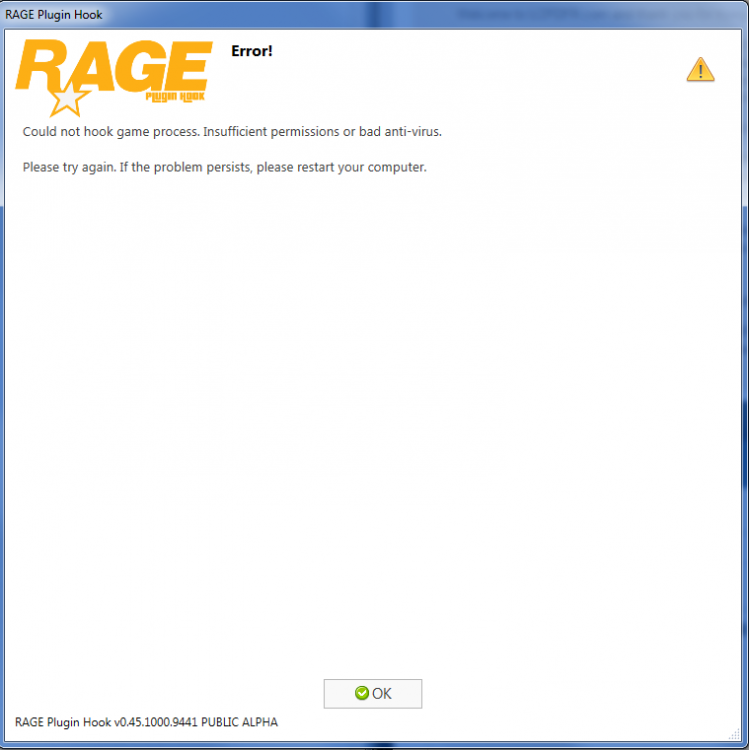
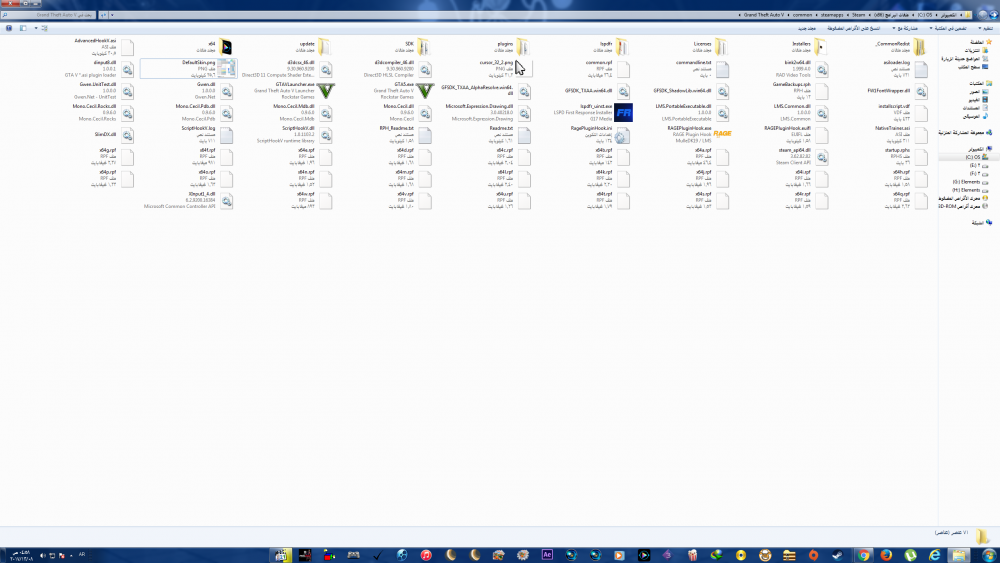
i have the problem here i have the problem here
-
I want to solve the problem please
-
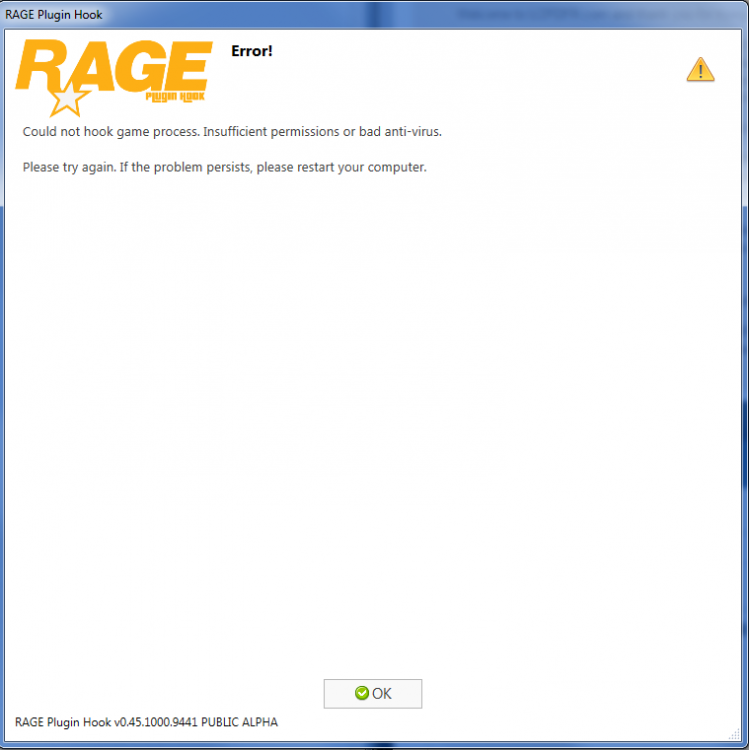
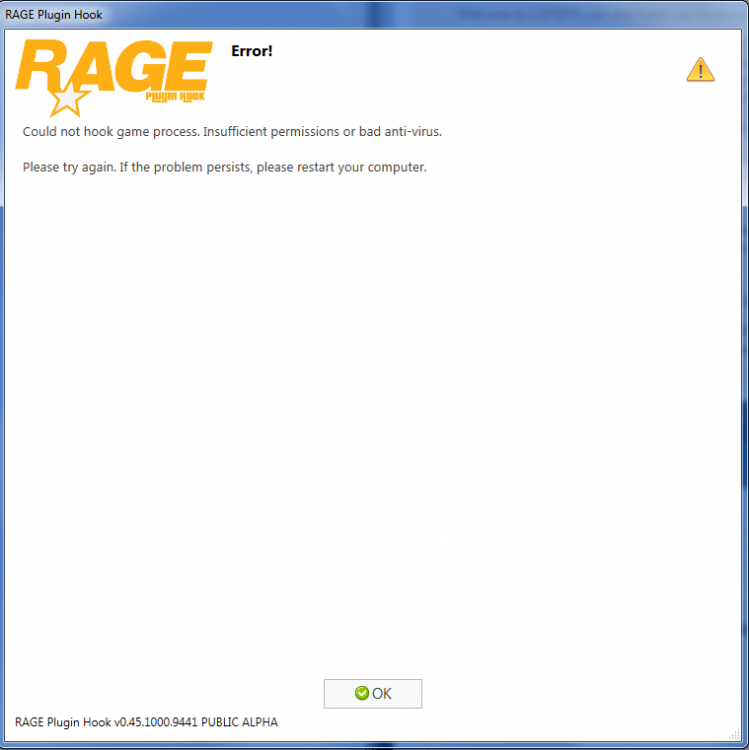
Please, I want to solve the problem I have the message Could not hook game process. Insufficient permissions or bad anti-virus. Please try again. If the problem persists, please restart your computer.
-
Please, I want to solve the problem I have the message Could not hook game process. Insufficient permissions or bad anti-virus. Please try again. If the problem persists, please restart your computer.
-
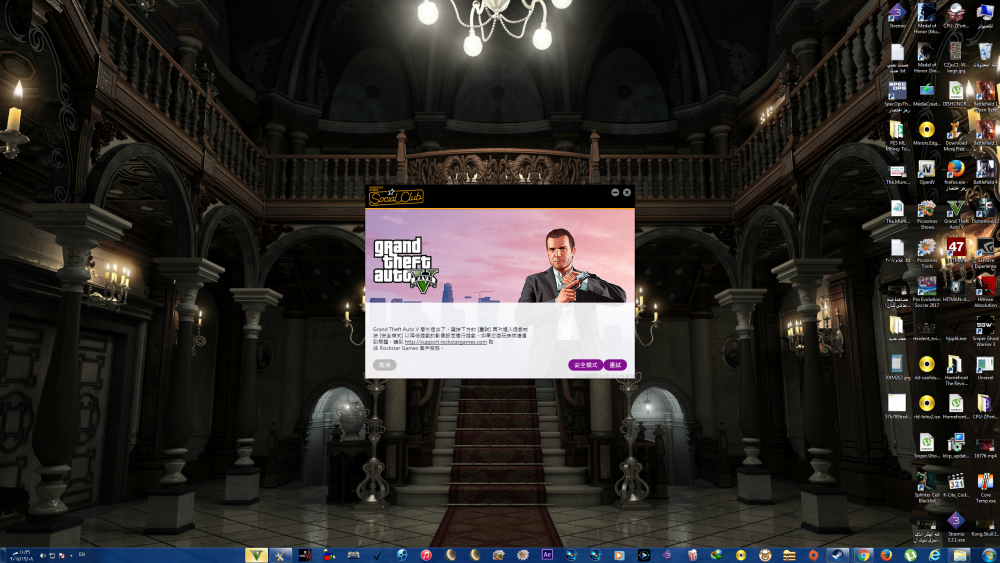
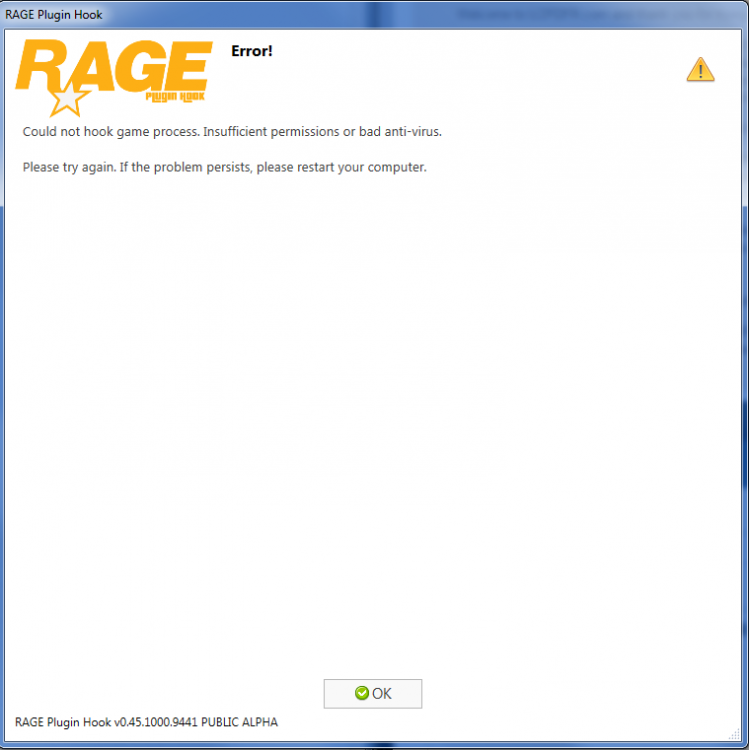
FIX Hello I am haveing a issue with RAGE hook saying could not hook game process.Insufficient permissions or bad anti-virus. RAGE hook loads gta 5 then rage hook say could not hook game process.Insufficient permissions or bad anti-virus.I have included Pics of my Game Directory, Plugin Folder and ragepluginhook could not hook game process
-


