



Sherlockk
Members
-
Joined
-
Last visited
Everything posted by Sherlockk
-
I know, i know. Speechless, right?
-
No, i was meaning in real life. Im pretty sure they only put it one a few tauruses lol
-
I want to know everyone's thoughts on this... interesting video. [not sure if there has already been a post on this, but if so please link it] I just released when the officer gives him the ticket [1:40] it actually says "ticket". Seeing officers do this is too funny!
-
Hype!
-
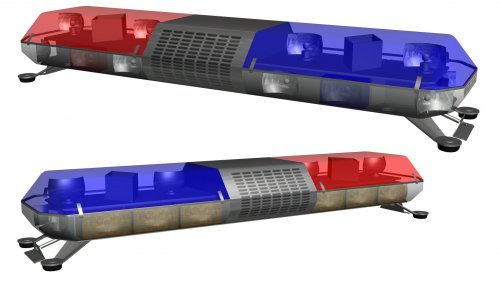 It spawns huge in zmodeler (guessing that means it's really detailed?). How do i scale it down without it stretching and making it all... wonky?
 -
Ill for sure try that, thank you!
-
Just wondering how i open any .wft files in zmodeler3. Messed around with a few things but i still can't figure it out. Thanks!
-
Im pretty sure only for now the Ford Tauruses have that design.. hopefully they put them on the other vehicles soon
-
Everytime i try to merge it. it crashes my zmodeler3. No longer usable i guess
- 13 comments
- 2 reviews
-
Lol i figured it out, it's alt+right click.
-
Im probably being a complete moron right now but how do i look around in 360°? im using my scroll wheel button. (problem at 0:10) https://streamable.com/jk2ab
-
I'm so excited for this! Like super excited! Any release date?
-
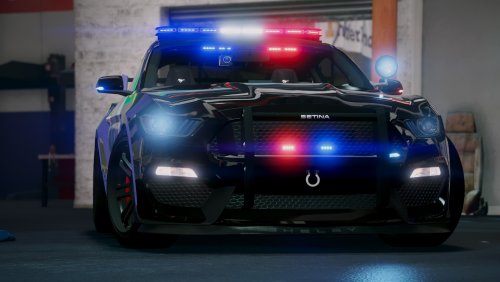 It's probably a V6 and the cop drives with his lights on all the time, yelling out his window that his car is better than everyone else's...
- 82 comments
- 17 reviews
-
Oh my jesus.. please lock this thread @Kallus Rourke lol just imagine it's Jeff Favignano undercover "GTA 5 LSPDFR #287 - Help, I've ran out of ideas"
-
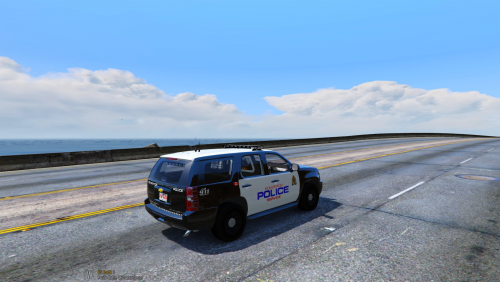 protec n' swerve
 -
I just figured out im a moron and i forgot to set my postFX to high, sorry.
-
So the reason we download RadianceV is for it's beautiful glow off the lights right? Well for me it doesn't work anymore.. it used to but now it's dull. The vehicles i'm using should work and just to be sure I've tried plenty others but they all turn dull. Here's what i mean; In the first photo they dont glow like they used to/should in the 2nd. They're both from the same pack. Any help would be great, thanks guys. Oh and one more thing, im running VisualV (i installed radianceV after installing VisualV)
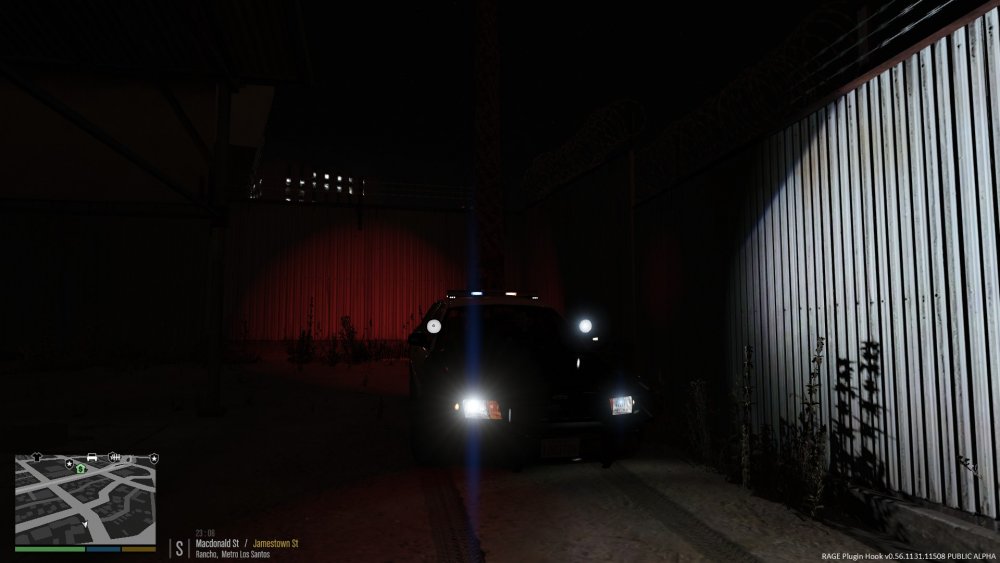
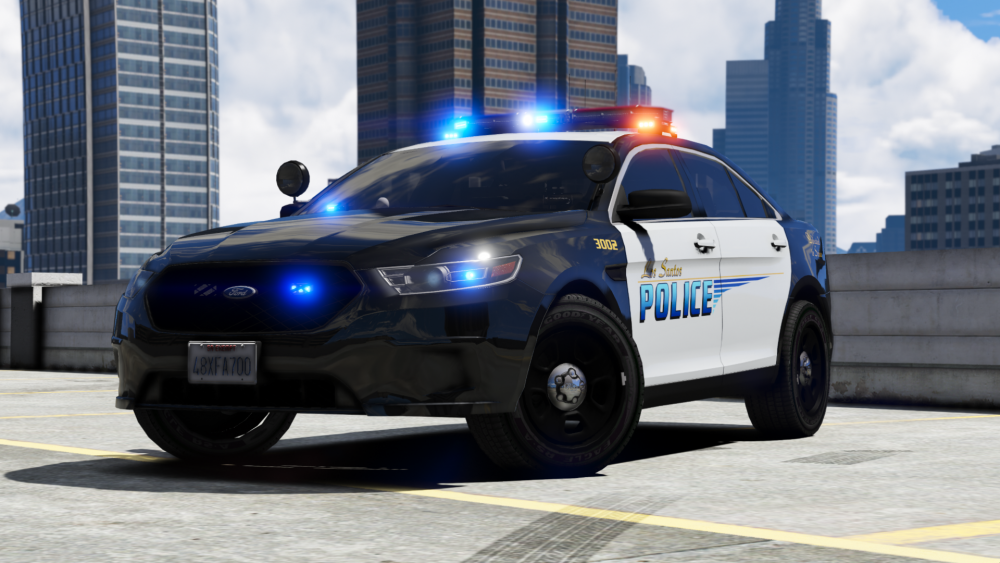
-
Thank you very much, this will probably work!
-
What is the purpose for the reflective decals?
-
With this texture pack you can look just like the Edmonton Police Service! Made for but not limited for these Vehicle Models. Features High quality texture Very symmetrical Looks 99% like the real vehicles Credit Credit for the Crown Victoria, Tahoe & Taurus model go to @t0y Updates Riot truck will be added in the future, I'm currently waiting for permission! Also i have Edmonton Fire & Medical textures coming, I'm waiting for permission on that too. It's not in the screenshots but i added the "Call 911 Emergency" to the Taurus. Now a computer+ texture! **DO NOT RE-UPLOAD THESE TEXTURES ANYWHERE AT ANY TIME WITHOUT PERMISSION FROM ME** For updated to come, follow my twitter @FutureLTN
-
I really like it actually! But yes, the grey does need to be darker (in my opinion).
-
Im currently looking for a siren i can use in game that's high quality and sounds like, or close, to this. Thanks.
-
Im like "Oh cool a fire department charger" then i realise It's a police car, what the HECK?
-
I'm looking for a GTAV version of a helicopter that looks like this one and i'll be able to put a skin on it, i can't seem to find any that look like this one and are able to be edited. Help would be very much appreciated!
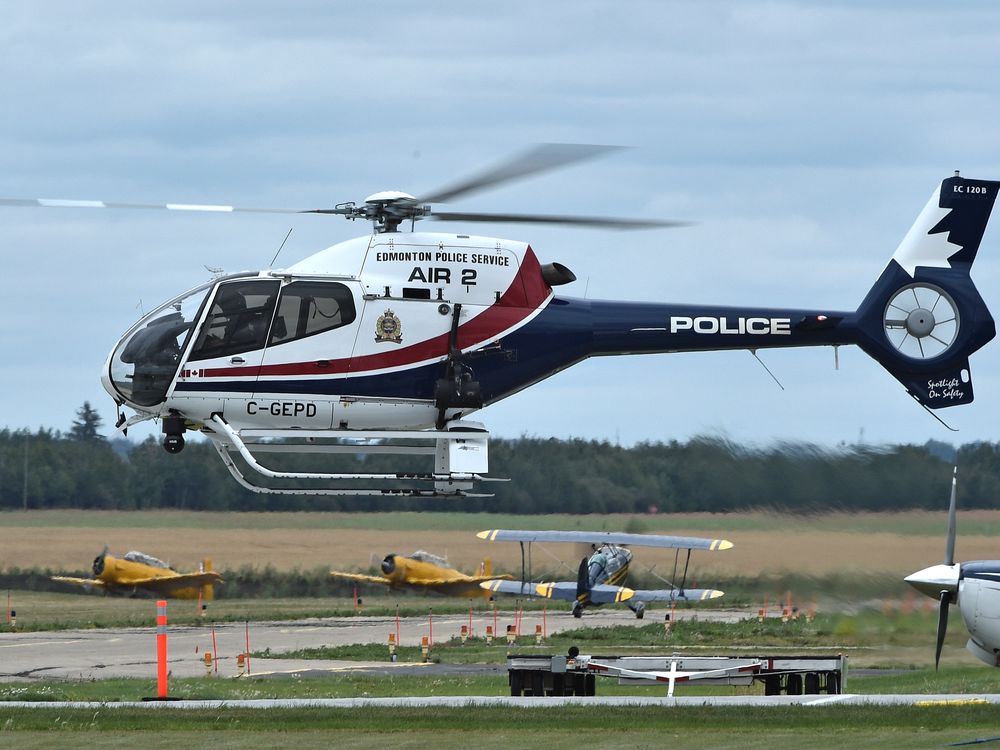
-
It just makes it so it looks armored or thick and bullet proof. What he said




