


DrShrimp
Members
-
Joined
-
Last visited
Everything posted by DrShrimp
-
Oh, I see. If you're trying to turn the siren off while outside of the vehicle, it should be the G key while you are "up against" the door. I'm not so sure if it's an ELS feature, or a separate plugin/script. Personally, it doesn't do that for me.
-
Hello, ELS was designed to be that way. You need to manually disable/turn off the siren before exiting the vehicle, which is down on the d-pad (controller) and "G" on a keyboard. As far as I know, there is no setting to have the siren turn off automatically when you exit the vehicle.
-
I"ve been having multiple problems with GTA recently, and online solutions don't work. Here is a screenshot: The same error occurs when I haunch it from GTAV.exe I launch it from my game folder, but when I launch it from my desktop, nothing happens; The game doesn't open at all.

-
-
-
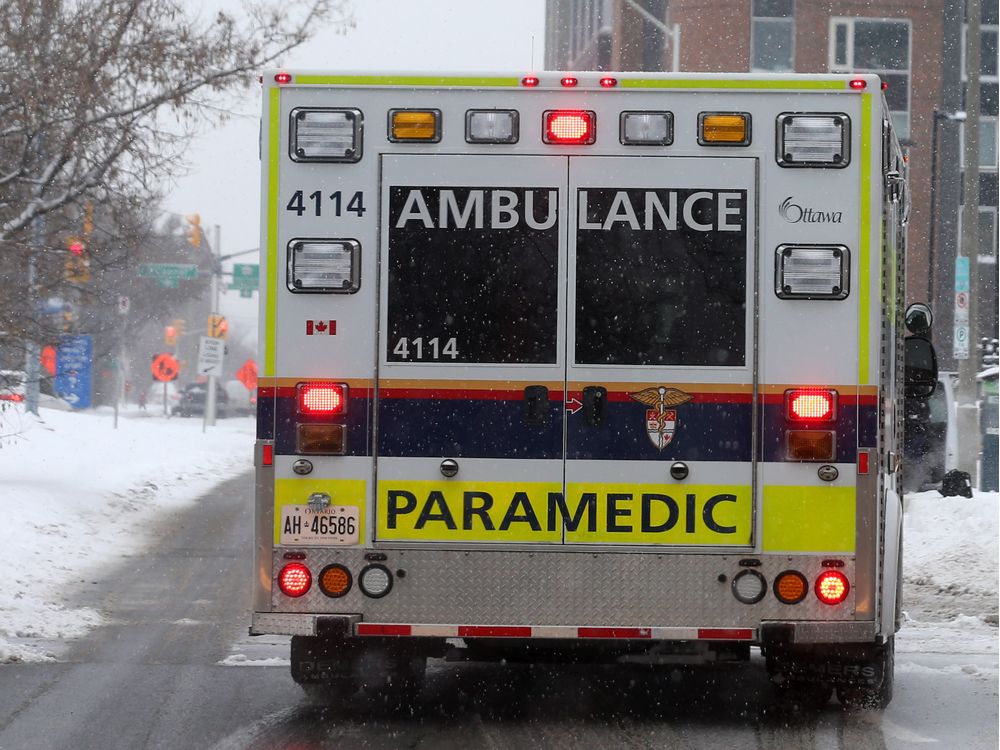
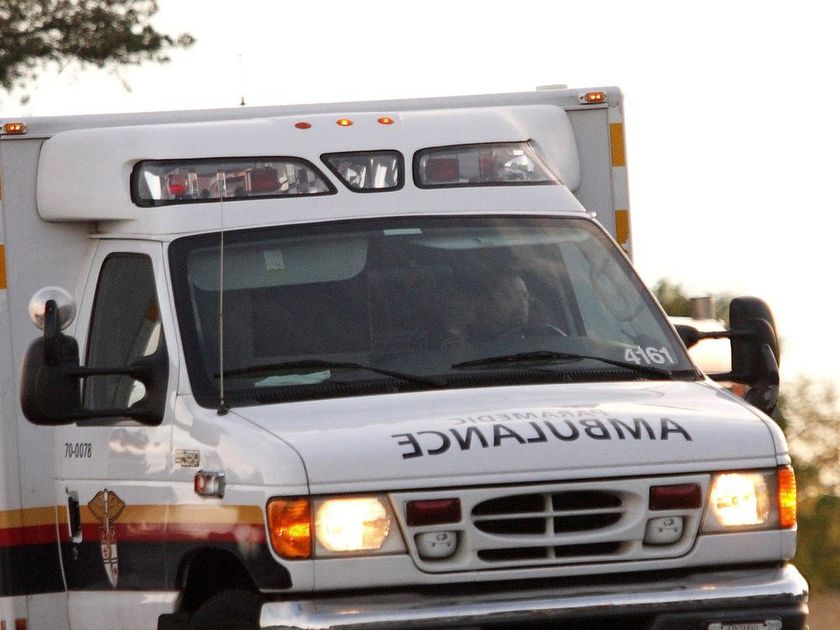
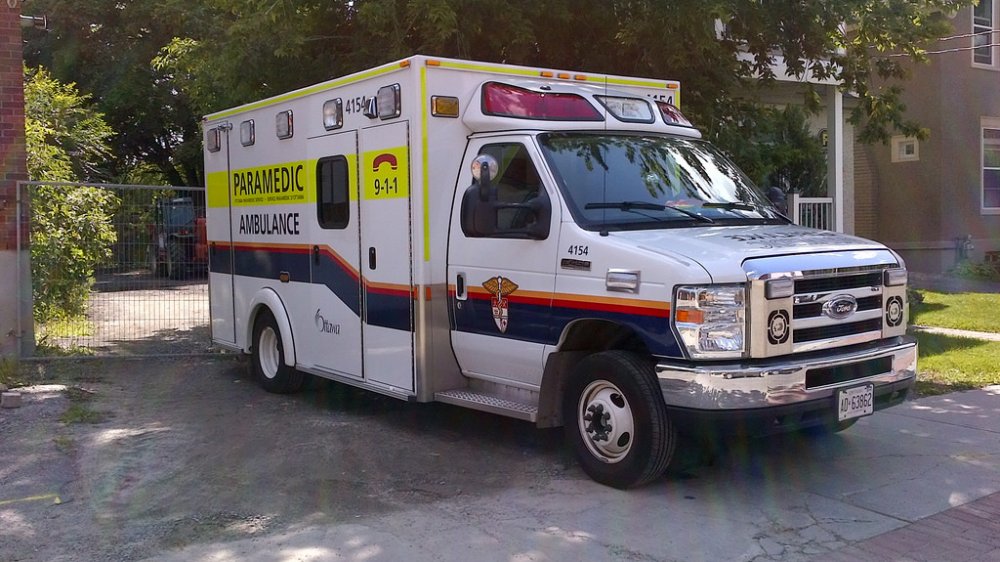
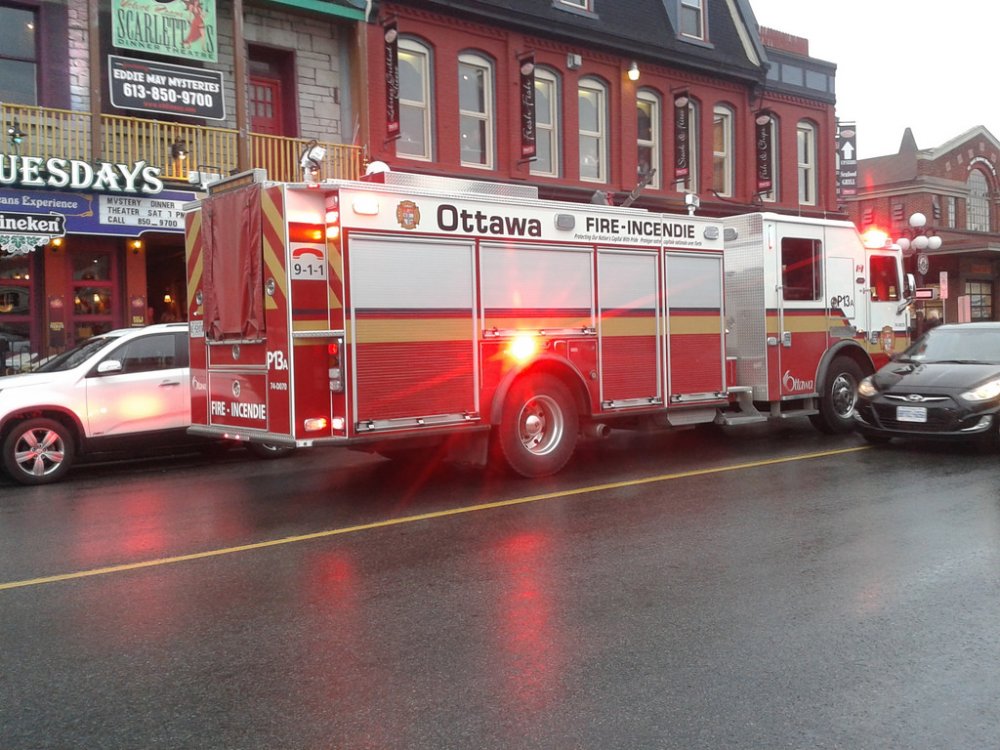
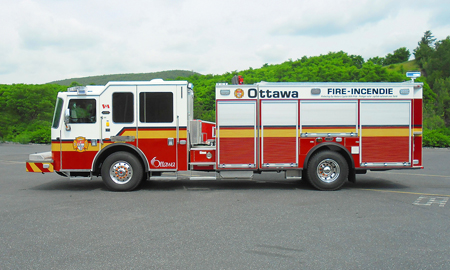
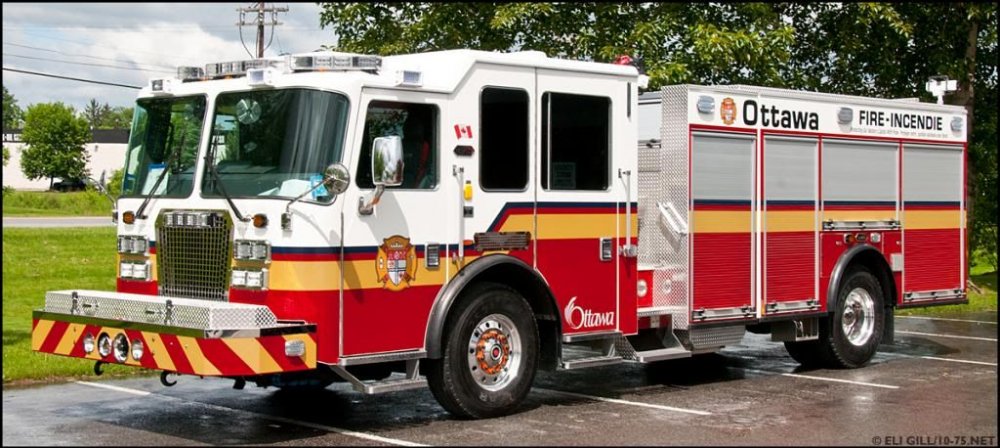
Just a quick request: I am curious if anyone is willing to make an ambulance and firetruck that is ELS compatible with Ottawa liveries. Here are some pictures: Due to 4MB Limit, I will reply to this post with more.
-
I am aware of that, but I just would like a fpis with the chp light pattern.
-
There's a little pet peeve of mine where I MUST keep specific vehicles in a slot. FBI- Unmarked Charger or FPIS FBI2- Unmarked Tahoe/Suburban I am using TheHurk's CHP mega pack with these slots but there's a problem. There's not CHP FPIS available. I am looking for someone that can make a CHP FPIS. All I need is an FPIS with CHP lights. The texture doesn't matter, as long as I can replace it. POLICE- CVPI POLICE2- FPIS POLICE3- FPIU PRANGER- Silverado/F-X50 POLICET- Chevy Express POLICEB- Harley Davidson Electra Glide SHERIFF- Charger SHERIFF2- Tahoe
-
Goodbye t0y. I'm gonna miss your amazing content. If you decide to read below, don't shun me. And yes, I'm Canadian don't judge Wish you'd release some more Canadian stuff, like Ottawa.
-
I've decided to re-open this topic for one reason. After some further "investigation", I think I found the problem. When GTA launches, there should be 2 processes in the "Details" section of the task manager; "GTAV.exe" and "GTAVLauncher.exe". While GTA is running, "GTAVLauncher.exe" isn't a process in details. Also, from the "Processes" tab, when I right click on "Grand Theft Auto 5 (3)" the "Go to details" option is grayed out. Info: RPH 0.61, GTA version is 1.42
-
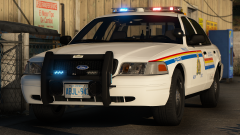 Nice Ontario license plates
 -
 Notification: T0y has posted a file in Vehicle Models. Me: YAAAAAAAAAAAAAAAAAAAAAAAAAAAAAAAAA!
- 283 comments
- 95 reviews
-
-

- 3
-
-
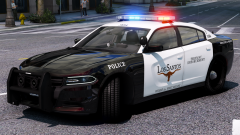 noice Estimated release date?
 -
-
Progress Update?
-
Great. I've been kicked from the discord for no reason. RIP dream lspdfr vehicle pack :(
-
Anyone know how to get the car pack? Im on the discord, but im confused as to how i get these amazing cars
-
2 Ghost Tahoe's and 1 Marked Tahoe. Eastbound lanes of Highway 417.


