
concrete61
Members
-
Joined
-
Last visited
Everything posted by concrete61
-
-
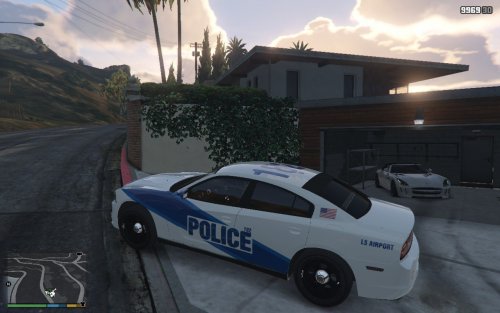 Nice Car! I made a video showcasing it. It looks pretty cool. Nice Job.
 -
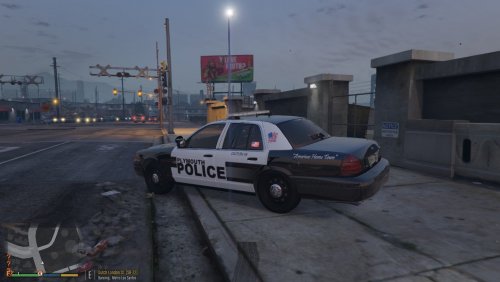 Great Texture!
 -
 My Two Favorite Mods are "Traffic Policer" by Albo1125 and this wonderful mod. My hours on steam have gone from 20 hours to 122 hours. Thank you for all your hard work.
- 2,701 comments
- 241 reviews