


.png.dccd0239be4d5e10f03410b586e935ce.png)
tgug4real
Members
-
Joined
-
Last visited
Everything posted by tgug4real
-
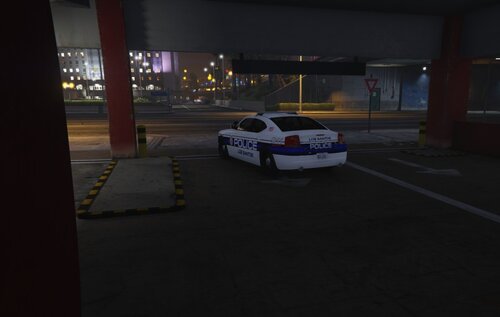 Really good looking pack, now that it has lore friendly liveries I'm really enjoying having it in
 -
-
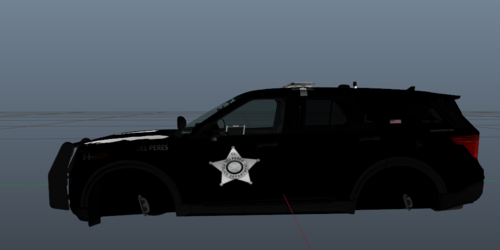 Hey man, I see you have a passion for doing this but I think there are somethings that can be improved. Typically on a police car you want police to be the biggest thing to be the word police with the City/town/state being the next biggest words. The bricktown car has "the city of bricktown" in 2 different sizes. Also the flag on some of the cars is slanted which isnt a thing you would see on real cars typically. Maybe instead of making giant packs focus on building one really solid livery and then another and another then bundle them all together if you want to put put a mega pack. Your putting yourself out there which is awesome and I think you can get really good at this given a little more time. Don't take my critique as a negative. I look forward to your future work.
 -
-
i installed lspdfr and all the additional stuff and now when i try to load gta online i get block for having an altered version of the game.... where do i go from here?
.thumb.png.f83c6c2bc33bd890a7ca5f6cd4fff519.png)


