Jason Panda
Members
-
Joined
-
Last visited
Everything posted by Jason Panda
-
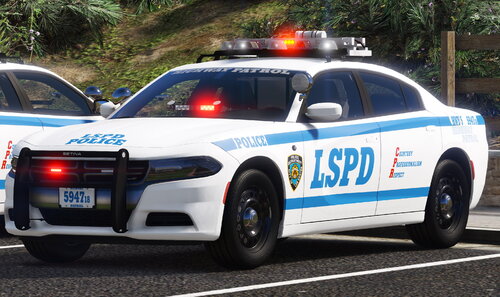 You probably have the invincible data pack on. Try installing NYPD-B-IH-R or NYPD-C-VH. They are located in Optionals -> Handling Options. Read the NYPD Installation Guide pg.6 I had a similar issue, have you tried installing a modified gameconfig?
- 50 comments
- 4 reviews
-
I seem to be having issues with just using the addon cars. It crashes everytime I try to load into gta/lspdfr. I tried all the different data packs and nothing works. UPDATE: I just realize that I deleted the modified gameconfig before I installed this. After adding it back, it works.
- 50 comments
- 4 reviews
-
-
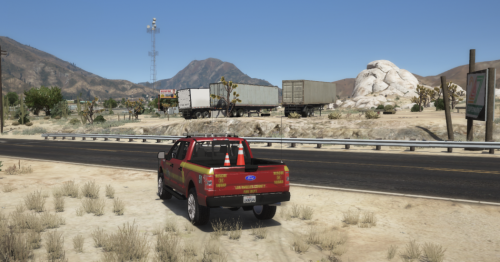 Does anyone know how to use this model in firetruck slot? There is supposed to be a file to replace firetruk+hi.ytd but this model wasn't made for the firetruck slot. Any solutions?
- 6 comments
- 1 review
-
the riot2 which is the rvc (sorry for the late reply)
-
something is still overriding it, even when I edit it in Grand Theft Auto V\mods\update\x64\dlcpacks\mpchristmas2017\dlc.rpf\common\data\levels\gta5
-
yea, cause when I change the vehicle.meta in christmas2017, something is overriding it
-
Do you know where the new vehicle.meta is?
-
 Does anyone have a fix for the cvpi window? It doesn't break at all. I already try removing bulletproof glass in the vehicle.meta.
- 964 comments
- 158 reviews
-
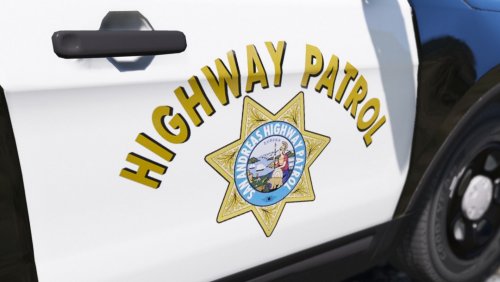 Really good skin pack but for some the reason the charger has weird black spots when you look at it in certain ways.(the b&w also have black spot where it shouldn't) I already try replacing the skin with higher resolution.
- 26 comments
- 4 reviews