


zachfrack29
Members
-
Joined
-
Last visited
Everything posted by zachfrack29
-
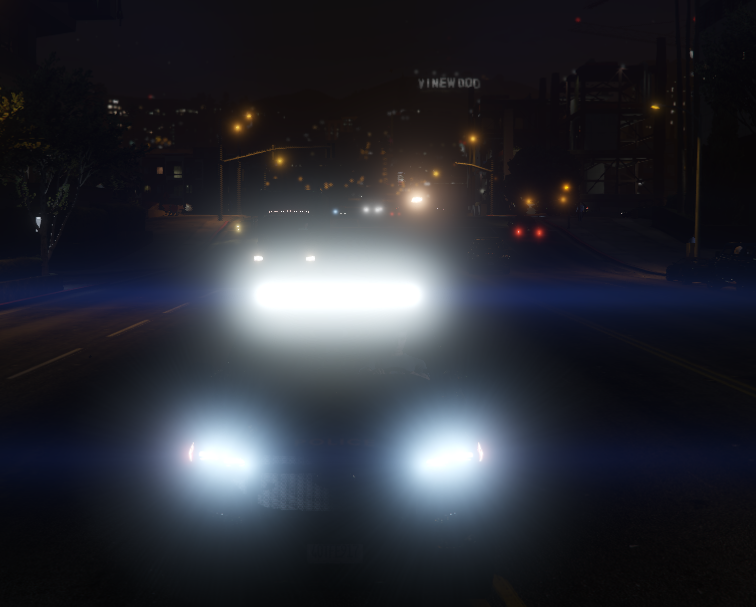
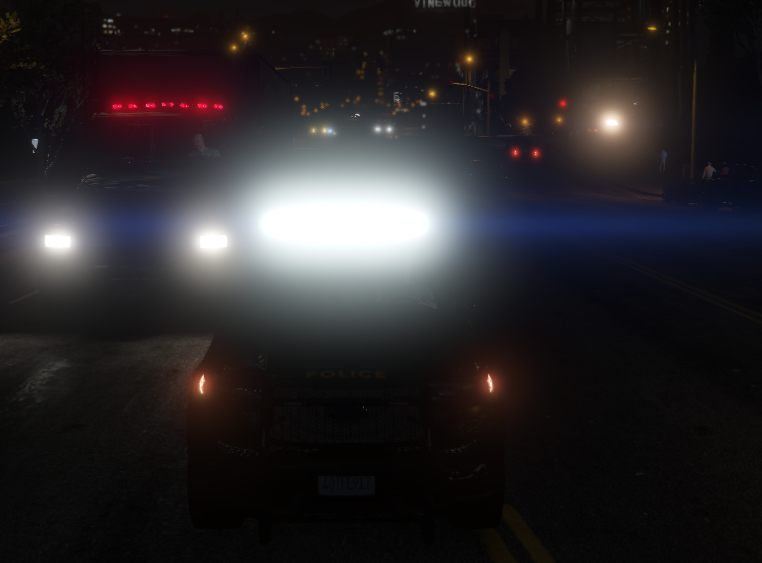
So I would not say I'm new to lspdfr, Been playing for a few years. But I am honestly stumped with this problem. I downloaded two car seperate car packs, and for some odd reasons the light bars on the top are extremally bright, Now I do have Radiance V installed, but I have honestly never had such a problem. I have tried every key bind combination with "ELS" I tried shutting off the headlights, nothing seems to work. It only becomes this bright only after the car engine starts. Just wondering if someone might have fix for this. These are nice cars, would hate to miss out on using them. And yes I have tried searching on google, the forums, and YouTube. I have not found anything. I might have missed something, but I give up hope. After 3 hours of fiddling around I am honestly stumped.
-
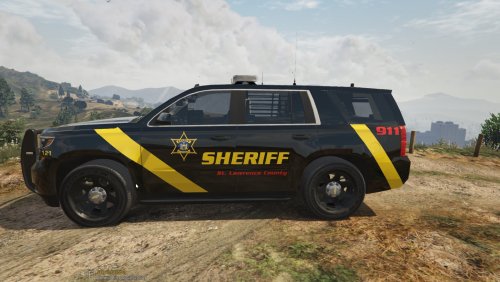 Great skin, It's nice to see some love to real "Upstate NY" And my personal county!
- 3 comments
- 1 review
-
I have the same issue but I do not even get the blinking red dot on the map just me chasing them saying there is a pursuit and no menu shows up
