Vast
Members
-
Joined
-
Last visited
Everything posted by Vast
-
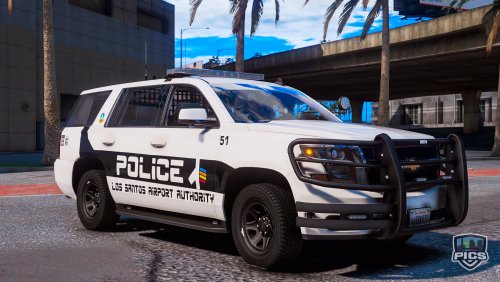 4k textures that why. Here's a way to solve it: [Guide] How to get rid and avoid texture pop-ups (Disappearing assets)
- 14 comments
- 2 reviews
-
-
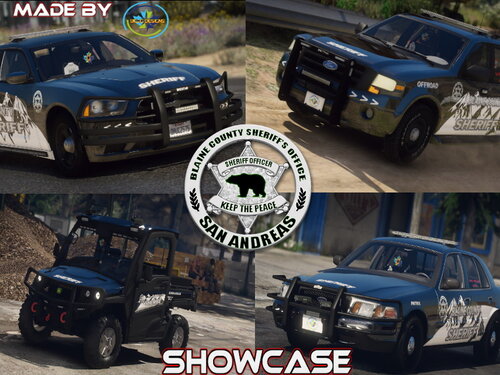 I don't mean to be that guy but, I'm tired of this kind of stuff. He's French. The US isn't the only country with free speech. Freedom of speech by country Other then that, he's got no reason to be spiteful like that towards you so I can relate.
- 41 comments
- 1 review
-
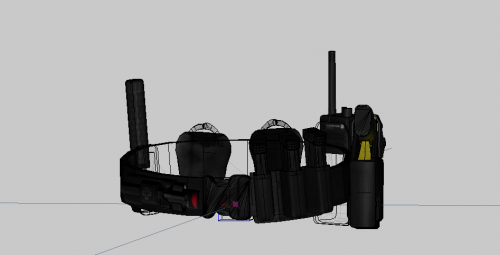 This is best present ever!
 -
 It doesn't make sense to not release the other variations that I've seen others have. Are they suppose to be copyrighted or am I missing something?
- 124 comments
- 37 reviews
-
-

- 1
-
-
-
-
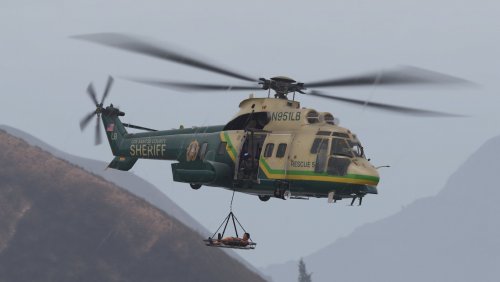 I'm not new to modding when I use the simple trainer to spawn it in, it just sends me to desktop. But I've been having issues with the game not letting me load any more addons that are dlcs. So I try putting in my Modding dlc where I have all the vehicles inside, I still get kicked out of the game to desktop. I tried seeing if it was an error on one of the meta files. It just doesn't like this chopper at all for some reason.
- 21 comments
- 4 reviews
-
-
-
 From what I was told on Arma 3 forms, Soon means when it is ready. A vague answer for a vague question I suppose when it comes to modding.
- 1,524 comments
- 85 reviews
-
-
- 1
-
-
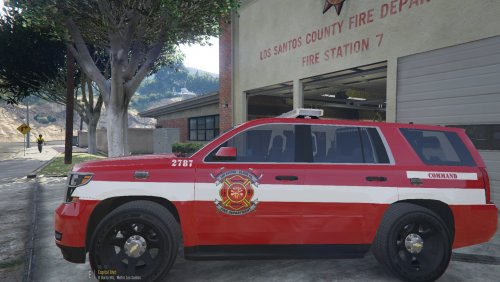 I don't see the ambulance skin for the F550.