



GarretC
Members
-
Joined
-
Last visited
Reputation Activity
-
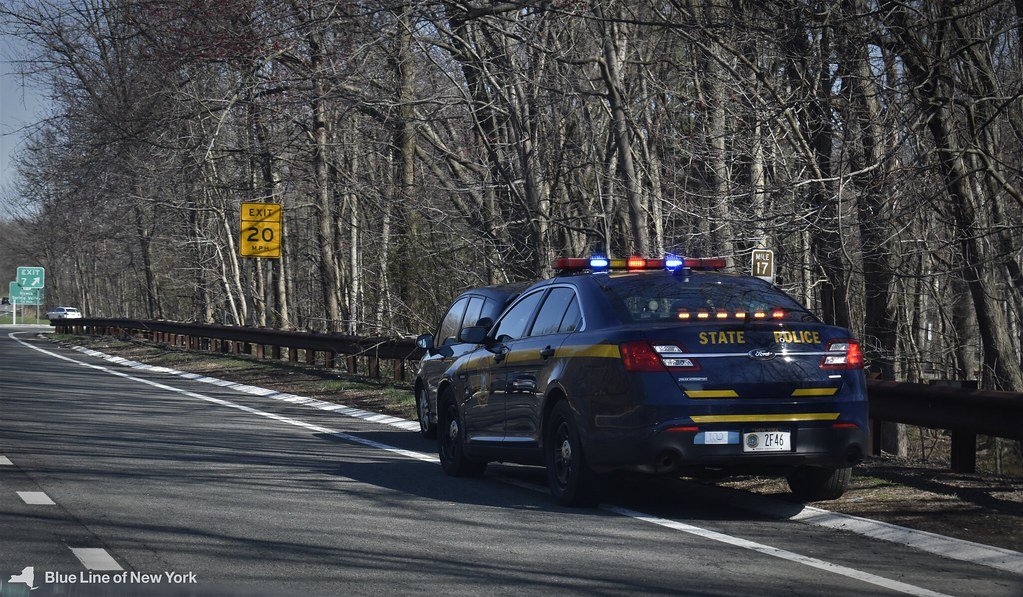
 best way is to edit the visualsettings and carcols to your own likings. tons of how to's out there to find. in viualsettings you edit the general light effects (brightness, intensitiy) of all cars. in carcols you can turn off all coronas of the car f.e. that only emergency lights will have some like in your pic above. brightness of emergency lights i usually edit in the ytd's emissives but is mostly not necessary.
-
In NVE there's an ingame menu in which you can control the brightness of each single light while being ingame. You need a decent PC though.
