
CurryEO
Members
-
Joined
-
Last visited
Everything posted by CurryEO
-
-
 Hey i get multiple times the problem that after accepting a callout it instantly going code 4
- 356 comments
- 25 reviews
-
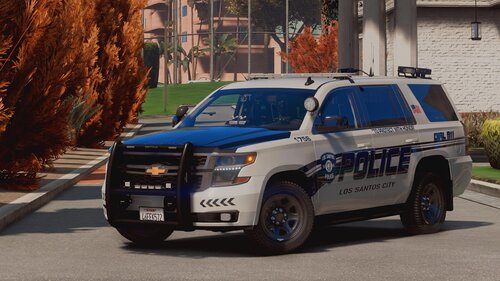 THEY LOOK AWESOME !!!! but is there a way to change the appearance ? like so that on the "sheriff" models dont say "police" on the side either "sheriff" also with the FBI vehicles, like unmarked or something 🙈
- 44 comments
- 11 reviews
-
-

- 1
-
-
-
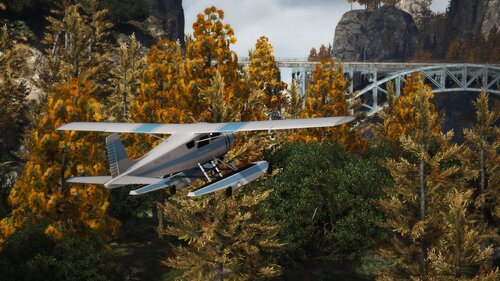 Hey i have trouble to Installing that / i did everything your ReadMe and Installation.txt correct but it wont load automatically into the World do i need a Map maker or Menyoo ? Greetings From Germany
- 52 comments
- 17 reviews
-