LanceGood
Members
-
Joined
-
Last visited
Everything posted by LanceGood
-
No problem, (BTW SHV Was Updated! Go to the official website!)
-
Well I digress since this is a different plugin. And actually works. I was going to edit it to show the new plugin, but you took it down :(
-
The ScriptHookV.dll works with 1103.
-
Please install this instead: https://www.gta5-mods.com/scripts/menyoo-pc-sp
-
Please read my new post about this subject. The version you are reporting about is outdated.
-
I discovered this working GitHub that contains an ASI Converter that makes .Asi files into .RASI Files, Working with the latest RPH (0.54). Here is the link: https://github.com/fr-Pursuit/AsiSupport/releases/tag/0.2.0 (Requirements) .NET Framework 4.6 Visual C++ Redistributable 2017 (x64) Rage Plugin Hook (Installation) 1. Drag "AsiSupport.dll" into the "plugins" folder of the game directory. 2. Add any ASI mods you want. 3. Make sure it loads in RPH. 4. Done! (Note this was not created by me, all credit goes to the original creator of this modification.)
-
S A M E H E R E
-
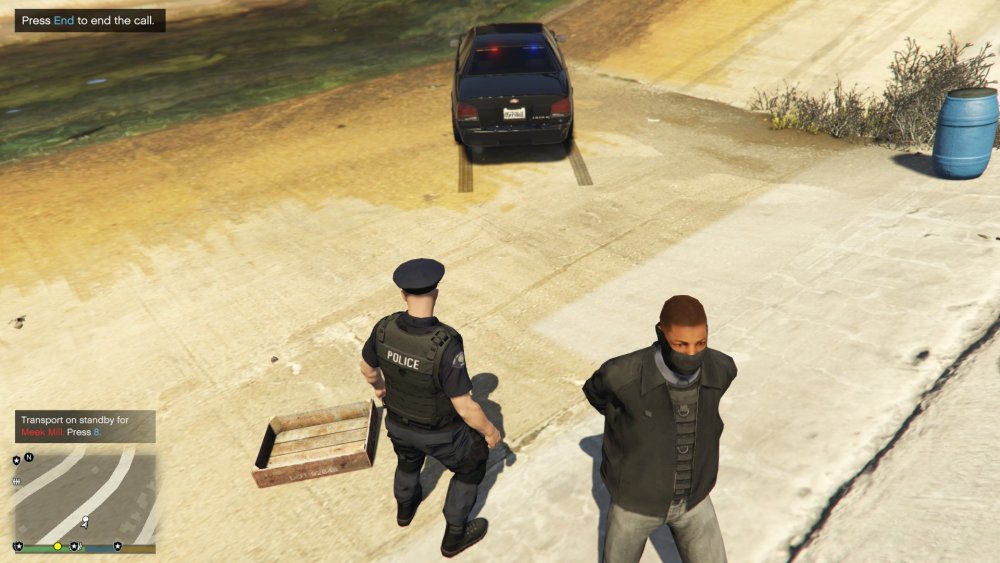
The suspect wasn't modified at all, But I'll see If I can make that happen :D :D
-
XD (By the way, He was arrested for attempted robbery.)
-
Caught his stupid a**, Don't talk S#@T Bout my boy XXXTentacion.
-