bloobenga8647
Members
-
Joined
-
Last visited
Everything posted by bloobenga8647
-
It's been a bit since I've responded due to the new update to GTA V [and Open IV getting a cease and desist] but still the same crash. I ran the ram diagnostic and nothing major appeared wrong. I did all the other things you said but to no avail. I'll let this problem be until everything else is working for the new update, like ScriptHook, since I have no incentive to play GTA otherwise.
-
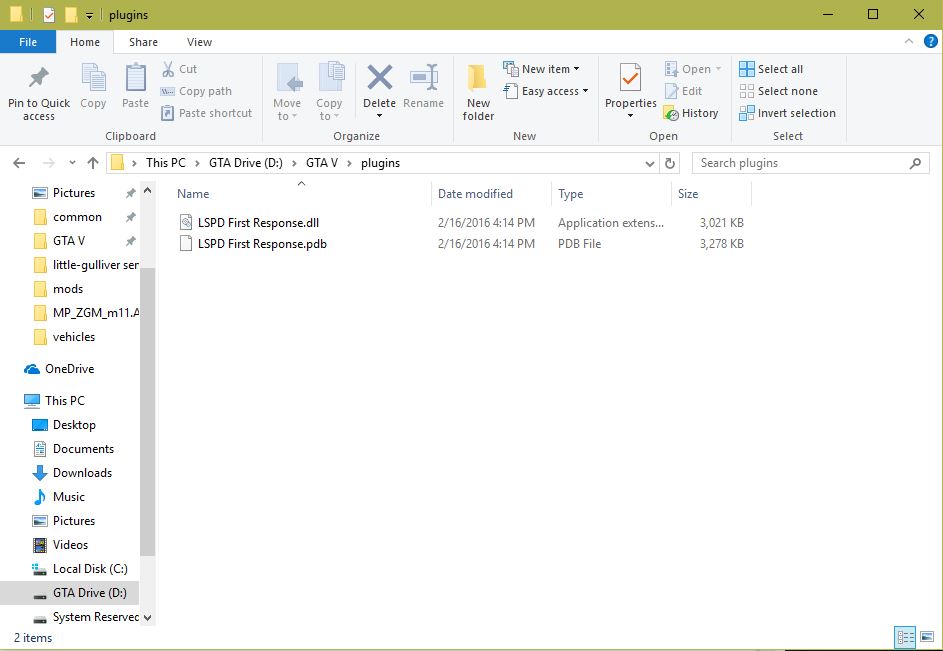
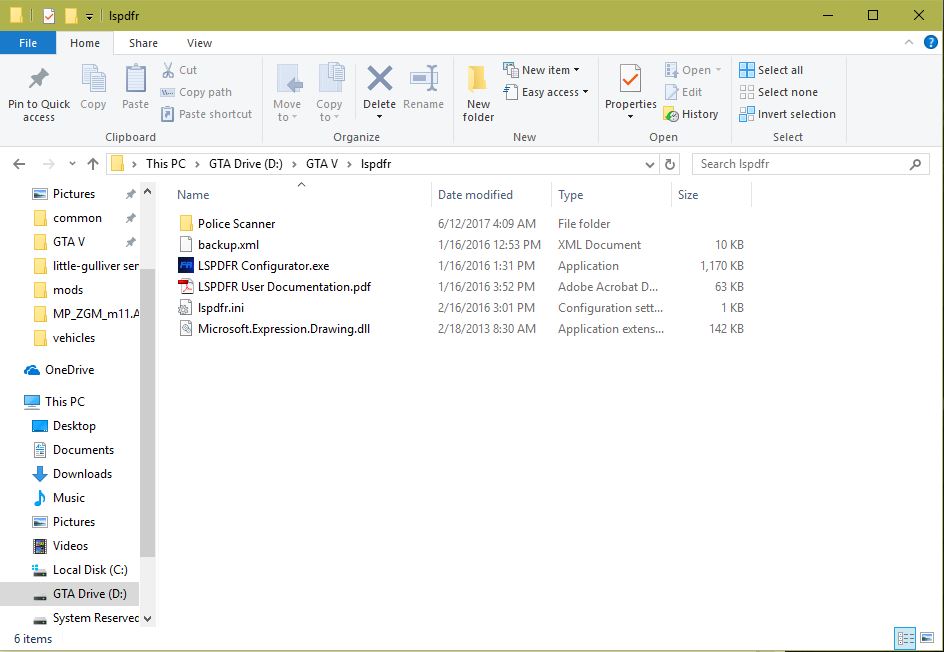
I've attached the two photos of my plugins folder and the lspdfr folder. In the spoiler is the text from the RagePluginHook.log file.
-
I tried that. The game loads up singleplayer fine but once I tell it to load the plugin, the same thing happens. I'm using this command load it "LoadPlugin 'LSPD First Response.dll'".
-
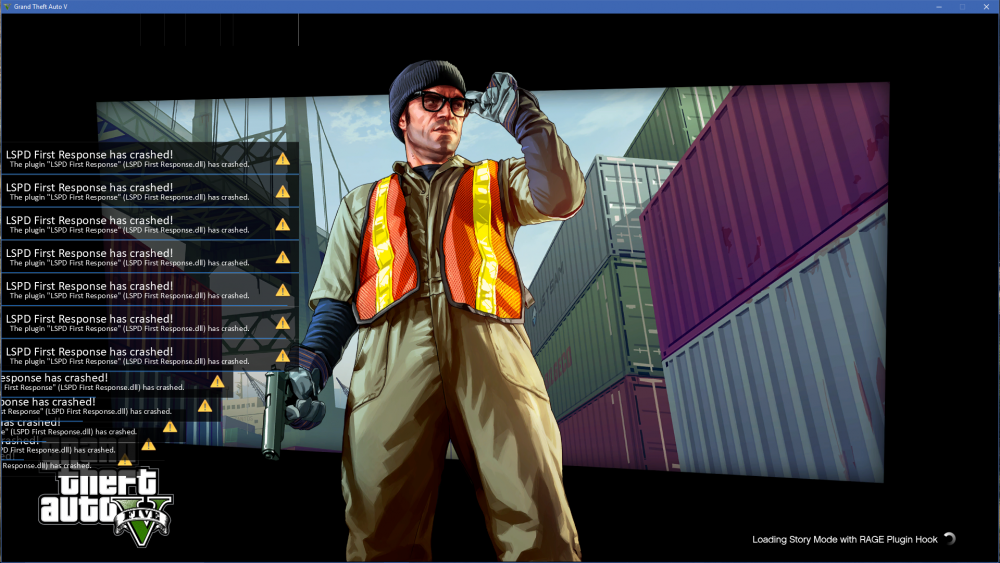
I installed LSPDFR and I went to launch it; it went through all the splash screens but once it came to where it loads up singleplayer, it pops up with an error saying "LSPD First Response has crashed! (LSPD First Response.dll)". That error pops up so much it bogs down the game and eventually crashes GTA itself. I've reinstalled both LSPDFR and RPH, but still the same result.