Hlb2788
Members
-
Joined
-
Last visited
Everything posted by Hlb2788
-
All set. Got it working. I don't know how to close a thread, but my problem is solved! Thank you!
-
Ok, thanks! I tried that and it worked a little. Going to see if there is a way to increase it more within that setting. Thanks a lot for your help!
-
I've tried going into the Visualsettings.dat and changing the emissions values that were posted on other threads. That didn't work. I've tried installing a visual mod "Make vehicles great again" and that didn't work. I've tried installing a visual mod "radiance V" and that didn't work. I'm starting to think it may be a glitch somewhere in something. I'm going to wipe everything and start again. I uninstalled gta 5 and am working on getting it reinstalled. Then I'm going to reinstall the mods. Fingers, toes, legs, eyes crossed that it will work out....
-
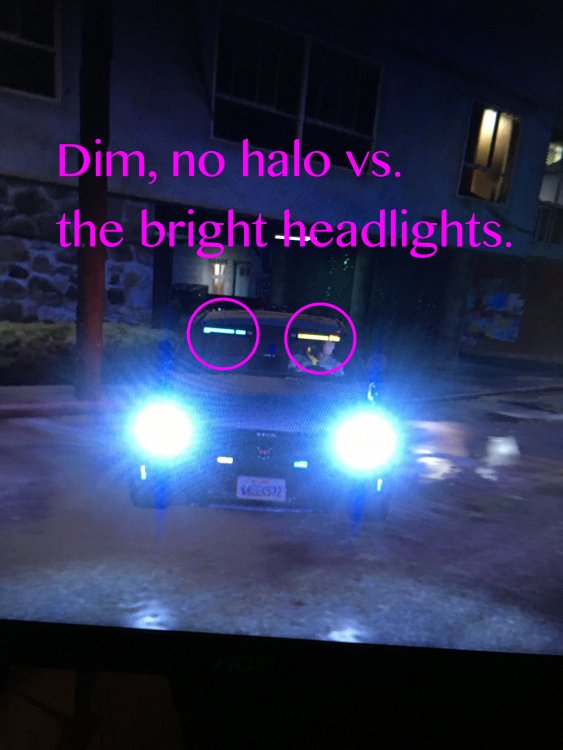
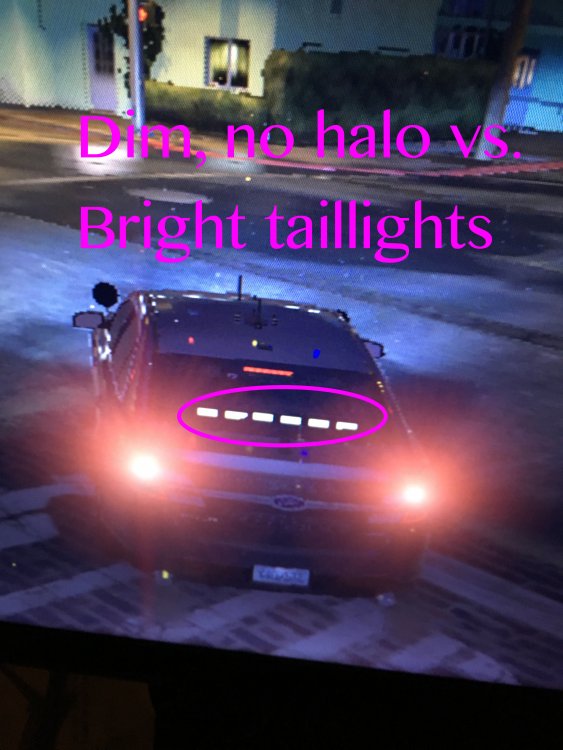
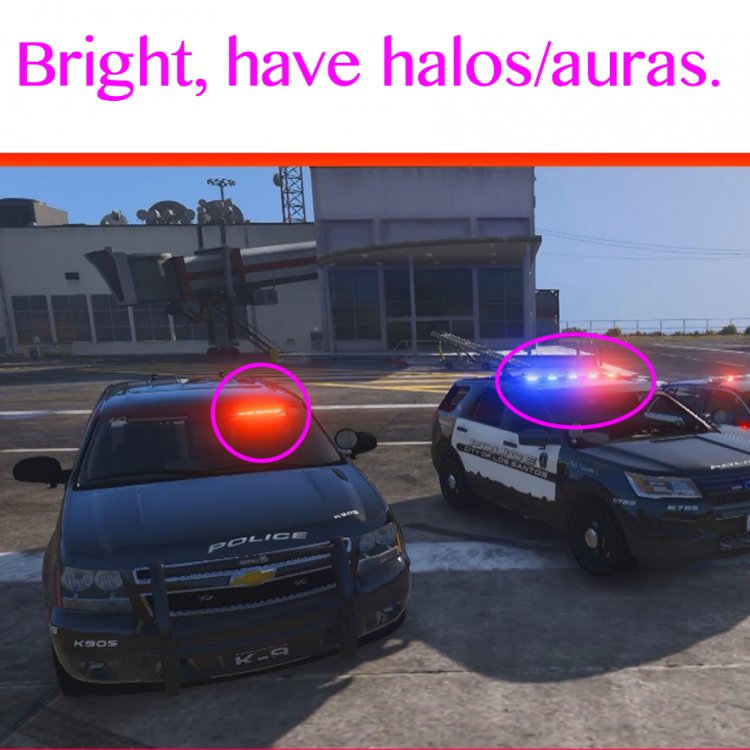
Hey all! Had a ton of problems trying to get the ELS lights to work, specifically with the 2016 explorer pack. But, drum roll please, I got the lights to work! Now I'm having a problem that they almost look dim... When it's night and the tail lights/head lights are on, there is a halo of light around them. When the emergency lights are on, they are just on. Please see the pictures for what I mean. Is this a common problem? Is there a way to make the lights have the same intensity as the headlights? I also added a picture of the lights bright that I found online. Please ask away if you need more info from me.