


mrfollowfollow
Members
-
Joined
-
Last visited
Everything posted by mrfollowfollow
-
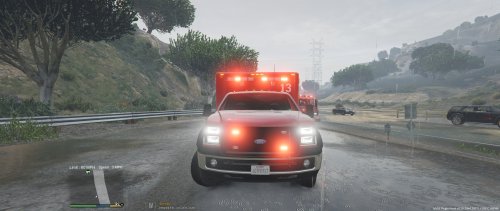 Awesome model, top quality liveries and stunning light works : can't stop using it with better EMS. A true masterpiece ! Thanks for this work.
- 48 comments
- 24 reviews
-
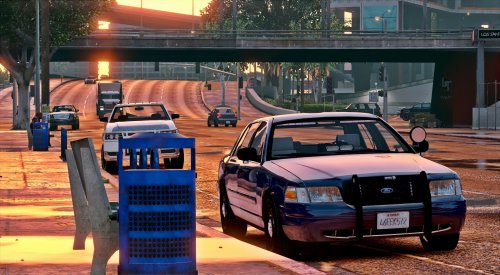 I had the same problem. Open your ELS.ini file and check this value "LodCoronaInitDistance = 1000.0", it should work. Awesome model by the way !
- 71 comments
- 24 reviews
