




nirasan
Members
-
Joined
-
Last visited
Everything posted by nirasan
-
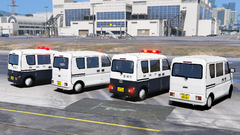 ありがとうございます!
 -
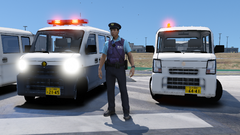
From the album: LSPDFR 0.4 screenshots
-
-
From the album: LSPDFR 0.4 screenshots
-
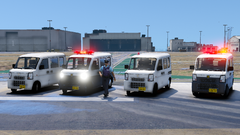
From the album: LSPDFR 0.4 screenshots
-
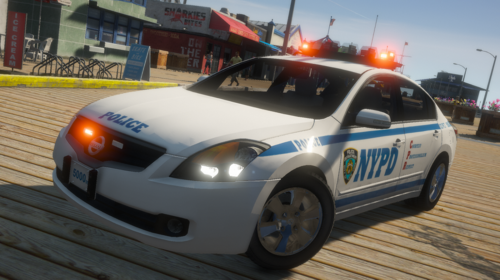 NYPD specification of Nissan Altima Hybrid.NYPD specification of Nissan Altima Hybrid. It has been greatly improved in various respects since version 1.0. Known issues ・ The speedometer works, but it is very hard to see. -The mirror is not functioning effectively. ・ You may feel uncomfortable while driving on the texture of the tire. You might fix these problems, but don't expect them. This MOD replaces "POLICE3" and the model is locked. ver2.1 The ytd file was not for mod vehicles, so it was fixed. ご覧いただきありがとうございます。 日産 アルティマ ハイブリッドのNYPD仕様です。 バージョン1.0より様々な点で大幅に改良されています。 既知の問題 ・スピードメーターは機能しますが非常に見にくいです。 ・ミラーは実質的に機能していません。 ・タイヤのテクスチャに走行中違和感を覚えるかもしれません。 これらの問題を修正するかもしれませんが期待しないでください。 このMODは「POLICE3」を置き換えます、またモデルはロックされています。 ver 2.1 ytdファイルが対応したものではなかったので修正しました。 Credit Converted for GTA IV by SkylineGTRFreak Edit for GTA IV by Bxbugs 123 Converted for GTA V by nirasan antenna by Raptor2000 Monster Energy Can By Othrin 再配布・改造は禁止です! Redistribution / modification of this MOD is prohibited!Redistribution / modification of this MOD is prohibited!
- 1 review
-
-

- 1
-
-
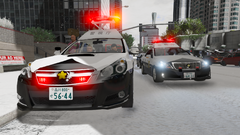
From the album: LSPDFR 0.4 screenshots
-
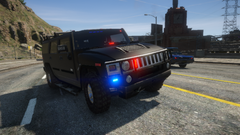
From the album: LSPDFR 0.4 screenshots

